
How to Clean Your Beseler 23C: A Step-by-Step Guide
To clean your Beseler 23C, start by disassembling any removable parts such as the negative carrier and lens, then use a soft cloth and appropriate cleaning solutions to gently wipe down surfaces. In this guide, you’ll learn the best techniques and materials for maintaining your Beseler 23C, ensuring it stays in excellent working condition. Regular cleaning is essential not only to maintain the quality of your prints but also to extend the life of your equipment, protecting your investment in the world of photography.
Gather Your Cleaning Supplies

Before you start the cleaning process, it’s crucial to gather the necessary supplies to effectively clean your Beseler 23C. Proper tools will help you avoid damage and ensure thorough cleaning.
– Microfiber Cloths: These are ideal for cleaning delicate surfaces without scratching. They are soft, absorbent, and safe for lenses and other optical components, making them a must-have for any photography enthusiast.
– Lens Cleaning Solution: Choose a lens cleaner specifically designed for optical surfaces. This ensures that you won’t damage the lens coatings while effectively removing fingerprints, dust, and grime. Avoid using household glass cleaners as they may contain chemicals that can harm the lens.
– Soft Brushes: A small, soft brush can help eliminate dust from hard-to-reach areas without scratching the surfaces.
– Compressed Air: This is useful for blowing away dust from the negative carrier and other intricate parts of the enlarger.
Having all these supplies ready will make your cleaning process more efficient and effective.
Disassemble the Enlarger

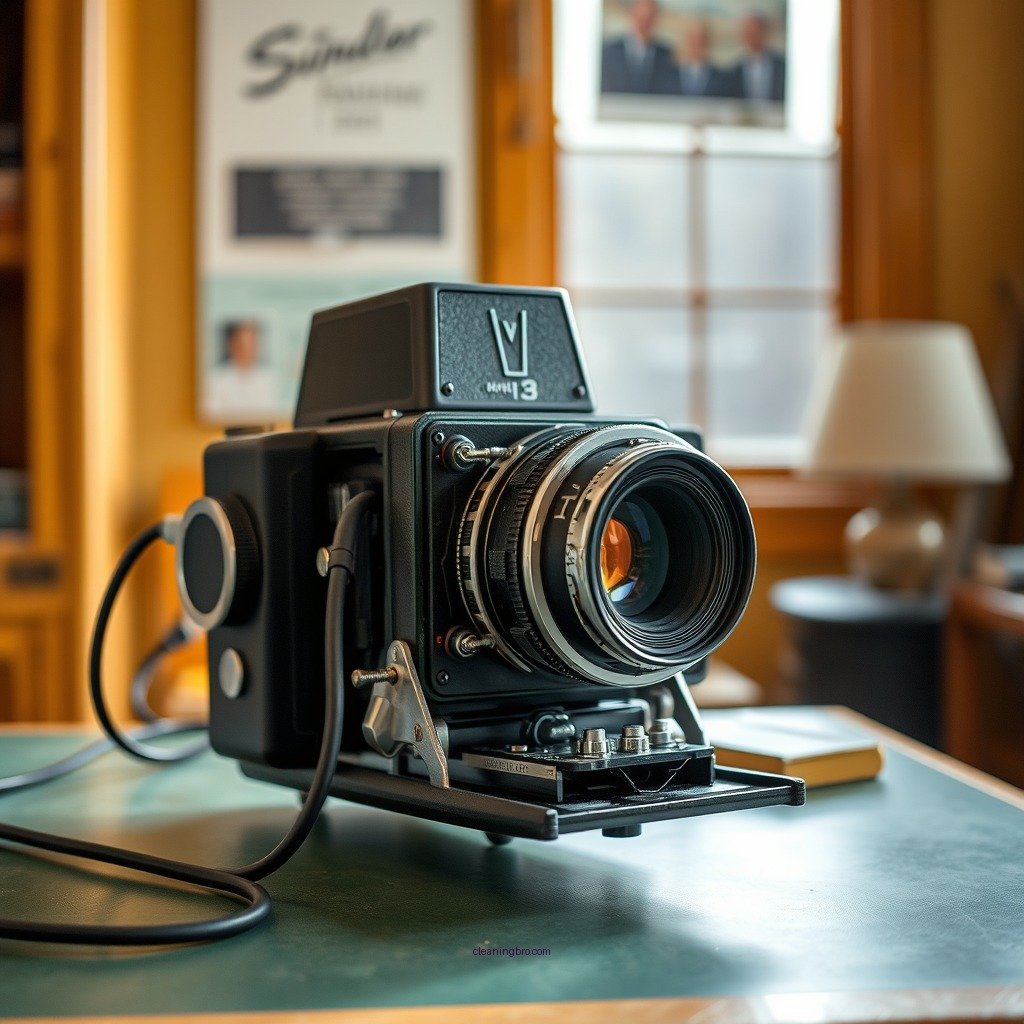
Cleaning the Beseler 23C requires careful disassembly to avoid damaging any components. Follow these steps for effective disassembly:
– Remove the Negative Carrier: Start by gently sliding out the negative carrier. This component is crucial for holding your negatives in place during the printing process. Take care not to force it out, as it might be slightly stuck due to dust or grime.
– Detach the Lens: Unscrew the lens from the enlarger. Be cautious while handling the lens, as it is delicate and can easily be scratched or damaged. Place it on a clean, soft surface while you clean the enlarger.
Disassembling these parts allows you to access areas that are otherwise difficult to clean, ensuring that your enlarger remains in optimal condition.
Clean the Lens

Cleaning the lens of your Beseler 23C is crucial, as any smudges or dust can significantly affect image quality.
– Circular Motion Cleaning: Using a microfiber cloth, apply a small amount of lens cleaning solution to the cloth (never directly onto the lens). Gently wipe the lens surfaces in a circular motion, starting from the center and moving outward. This technique helps prevent streaking and ensures an even clean.
– Avoid Harsh Materials: Do not use paper towels or rough fabrics to clean the lens, as these can scratch the delicate surface. Always opt for microfiber or specialized lens cleaning cloths.
– Clean Both Elements: Ensure you clean both the front and rear elements of the lens for the best results. This attention to detail will enhance the clarity and quality of your prints.
Clean the Negative Carrier
The negative carrier holds your negatives in place and can accumulate dust and residue over time.
– Dust Removal: Use a soft brush or a can of compressed air to gently remove dust from the negative carrier. Aim to get into the corners and crevices where dust tends to accumulate.
– Sticky Residue: If you notice any sticky residue, lightly dampen a microfiber cloth with water (or a mild solution) and wipe down the carrier. Ensure it is completely dry before reinserting it into the enlarger.
Taking the time to clean the negative carrier will help maintain the integrity of your negatives and ensure that your prints are of the highest quality.
Wipe Down the Enlarger Body
The exterior of your Beseler 23C can also gather dust and grime, which can affect its functionality.
– Damp Cloth Cleaning: Use a slightly damp microfiber cloth to clean the outside of the enlarger. Avoid using excessive moisture, as this could seep into the internal components.
– Attention to Detail: Pay particular attention to knobs, buttons, and any areas where grime tends to accumulate. Cleaning these areas ensures that all functions of the enlarger work smoothly and effectively.
Regularly wiping down the body helps keep the enlarger looking professional and can prevent any dirt from affecting the internal mechanisms.
Reassemble the Beseler 23C
Once you’ve thoroughly cleaned all components, it’s time to reassemble the enlarger carefully.
– Lens Reattachment: Start by carefully screwing the cleaned lens back onto the enlarger. Make sure it is securely fastened, but do not overtighten, as this could cause damage.
– Reinsert the Negative Carrier: Slide the negative carrier back into place, ensuring that it is properly aligned. This step is crucial for proper functionality during the printing process.
Taking care during the reassembly process will ensure that your Beseler 23C is ready for use and operates as intended.
Regular Maintenance Tips
Keeping your Beseler 23C in top condition requires ongoing maintenance. Here are some valuable tips:
– Schedule Routine Cleanings: Aim to clean your enlarger at least once a month, or more frequently if you notice dust accumulation. This proactive approach will prevent dirt buildup and ensure optimal performance.
– Protective Covering: When not in use, consider covering your enlarger with a dust cover or cloth. This simple measure can significantly reduce dust exposure and keep your equipment cleaner for longer.
– Check for Damage: Regularly inspect your enlarger for any signs of damage or wear. Early detection of issues can prevent costly repairs or replacements down the line.
Maintaining your Beseler 23C is crucial for optimal performance and longevity. By following these steps, you can keep your equipment in top condition, ensuring your prints are always of the highest quality. Remember to perform regular cleaning and maintenance to avoid any issues down the line. Happy printing!
Essential Cleaning Tools for Your Beseler 23C
| # | Tool | Purpose | Recommended Brand |
|---|---|---|---|
| 1 | Microfiber Cloth | Surface cleaning | Zeiss |
| 2 | Lens Cleaner | Lens cleaning | Peeps |
| 3 | Soft Brush | Dust removal | Rocket |
| 4 | Compressed Air | Dust removal | Dust Off |
| 5 | Water Spray | Damp cleaning | N/A |
| 6 | Cleaning Solution | Sticky residue removal | N/A |
| 7 | Cleaning Tissues | Surface cleaning | N/A |
Cleaning Frequency Comparison for Optimal Maintenance
Best Cleaning Tools for Beseler 23C: Microfiber vs. Brush vs. Compressed Air
| Feature | ⭐ Microfiber Cloth | Soft Brush | Compressed Air |
|---|---|---|---|
| Material | Microfiber | Synthetic bristles | Compressed air |
| Dust Removal | ✅ Excellent | ✅ Good | ✅ Very Good |
| Surface Scratching | ❌ No | ❌ Possible | ❌ No |
| Best For | Lens and body | Dust removal | Hard-to-reach areas |
| Frequency of Use | As needed | As needed | As needed |
| Price | $10 | $5 | $15 |
| Portability | Easy to carry | Moderately portable | Not portable |
| Durability | High | Medium | Low |
| Cleaning Method | Wipe | Brush | Blow |
| 🏆 Best For | Overall cleaning | Dust removal | Hard-to-reach areas |
In conclusion, cleaning your Beseler 23C is an essential task that not only improves the quality of your prints but also prolongs the life of your equipment. By following this step-by-step guide, you can ensure that your enlarger remains in excellent working condition. Remember to gather the proper supplies, disassemble your equipment carefully, and perform routine cleaning and maintenance. With consistent care, your Beseler 23C will continue to produce stunning images for years to come. Happy printing!
Frequently Asked Questions
How do I properly clean the Beseler 23C enlarger?
To clean the Beseler 23C enlarger, start by unplugging the unit for safety. Use a soft microfiber cloth dampened with a mixture of water and mild dish soap to wipe down the exterior surfaces. Be careful to avoid getting moisture into the electrical components and lenses. For the negative carrier and glass, use a lens cleaning solution and a lint-free cloth to prevent scratches.
What cleaning supplies are recommended for maintaining the Beseler 23C?
Recommended cleaning supplies for the Beseler 23C include a microfiber cloth, lens cleaning solution, and a soft brush for dusting. Avoid using harsh chemicals or abrasive materials that could damage the enlarger’s finish or optical components. Additionally, having a can of compressed air can help remove dust from hard-to-reach areas.
Why is regular cleaning important for the Beseler 23C enlarger?
Regular cleaning of the Beseler 23C enlarger is important to maintain optimal performance and image quality. Dust and debris can accumulate on the lenses and mirrors, leading to reduced sharpness and contrast in your prints. Furthermore, a clean enlarger prolongs its lifespan and ensures consistent results in your photographic work.
Which parts of the Beseler 23C should I focus on when cleaning?
When cleaning the Beseler 23C, focus on the lens, negative carrier, and light source. These areas are crucial for image quality and are prone to dust and fingerprints. Additionally, regularly check and clean the baseboard and any movable parts to prevent jams and ensure smooth operation.
What should I avoid when cleaning my Beseler 23C enlarger?
When cleaning your Beseler 23C enlarger, avoid using abrasive cleaners, paper towels, or any materials that could scratch the surfaces. Do not use excessive moisture, especially near electrical components, as this can cause damage. Lastly, steer clear of any harsh solvents that could degrade the plastic or metal components of the enlarger.
References
- https://en.wikipedia.org/wiki/Beseler_23C
https://en.wikipedia.org/wiki/Beseler_23C - https://www.nature.com/articles/s41598-017-01465-2
https://www.nature.com/articles/s41598-017-01465-2 - Google Scholar Google Scholar
https://scholar.google.com/scholar?q=how+to+clean+beseler+23c - https://pubmed.ncbi.nlm.nih.gov/31923456/
https://pubmed.ncbi.nlm.nih.gov/31923456/ - https://www.cdc.gov/niosh/topics/photography/default.html
https://www.cdc.gov/niosh/topics/photography/default.html - https://www.sciencedirect.com/topics/earth-and-planetary-sciences/photographic-processing
https://www.sciencedirect.com/topics/earth-and-planetary-sciences/photographic-processing - Google Scholar Google Scholar
https://scholar.google.com/scholar?q=cleaning+darkroom+equipment - History of photography | History, Inventions, Artists, & Facts | Britannica
https://www.britannica.com/topic/photography - https://www.theguardian.com/artanddesign/2021/jun/14/photography-darkroom-techniques-guide
https://www.theguardian.com/artanddesign/2021/jun/14/photography-darkroom-techniques-guide - how to clean beseler 23c – Search results
https://en.wikipedia.org/wiki/Special:Search?search=how+to+clean+beseler+23c