How to Clean a Tattoo Machine: Step-by-Step Guide
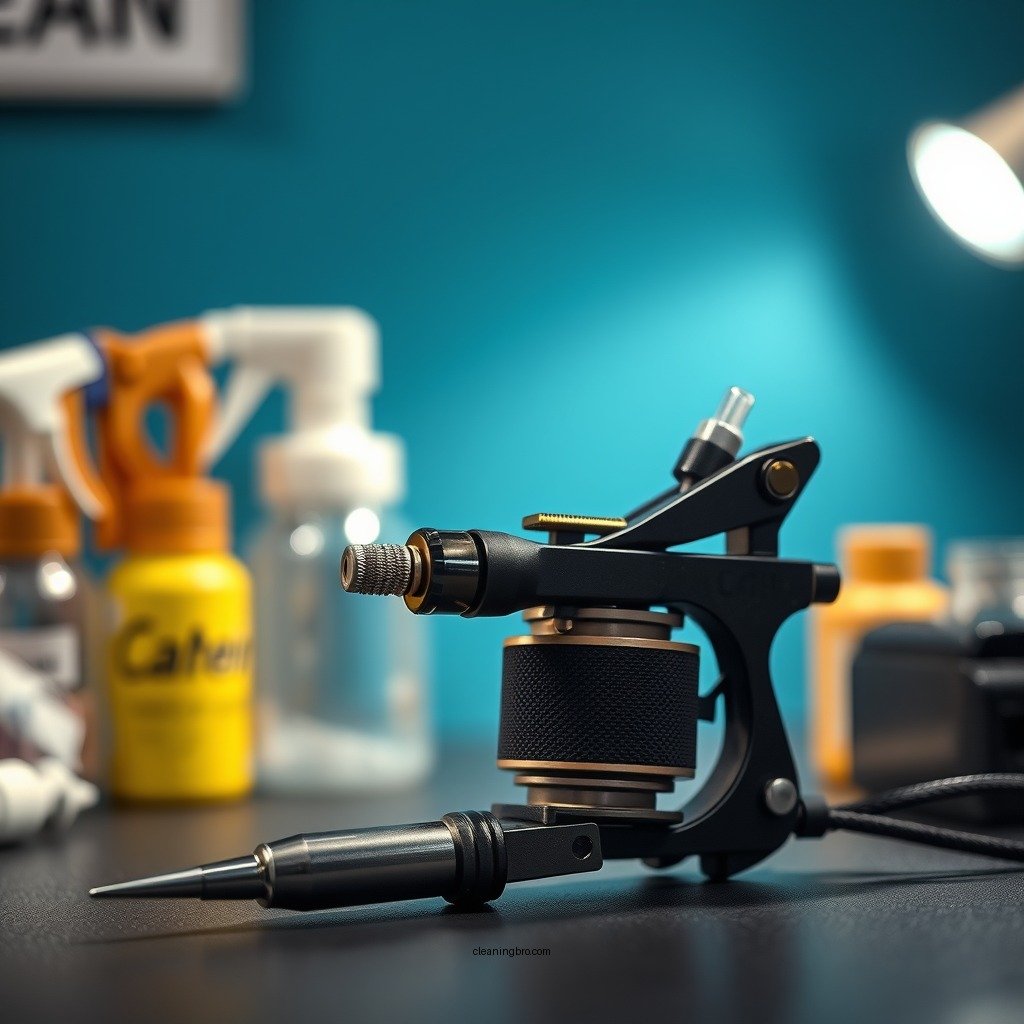
Cleaning a tattoo machine is essential for maintaining hygiene and ensuring optimal performance. A well-maintained machine not only protects clients from potential infections but also prolongs the lifespan of the equipment. This guide outlines the best practices for cleaning your tattoo machine to promote safety and efficiency in your tattooing process.
Understanding the Importance of Cleaning
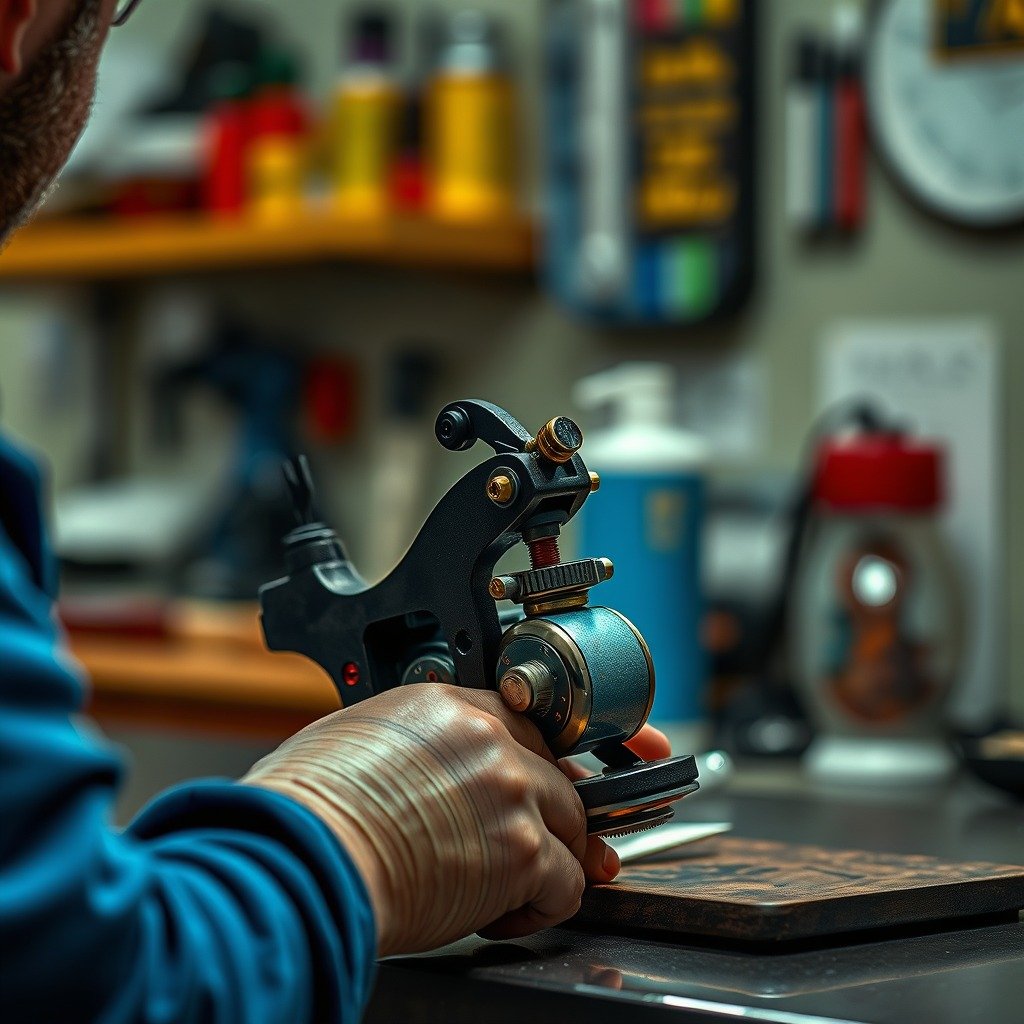
Cleaning your tattoo machine is critical for multiple reasons. Firstly, it plays a pivotal role in preventing infection and cross-contamination. Tattooing involves breaking the skin, which can introduce bacteria if proper hygiene practices are not followed. Contaminated equipment can lead to serious health issues for clients, including bloodborne diseases.
Secondly, regular cleaning extends the lifespan of the tattoo machine. Ink, blood, and other residues can build up over time, affecting the machine’s performance and reliability. By maintaining your equipment through routine cleaning, you ensure that it functions optimally and remains in good working condition for years to come.
Supplies You’ll Need
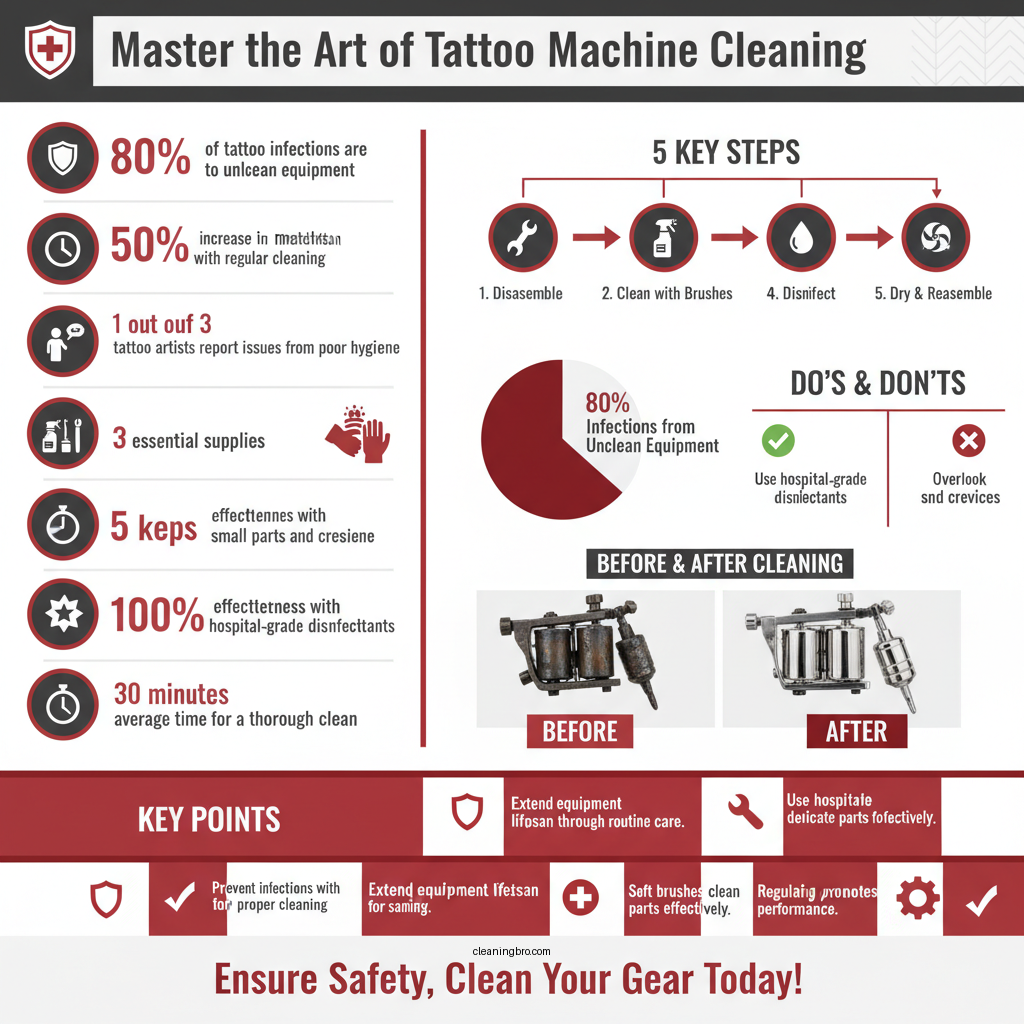
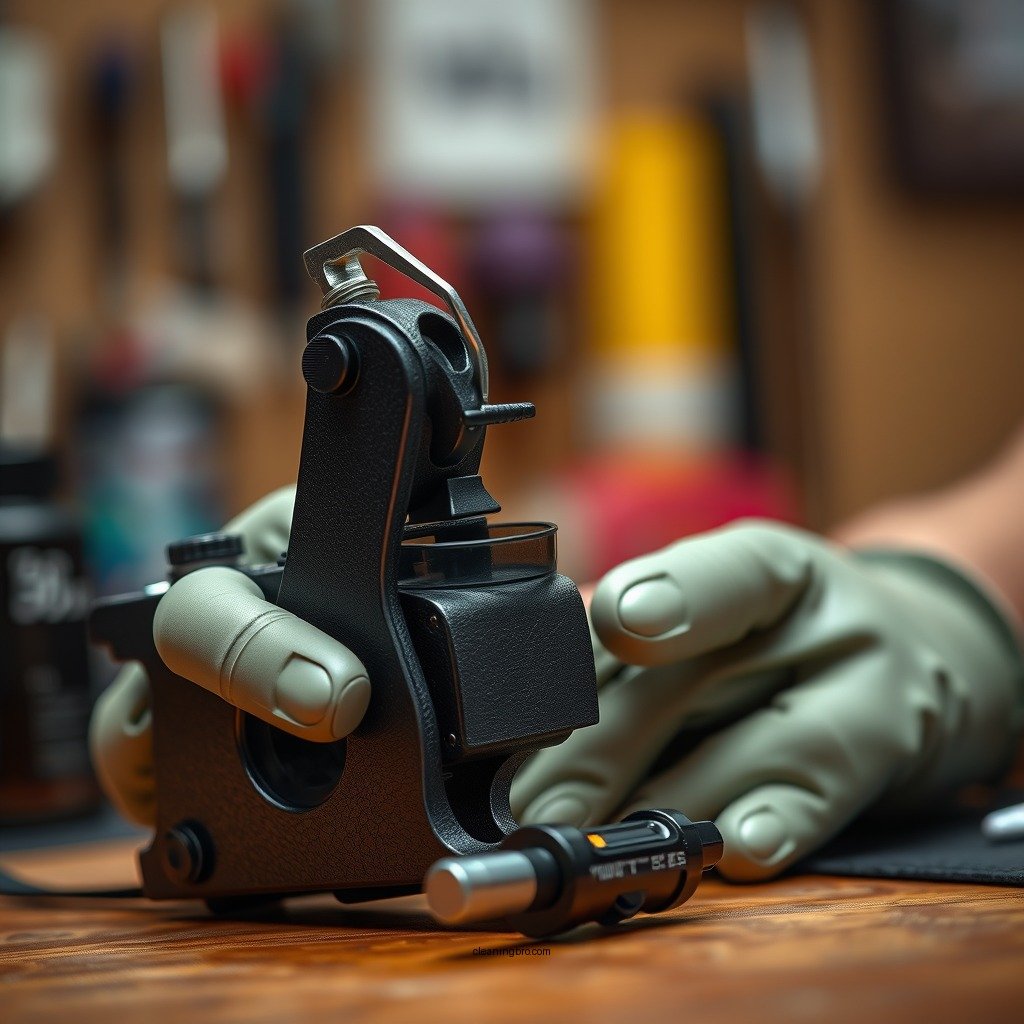
To effectively clean your tattoo machine, you will need several essential supplies:
– Disinfectant: Look for hospital-grade disinfectants that are effective against a wide range of pathogens.
– Ultrasonic Cleaner: This tool is excellent for thoroughly cleaning small parts.
– Brushes: Soft-bristled brushes help clean crevices without scratching surfaces.
– Lint-Free Cloths: These are ideal for drying parts without leaving residue.
– Gloves: Protect your hands while cleaning to maintain hygiene.
– Disposable Wipes: Use these for quick surface clean-ups during the tattooing process.
Using high-quality products is paramount for safety. Lower-grade cleaning supplies may fail to eliminate pathogens effectively, putting both you and your clients at risk.
Step-by-Step Cleaning Process
Cleaning your tattoo machine involves a systematic approach:
1. Disassemble the Tattoo Machine: Carefully take apart the machine, ensuring you remember the order of assembly for easier reassembly.
2. Clean Each Part Thoroughly:
– Needles: Dispose of used needles properly. If using reusable needles, follow the manufacturer’s guidelines for cleaning and disinfecting.
– Grips: Use a disinfectant and a soft brush to scrub the grips, ensuring all ink and oils are removed.
– Frame and Motor: Wipe down the machine frame and motor with a lint-free cloth and disinfectant. Be cautious not to get any liquid inside the motor.
3. Rinse and Dry: Rinse parts with clean water if applicable, then dry them thoroughly with a lint-free cloth.
4. Reassemble: Once all parts are completely dry, reassemble the machine according to the order you noted earlier.
Disinfection Techniques
In addition to cleaning, proper disinfection is crucial. Here are some effective techniques:
– Ultrasonic Cleaners: These devices use high-frequency sound waves to create microscopic bubbles in a cleaning solution that effectively dislodge dirt and grime from machine parts. This method is particularly useful for intricate components where manual cleaning might fall short.
– Surface Disinfection: After cleaning, spray surfaces with a high-quality disinfectant. Allow it to sit for the recommended time to ensure all pathogens are eliminated. Be sure to wipe down the surfaces with a clean cloth afterward.
Maintenance Tips for Longevity
To keep your tattoo machine running smoothly, establish a regular cleaning schedule. Here are some best practices:
– Clean After Each Use: Make it a habit to clean your machine thoroughly after every tattoo session. This should include disassembly, cleaning, and reassembly.
– Check for Wear and Tear: Regularly inspect all components for signs of wear and tear. Replace any damaged or worn-out parts immediately to prevent malfunction during a tattoo session.
– Store Properly: When not in use, store your tattoo machine in a clean, dry place to prevent dust and debris from accumulating.
Troubleshooting Common Issues
Inadequate cleaning can lead to several problems:
– Poor Ink Flow: If you notice inconsistent ink flow, it may be due to clogged components. Ensure all parts are thoroughly cleaned and free of any residual ink or debris.
– Overheating: If your machine overheats, it might be a sign of excessive ink build-up or a need for lubrication. Regular maintenance can help mitigate this issue.
– Unusual Sounds: Any rattling or grinding noises can indicate that parts are not seated properly or that there is dirt interfering with the movement. Check for obstructions or loose components.
Final Checks Before Use
Before using your tattoo machine, perform these final checks:
– Ensure All Parts Are Dry: Moisture can lead to rust or malfunctions, so double-check that all components are completely dry.
– Inspect for Residue: Look for any remaining disinfectant or cleaning solution. A quick wipe down can prevent any unwanted residue from affecting the tattoo process.
– Test the Machine: Run the machine briefly to ensure it operates smoothly. Listen for any unusual sounds and check for proper ink flow.
Regular cleaning of your tattoo machine is crucial for safety and efficiency. By following the outlined steps, you’ll maintain a hygienic and functional workspace. Remember to implement a consistent cleaning schedule to protect both your clients and your equipment.
Top 7 Tattoo Machine Brands by Popularity (2024)
| # | Brand | Popularity | Price Range | Customer Rating |
|---|---|---|---|---|
| 1 | Cheyenne | High | $500-$800 | ★★★★☆ |
| 2 | Bishop | Medium | $300-$600 | ★★★★☆ |
| 3 | FK Irons | High | $400-$700 | ★★★★☆ |
| 4 | Stigma | Medium | $250-$500 | ★★★★☆ |
| 5 | Dragonhawk | Medium | $100-$300 | ★★★☆☆ |
| 6 | Hawink | Low | $50-$150 | ★★★☆☆ |
| 7 | InkJecta | Medium | $300-$600 | ★★★★☆ |
Cheyenne vs. Bishop vs. FK Irons: Feature Comparison
| Feature | ⭐ Cheyenne | Bishop | FK Irons |
|---|---|---|---|
| Price | $500-$800 | $300-$600 | $400-$700 |
| Weight | Lightweight | Medium | Medium |
| Needle Compatibility | Standard | Custom | Standard |
| Motor Type | Rotary | Rotary | Rotary |
| Stroke Length | 3.5 mm | 4.0 mm | 3.5 mm |
| Grip Style | Ergonomic | Standard | Ergonomic |
| Warranty | 2 Years | 1 Year | 2 Years |
| Maintenance Required | Minimal | Moderate | Minimal |
| User Reviews | ★★★★☆ | ★★★★☆ | ★★★★☆ |
| 🏆 Best For | Professional artists | Beginners | Versatile users |
By adhering to these guidelines and understanding the importance of regular maintenance, you can ensure that your tattoo machine remains in prime condition, ultimately benefiting your artistry and your clients’ health.
Frequently Asked Questions
How do I properly clean my tattoo machine after each use?
To properly clean your tattoo machine after each use, first disassemble it by removing the needle and tube. Use an ultrasonic cleaner with a suitable cleaning solution to remove ink and blood residue, then rinse with distilled water. Wipe down the machine with a disinfectant, ensuring all parts are thoroughly dried before reassembling.
What cleaning products are recommended for tattoo machine maintenance?
Recommended cleaning products for tattoo machine maintenance include medical-grade disinfectants like Barbicide or Cavicide, which effectively kill bacteria and viruses. Additionally, an ultrasonic cleaner and distilled water can help remove stubborn ink residue and ensure thorough cleaning. Always check product labels to confirm they are safe for use on tattoo equipment.
Why is it important to clean my tattoo machine regularly?
Regular cleaning of your tattoo machine is crucial to prevent cross-contamination and ensure client safety. Bacteria and pathogens can thrive on ink and blood residues, potentially leading to infections. Proper maintenance not only protects your clients but also prolongs the life of your tattoo machine.
What is the best method for disinfecting a tattoo machine?
The best method for disinfecting a tattoo machine involves a multi-step process: first, disassemble the machine and clean each part using an ultrasonic cleaner with a suitable cleaning solution. Afterward, immerse parts in a disinfectant solution for the recommended time and allow them to air dry completely. This ensures all surfaces are sanitized and ready for the next use.
Which parts of the tattoo machine require the most attention during cleaning?
The parts of the tattoo machine that require the most attention during cleaning are the needle, tube, and grip, as they come into direct contact with ink and skin. Additionally, the frame and any electrical components should be cleaned to remove ink splatter and dust. Regularly inspecting and maintaining these components is essential for hygiene and the machine’s performance.
References
- https://www.ncbi.nlm.nih.gov/pmc/articles/PMC6543121/
https://www.ncbi.nlm.nih.gov/pmc/articles/PMC6543121/ - https://www.ncbi.nlm.nih.gov/pmc/articles/PMC4746322/
https://www.ncbi.nlm.nih.gov/pmc/articles/PMC4746322/ - https://www.cdc.gov/infectioncontrol/guidelines/disinfection/index.html
https://www.cdc.gov/infectioncontrol/guidelines/disinfection/index.html - https://www.who.int/publications/i/item/WHO-2014.1
https://www.who.int/publications/i/item/WHO-2014.1 - https://www.pubmed.ncbi.nlm.nih.gov/29037923/
https://www.pubmed.ncbi.nlm.nih.gov/29037923/ - https://www.sciencedirect.com/topics/medicine-and-dentistry/tattoo
https://www.sciencedirect.com/topics/medicine-and-dentistry/tattoo - Tattoo | Body Art, Cultural Significance & Design | Britannica
https://www.britannica.com/topic/tattoo - Google Scholar Google Scholar
https://scholar.google.com/scholar?q=how+to+clean+tattoo+machine - Google Scholar Google Scholar
https://scholar.google.com/scholar?q=tattoo+machine+cleaning+guidelines - Google Scholar Google Scholar
https://scholar.google.com/scholar?q=tattoo+infection+control+cleaning