Mistakes to Avoid When Cleaning Your Smartphone
When cleaning your smartphone, don’t use harsh chemicals or abrasive materials—they can damage the screen’s protective coating. Avoid applying too much moisture and never spray liquids directly on your device. Always power off your phone first to prevent accidental taps or damage. Also, remember to clean your phone case and ports regularly to keep everything functioning well. Ignoring manufacturer guidelines can void warranties and cause harm. Keep these in mind, and you’ll find even more tips to help care for your device.
Using Harsh Chemicals on the Screen
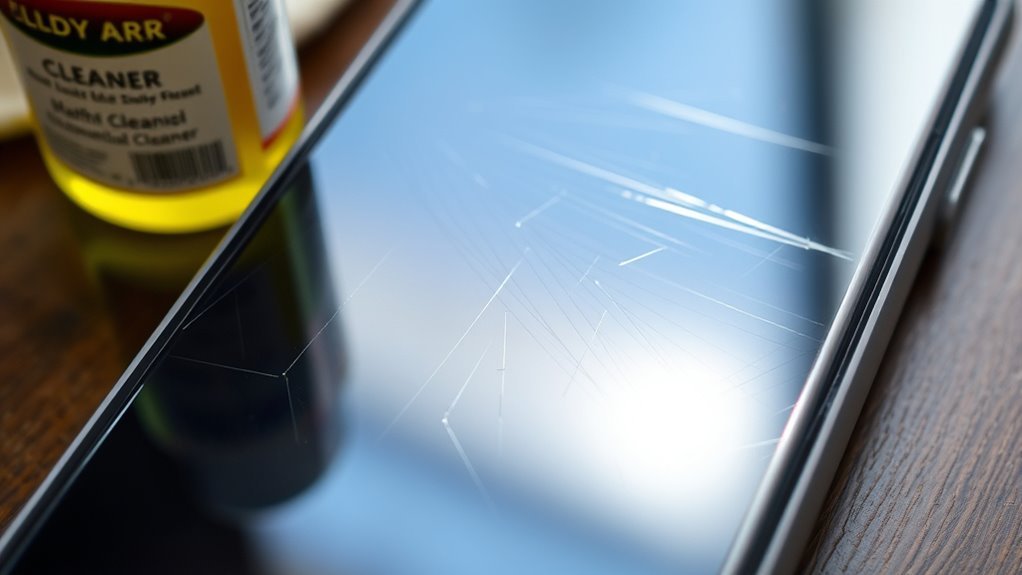
Even though it might seem like a quick fix, using harsh chemicals on your smartphone screen can cause more harm than good. These substances may strip away the screen protection designed to guard against scratches and fingerprints, leaving your device vulnerable. You want your phone to last, not to suffer from damage that could’ve been avoided. Instead, opt for gentle cleaning solutions or specialized screen wipes that respect your device’s delicate surface. Also, consider your cleaning frequency—overdoing it can wear down the protective coating, while too little can let grime build up. Striking the right balance lets you maintain a clear, responsive screen without compromising its durability. Remember, caring for your phone smartly keeps your freedom to use it unhindered for longer.
Applying Excessive Moisture
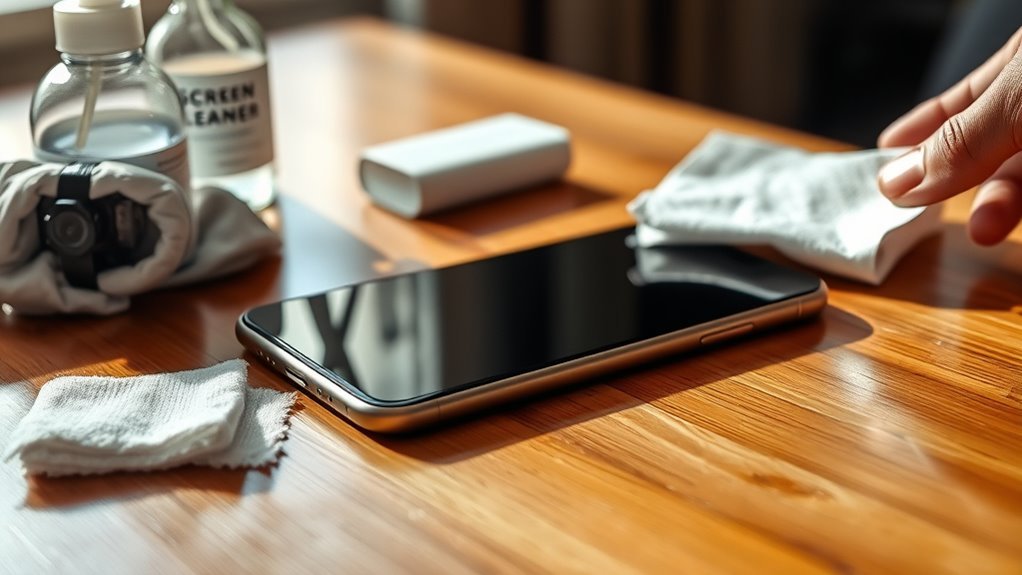
You’ll want to use only a small amount of water when cleaning your smartphone to avoid damage. Never spray liquids directly onto the device; instead, lightly dampen a soft cloth. Choosing the right cloth helps control moisture and keeps your phone safe.
Use Minimal Water
One key rule when cleaning your smartphone is to use as little water as possible. Managing water quantity is essential because too much moisture can seep into tiny openings, risking damage to your device. You want to maintain strict moisture control to protect your phone’s internal components without compromising cleanliness. Instead of soaking your cloth or using dripping water, dampen it slightly—just enough to lift grime without leaving puddles. This careful approach lets you clean effectively while keeping your phone safe. Remember, your goal is freedom from worries about water damage, not just a spotless screen. By controlling water quantity, you guarantee that your smartphone stays protected and functional, letting you enjoy your device without unnecessary risks.
Avoid Direct Spraying
Although it might seem convenient, spraying cleaning solutions directly onto your smartphone can cause more harm than good. Excessive moisture can seep into openings, damaging internal components and voiding warranties. To keep your freedom intact, control the spray distance by applying the cleaner onto a cloth first, not your device. This cleaning technique allows you to manage the amount of liquid and avoid oversaturation. You’ll protect your phone without sacrificing cleanliness. Remember, a gentle approach is key—too much moisture risks corrosion and malfunction. By mastering spray distance and avoiding direct spraying, you maintain your smartphone’s performance and extend its life. Freedom means care, not chaos, so adopt this smarter cleaning habit for lasting results.
Choose Appropriate Cloth
A soft microfiber cloth is your best friend when cleaning your smartphone because it minimizes the risk of scratches and absorbs just the right amount of moisture. Using the wrong fabric, like paper towels or rough cloths, can lead to damage or leave behind lint. To keep your device pristine without restricting your freedom to clean it anywhere, always pick a lint free fabric that’s gentle yet effective. Remember, too much moisture can seep into your phone’s openings, so avoid soaking the cloth.
Here’s what to look for in your cleaning cloth:
- Made from microfiber cloth materials for softness and durability
- Lint free fabric to prevent residue buildup
- Slightly dampened, never dripping wet, to protect your device’s internals
Choosing the right cloth lets you clean smart and free.
Ignoring Manufacturer Cleaning Guidelines
If you skip the manufacturer’s cleaning guidelines, you risk damaging your smartphone or voiding its warranty. These recommendations aren’t just suggestions; they’re designed to protect your device and guarantee its longevity. Ignoring them might seem like cutting corners, but it can lead to costly repairs or reduced performance. Pay attention to the recommended cleaning frequency to avoid overdoing it or neglecting necessary care. Following the manufacturer recommendations lets you clean your phone safely, preserving its functionality and your freedom to use it as you wish. So before grabbing any cleaner or wiping it down, check those guidelines. They’re your best friend in keeping your smartphone in top shape without risking damage or losing warranty coverage.
Using Abrasive Materials
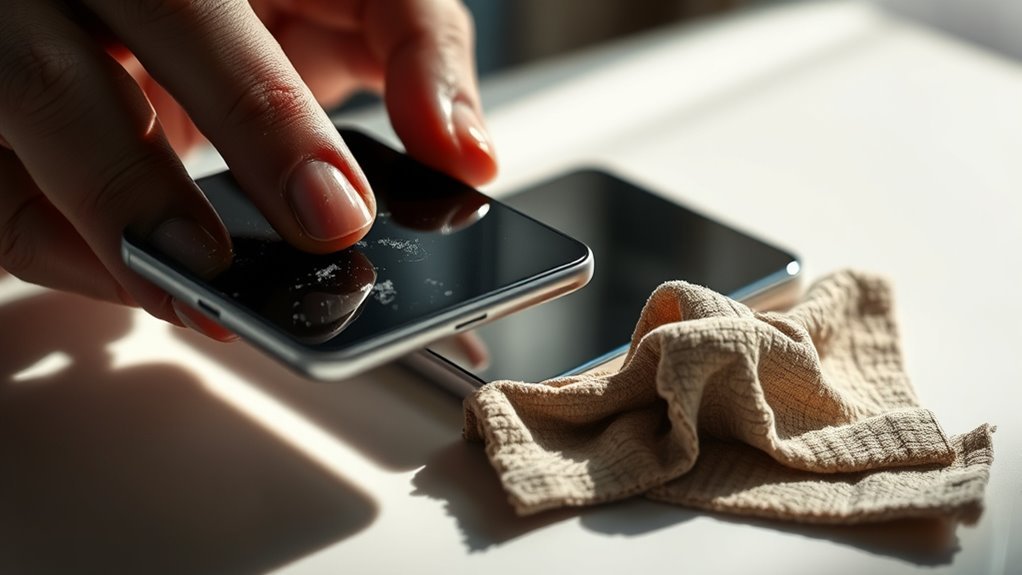
You shouldn’t use abrasive materials when cleaning your smartphone because harsh scrubbing can cause damage. Tools like rough cloths or brushes might scratch the surface and ruin the screen’s finish. Always choose gentle, suitable cleaning items to protect your device.
Harsh Scrubbing Damage
Someone might think scrubbing your smartphone vigorously will make it spotless, but it can actually cause serious damage. Overdoing scrubbing techniques not only wears down the screen’s protective coating but also leaves scratches and marks that cheapen your device’s look. Instead, embrace a gentle touch and adjust your cleaning frequency to avoid buildup without harsh abrasion.
To protect your phone while keeping it clean, remember:
- Use soft, non-abrasive cloths for wiping.
- Limit scrubbing to light, circular motions.
- Clean your phone regularly but avoid excessive frequency that tempts harsh scrubbing.
Unsuitable Cleaning Tools
Three common mistakes involve using abrasive materials like paper towels, rough sponges, or harsh brushes to clean your smartphone. These tools can scratch your screen or damage screen protectors, reducing clarity and leaving behind unwanted marks. Instead, choose soft microfiber cloths designed specifically for delicate surfaces. They lift dirt and oils gently without causing harm, preserving your phone’s finish and the integrity of any screen protector. Remember, your smartphone deserves care that lets you enjoy its freedom to connect and create without worry. Avoiding abrasive cleaning tools keeps your device looking sharp and working smoothly, so don’t trade short-term convenience for long-term damage. Stick with microfiber cloths—they’re the simple, smart solution for safe and effective cleaning.
Surface Scratch Risks
Although it might seem harmless, using abrasive materials like paper towels or rough cloths can quickly cause surface scratches on your smartphone. These tiny scratches not only mar your device’s sleek look but also reduce the screen protector benefits you rely on for ultimate protection. To keep your phone scratch-free, switch to gentle microfiber cloths—they’re designed to clean without damaging delicate surfaces.
Here’s how to avoid surface scratches:
- Always use soft, lint-free microfiber cloths for cleaning.
- Avoid paper towels, tissues, or any rough fabrics.
- Consider applying a quality screen protector to add an extra shield.
Cleaning Without Powering Off the Device
Before you start cleaning your smartphone, make certain to power it off completely. Skipping this vital step can risk damaging your device and compromise your freedom to use it whenever you want. Powering off guarantees device safety by preventing accidental taps or interactions that could lead to data loss or software glitches. When your phone is off, it’s easier to clean thoroughly without worrying about triggering unwanted functions. Plus, it protects the internal components from moisture or static electricity during cleaning. So, don’t rush the process—powering off your smartphone is a simple action that preserves its longevity and keeps you in control. Avoid cleaning while it’s on; your device deserves the best care to keep you connected without interruptions.
Neglecting to Clean Phone Cases and Accessories
Overlooking the cleanliness of your phone case and accessories can undermine all your efforts to keep your device spotless. While focusing on your screen and body, you might forget that phone cases and accessories harbor dirt and germs, compromising your phone hygiene. Different case materials—like silicone, leather, or plastic—require specific cleaning methods to avoid damage. Make certain you:
- Remove your case regularly to clean both the case and phone surface beneath.
- Use gentle cleaning solutions suited for the case materials to prevent wear.
- Don’t forget accessories like chargers and earbuds, which also accumulate grime.
Taking time to clean these elements guarantees your entire setup stays fresh and safe, giving you the freedom to enjoy your device without worry.
Overlooking Ports and Openings
Just as you wouldn’t skip cleaning your phone case and accessories, it’s easy to miss the tiny ports and openings on your device. These areas often collect dust, lint, and debris, which can block connections and affect your phone’s performance. Ignoring port cleaning can lead to charging problems or poor audio quality. For effective opening maintenance, use a soft brush or compressed air to gently clear out these spaces without pushing debris further inside. Avoid using sharp objects that might damage delicate components. Regularly checking and cleaning these hidden spots guarantees your smartphone stays fully functional and extends its lifespan. Don’t let overlooked ports limit your freedom to use your device smoothly—make port and opening maintenance a part of your routine.
Rushing the Drying Process
While it might be tempting to power on your phone immediately after cleaning, rushing the drying process can cause serious damage. Moisture retention inside your device can lead to corrosion, short circuits, or permanent hardware failure. To truly protect your freedom to use your phone without worry, you need to master proper drying techniques.
Here’s what you should do instead:
- Let your phone air dry completely in a warm, dry environment.
- Avoid using heat sources like hair dryers, which can push moisture deeper inside.
- Patience is key—wait at least 30 minutes after cleaning before powering on.
Taking your time guarantees no hidden moisture remains trapped. Don’t rush it; the freedom to use your smartphone safely is worth the wait.
Frequently Asked Questions
Can I Use UV Light to Sanitize My Smartphone?
Sure, shining UV light on your smartphone offers superb sanitization benefits by zapping germs swiftly without soaking or scrubbing. However, you should stick to smartphone safety precautions like avoiding prolonged exposure to prevent damage. This method lets you freely fight filth while feeling confident your device stays safe and sound. Just remember, UV sanitization isn’t a magic fix—it’s best paired with regular cleaning for a flawlessly fresh phone.
How Often Should I Clean My Smartphone?
You should aim for regular cleaning of your smartphone, ideally once a day or at least a few times a week. Setting up a cleaning schedule that fits your lifestyle helps keep germs and grime at bay without feeling like a chore. This way, you’re free to enjoy your device without worries. Just a quick wipe-down with a microfiber cloth and some gentle cleaner will keep your phone fresh and ready to go.
Are Screen Protectors Necessary for Cleaning Safety?
You might wonder if screen protectors are necessary for cleaning safety. While not mandatory, screen protector benefits include shielding your phone’s screen from scratches and damage during cleaning. They give you freedom to use various cleaning techniques without worrying about harming the display. So, if you want peace of mind and flexibility in how you clean your phone, adding a screen protector is a smart move.
Can Cleaning Damage My Phone’S Warranty?
Imagine your phone as a delicate treasure chest—you want to keep it shining without breaking the lock. When you clean, using harsh chemicals or soaking it can void your warranty. Stick to gentle cleaning methods like a soft cloth and approved solutions to keep your freedom intact. That way, your warranty won’t be void, and you’ll enjoy a fresh phone without risking costly repairs or losing protection.
What’S the Best Way to Disinfect My Phone During Flu Season?
When flu season hits, you’ll want to keep your phone germ-free without hassle. Using disinfecting wipes or alcohol solutions with at least 70% alcohol is your best bet. They effectively kill viruses without damaging your device if used gently. Just avoid soaking your phone; a light wipe is enough. This way, you stay protected and keep your phone in great shape without feeling restricted by complicated routines.