Cleaning for Technology and Appliances
To safely clean your technology and appliances, start by powering off devices and using microfiber cloths dampened with gentle, alcohol-free cleaners. Avoid spraying liquids directly on screens or plastic parts. Use compressed air or soft brushes to remove dust from keyboards, audio gear, and cables. Keep kitchen appliances wiped with mild solutions to prevent buildup. Managing cables carefully and maintaining humidity can protect your devices longer. If you want to keep everything spotless and lasting, there’s a lot more helpful info ahead.
Essential Tools for Cleaning Technology and Appliances
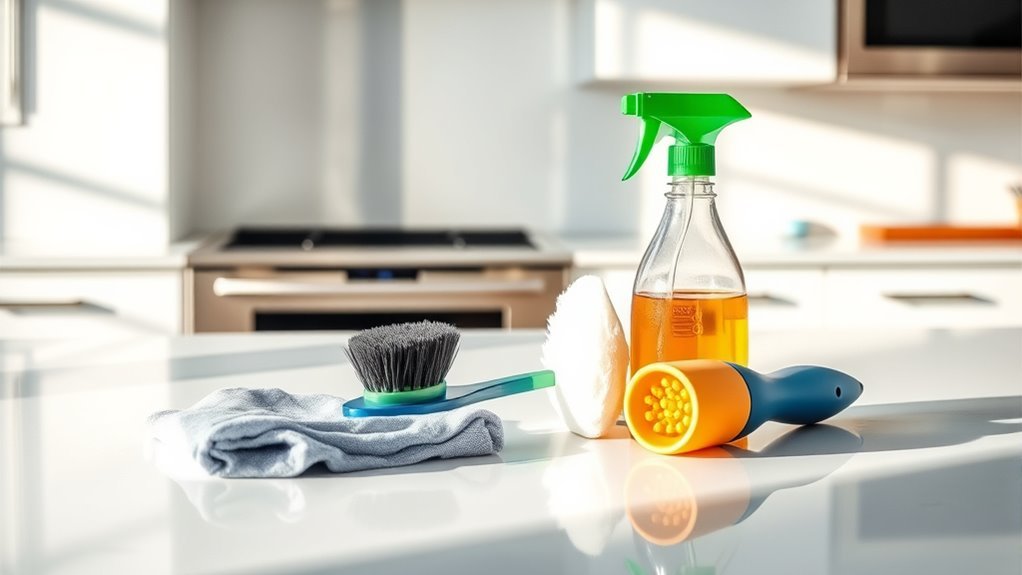
Before you start cleaning your tech and appliances, you’ll need the right tools to do the job safely and effectively. Having quality cleaning gadgets and maintenance tools empowers you to take control of your devices’ upkeep without relying on pricey services. Simple items like microfiber cloths, compressed air cans, and soft brushes help you remove dust and debris without causing damage. For tougher spots, consider isopropyl alcohol wipes or specialized cleaning gels designed for electronics. Maintenance tools such as small screwdrivers and anti-static wristbands can be invaluable if you want to open devices safely for deeper cleaning. By equipping yourself with these essentials, you gain the freedom to maintain your tech and appliances confidently and extend their lifespan with ease.
How to Safely Clean Screens and Displays
Although screens and displays are delicate, you can clean them safely by using the right methods and materials. Start by powering off your device to avoid damage or accidental inputs. Use a microfiber cloth—it’s gentle and won’t scratch your screen. Avoid harsh chemicals; instead, lightly dampen the cloth with distilled water or a screen-safe cleaner for effective cleaning. Never spray liquids directly onto the screen, as this risks seepage and damage. Regular cleaning supports screen protection and extends your device’s lifespan. Display maintenance not only keeps visuals clear but also preserves touch sensitivity. By following these simple steps, you maintain freedom from annoying smudges and guarantee your technology stays crisp and responsive, ready whenever you are.
Best Practices for Keyboard and Remote Control Cleaning
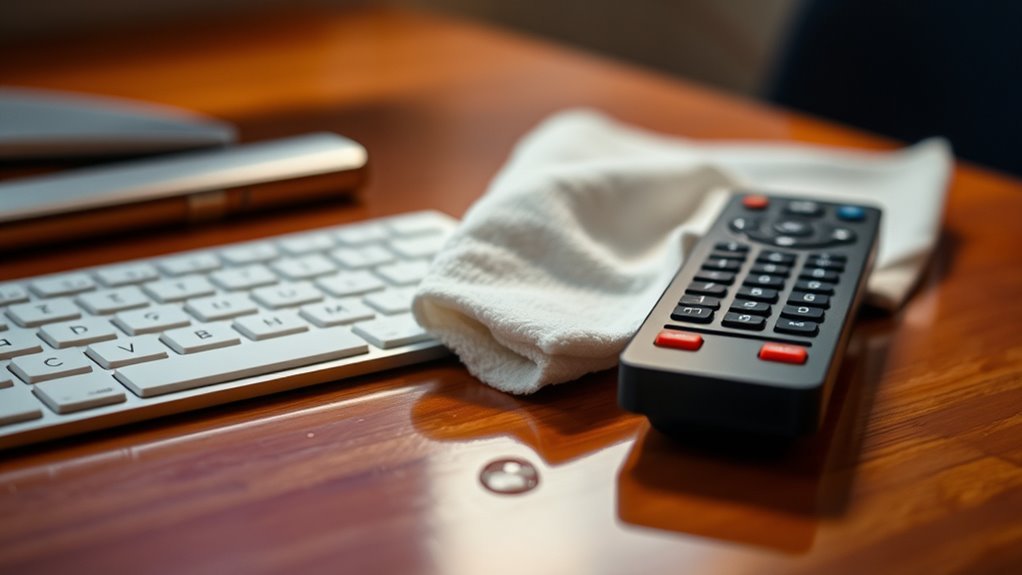
When cleaning your keyboard and remote control, choosing safe materials is key to avoiding damage. You’ll want to follow a clear step-by-step guide to guarantee thorough and effective cleaning. Let’s explore the best tools and techniques to keep these devices germ-free and functioning properly.
Safe Cleaning Materials
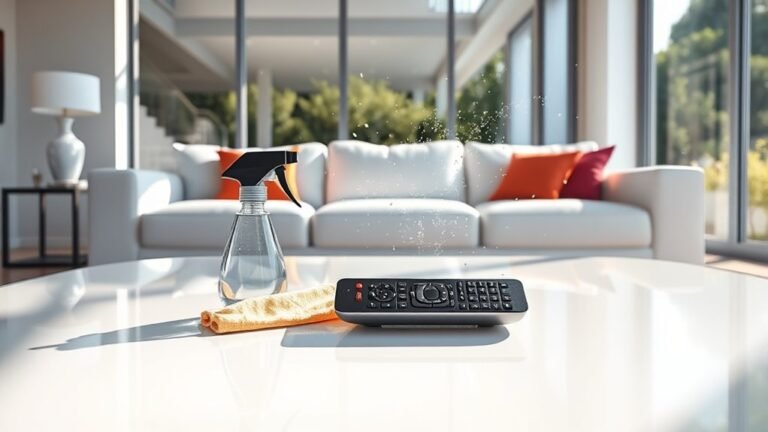
Two key items you’ll want to clean carefully are your keyboard and remote control, as they tend to collect dirt and germs easily. To keep your tech safe, opt for eco friendly cleaners that won’t damage sensitive surfaces or leave harsh residues. Natural disinfectants like diluted vinegar or alcohol-based solutions are great choices—they kill bacteria without harsh chemicals. Avoid abrasive materials or sprays that can seep inside devices. Use soft microfiber cloths dampened slightly with your chosen cleaner to wipe down keys and buttons gently. This way, you maintain cleanliness without risking damage. Choosing safe, natural cleaning materials gives you freedom from toxic chemicals while keeping your gadgets fresh and functioning smoothly. Don’t compromise on safety—your devices deserve care that’s both effective and gentle.
Step-by-Step Cleaning Guide
Cleaning your keyboard and remote control doesn’t have to be complicated. Sticking to regular cleaning schedules guarantees your devices work smoothly and last longer. For effective technology maintenance, start by unplugging or removing batteries. Use a soft brush or compressed air to remove debris. Wipe surfaces gently with a microfiber cloth dampened with a mild cleaner. Here’s a quick guide to keep your devices fresh without hassle:
| Step | Tool Needed | Frequency |
|---|---|---|
| Dust removal | Compressed air/brush | Weekly |
| Surface wipe | Microfiber cloth | Twice a week |
| Deep clean | Isopropyl alcohol | Monthly |
Following this guide frees you from worry and keeps your tech performing at its best.
Cleaning Tips for Kitchen Appliances
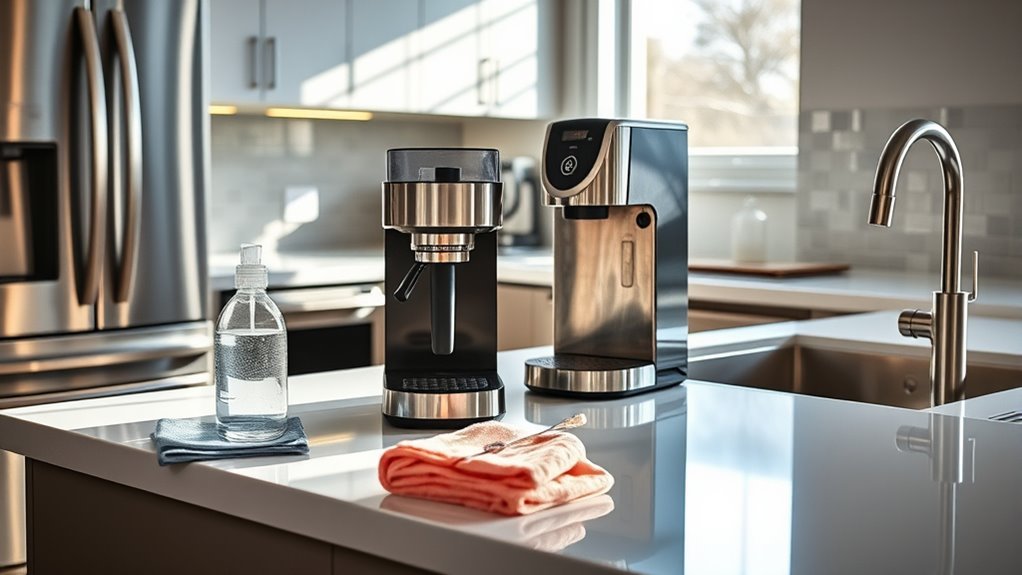
Although kitchen appliances make cooking easier, they can quickly accumulate grease, food particles, and grime if not maintained properly. To keep your appliances in top shape, wipe down stainless steel surfaces regularly with a damp microfiber cloth and a mild cleaner to prevent smudges and maintain their sleek look. Don’t forget to clean inside appliances like microwaves and ovens by using appropriate, gentle solutions to avoid damage. For a clutter-free kitchen, focus on appliance organization—arrange your gadgets so they’re easily accessible but not overcrowded, which helps reduce dust buildup and makes cleaning simpler. By keeping your appliances clean and well-organized, you’ll enjoy a more efficient kitchen and more freedom to focus on cooking rather than constant maintenance.
Maintaining and Cleaning Audio Equipment
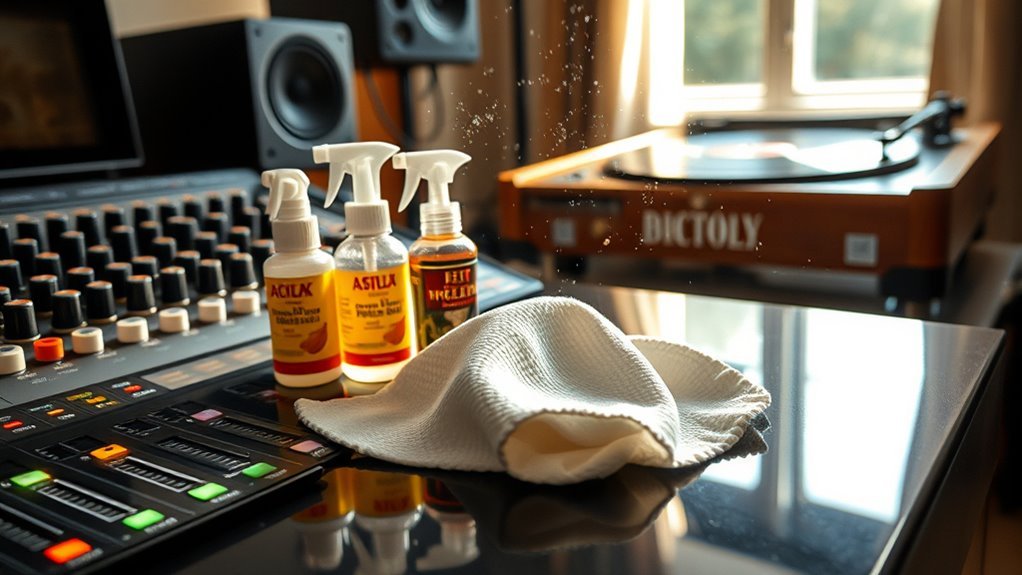
You’ll want to keep dust off your audio equipment regularly using soft brushes or microfiber cloths to avoid scratches. Make sure to use gentle, safe cleaning materials that won’t damage delicate components. Also, be careful to prevent moisture from getting inside to protect your devices from damage.
Dust Removal Techniques
Anyone who owns audio equipment knows how quickly dust can settle on delicate components, affecting sound quality and performance. You want your gear clear of dust traps that invite static electricity, which can degrade signals or even cause damage. To keep your system free, use gentle air blowers or anti-static brushes designed to lift dust without generating static. Regular dusting prevents buildup, letting your audio breathe and perform at its peak.
| Technique | Benefit |
|---|---|
| Air Blower | Removes dust safely |
| Anti-static Brush | Prevents static shocks |
| Microfiber Cloth | Captures fine dust |
| Compressed Air | Reaches tight spots |
| Regular Maintenance | Keeps equipment free |
Stay proactive; your freedom to enjoy pure sound depends on it.
Safe Cleaning Materials
When cleaning your audio equipment, choosing safe materials is essential to avoid damaging sensitive components. Using harsh chemicals or abrasive tools can ruin delicate surfaces and internal parts. Instead, opt for gentle, eco friendly cleaners or simple homemade solutions that protect both your gear and the environment. Here are some safe options to take into account:
- Microfiber cloths for dusting without scratching
- Mild soap diluted with water as a homemade cleaning agent
- Isopropyl alcohol (70%) on a soft cloth for stubborn spots
- Specialized, eco friendly electronics cleaners designed for delicate devices
Preventing Moisture Damage
Although keeping your audio equipment clean is important, preventing moisture damage is equally essential to secure its longevity. To truly protect your gear, focus on humidity control—keeping your space between 30-50% humidity minimizes the risk of corrosion and mold. You can use dehumidifiers or silica gel packs as moisture barriers to shield your devices from unexpected dampness. Avoid placing your equipment near windows or bathrooms where moisture levels fluctuate. Also, consider airtight cases or covers that act as physical moisture barriers when storing your audio gear. By taking these simple, proactive steps, you free yourself from worrying about water damage and guarantee your technology performs flawlessly, letting you enjoy your audio experience without limits.
Proper Techniques for Dusting and Vacuuming Electronics
Since dust and debris can damage sensitive electronics, you should handle dusting and vacuuming with care. Mastering proper dusting techniques and vacuuming strategies lets you protect your devices without restricting your freedom. Here’s how to keep your tech clean and safe:
- Use a soft, lint-free microfiber cloth for gentle dusting.
- Avoid spraying liquids directly on electronics; instead, dampen the cloth slightly if needed.
- Choose a vacuum with a brush attachment set to low suction to avoid harm.
- Always power down and unplug devices before cleaning to minimize risk.
Using the Right Cleaning Solutions for Different Materials
Choosing the right cleaning solutions is essential because different materials react differently to various products. You want to avoid damage by selecting cleaners that respect material compatibility—whether glass screens, plastic casings, or metal surfaces. Eco friendly solutions are a smart choice; they’re gentle yet effective, keeping your devices safe and the environment happy. Always check labels to verify the product suits your gadget’s surface. For delicate screens, use alcohol-free, streak-free sprays or microfiber cloths with a bit of distilled water. Avoid harsh chemicals on plastics and coatings that might cause discoloration or wear. By being mindful about what you apply, you maintain your tech’s look and function without unnecessary risk, giving you the freedom to enjoy your devices worry-free.
Preventive Measures to Reduce Dust and Dirt Build-Up
To keep your devices running smoothly and looking their best, you should take steps to prevent dust and dirt from accumulating in the first place. Regular maintenance is key to dust prevention, saving you time and hassle later. Here’s how you can stay ahead:
- Position devices away from open windows or vents to minimize dust exposure.
- Use protective covers when gadgets aren’t in use to block airborne particles.
- Clean your workspace regularly to reduce dust settling on your tech.
- Employ air purifiers to keep the surrounding environment cleaner and fresher.
Handling and Cleaning Cables and Connectors
Keeping dust and dirt away from your devices is a great start, but the cables and connectors that link everything together also need your attention. Proper cable management not only keeps your space tidy but also prevents wear and tear on your cords. When cleaning, unplug cables gently to avoid damaging connectors. Use a soft, dry cloth or a slightly dampened microfiber cloth to wipe down cables, steering clear of harsh chemicals that can degrade materials. For connector care, compressed air can help remove dust from ports without risk. Regularly inspecting cables for frays or damage guarantees safety and performance. By handling and cleaning your cables and connectors carefully, you maintain the freedom to use your technology smoothly and extend its lifespan without hassle.
Frequently Asked Questions
How Often Should I Schedule Professional Cleaning for My Electronics?
You’ll want to give your gadgets a little “spa day” now and then to keep them feeling fresh. When it comes to cleaning frequency, scheduling professional attention every 6 to 12 months is usually enough to maintain peak performance. This gentle electronic maintenance helps prevent buildup that can slow things down, giving you more freedom to enjoy your devices without interruption or worry. Keeping up with this rhythm keeps your tech vibrant and reliable.
Can Cleaning Technology Void Device Warranties?
You might wonder if cleaning your tech can affect warranty implications. Generally, using proper cleaning methods, like gentle cloths and approved solutions, won’t void your warranty. However, if you open the device or use harsh chemicals, that could be a problem. So, stay informed and stick to recommended methods to keep your freedom intact without risking warranty issues. Always check your device’s specific policy before diving in.
What Are the Signs That an Appliance Needs Deep Cleaning?
You’ll know it’s time for deep cleaning when your appliance starts acting up—like unusual noises, slower performance, or odd smells. These signs mean it’s craving some serious appliance maintenance to keep running smoothly. Don’t let buildup or grime hold you back; a thorough clean can extend your appliance’s life and keep you free from annoying breakdowns. Trust your instincts and give your appliance the care it deserves!
Are There Eco-Friendly Cleaning Products Safe for All Electronics?
You might think eco-friendly options aren’t strong enough for your devices, but that’s not true. Plenty of products use safe ingredients that effectively clean without harming your electronics. You don’t have to sacrifice safety or performance to choose greener solutions. These eco-friendly options give you the freedom to protect both your gadgets and the planet, letting you clean confidently without worrying about toxic residues or damage.
How Do Temperature and Humidity Affect Cleaning Electronic Devices?
You’ve got to watch out for temperature effects when cleaning electronics—too hot or cold can damage sensitive parts or cause condensation. Humidity impact is just as important; high moisture levels might lead to corrosion or short circuits. When you clean your devices, aim for a moderate environment with stable temperature and low humidity. That way, you’re protecting your tech while enjoying the freedom to keep things fresh without worry.