Cleaning Mistakes That Damage Your Printer
If you’re using harsh chemicals or too much moisture when cleaning your printer, you’re likely causing damage without realizing it. Cleaning print heads incorrectly or skipping regular maintenance can clog nozzles and reduce print quality. Ignoring your printer’s cleaning instructions or trying to clean internal parts without the right tools increases the risk of costly repairs. Stick to gentle methods and manufacturer guidelines to keep things running smoothly—there’s plenty more to understand about protecting your printer.
Using Harsh Chemicals on Printer Components

One common mistake people make when cleaning printers is using harsh chemicals on sensitive components. You might think stronger cleaners mean better results, but they can actually damage your printer’s delicate parts, void warranties, and limit your freedom to keep your device running smoothly. Instead, focus on smart printer care by choosing gentle chemical alternatives like isopropyl alcohol or specialized electronics cleaners. These options clean effectively without risking corrosion or residue buildup. By avoiding aggressive chemicals, you maintain your printer’s integrity and extend its lifespan, giving you more control over your device. Remember, protecting your printer means choosing safe cleaning methods that preserve its performance without unnecessary risks. Embrace chemical alternatives to enjoy true freedom in printer care.
Neglecting Regular Maintenance and Cleaning
Although it might seem tedious, neglecting regular maintenance and cleaning can seriously harm your printer’s performance and lifespan. If you skip regular inspections, dust and debris build up, leading to jams, faded prints, and costly repairs. Sticking to a maintenance schedule isn’t about restriction—it’s about keeping your printer running smoothly so you stay productive and free from unexpected breakdowns. By dedicating a little time to routine cleaning and checks, you prevent minor issues from becoming major headaches. Don’t wait for problems to appear; proactive care guarantees your printer stays reliable and efficient. Remember, freedom means having your tools work for you, not the other way around. Make regular maintenance a habit, and your printer will reward you with consistent, high-quality prints.
Cleaning the Print Head Incorrectly
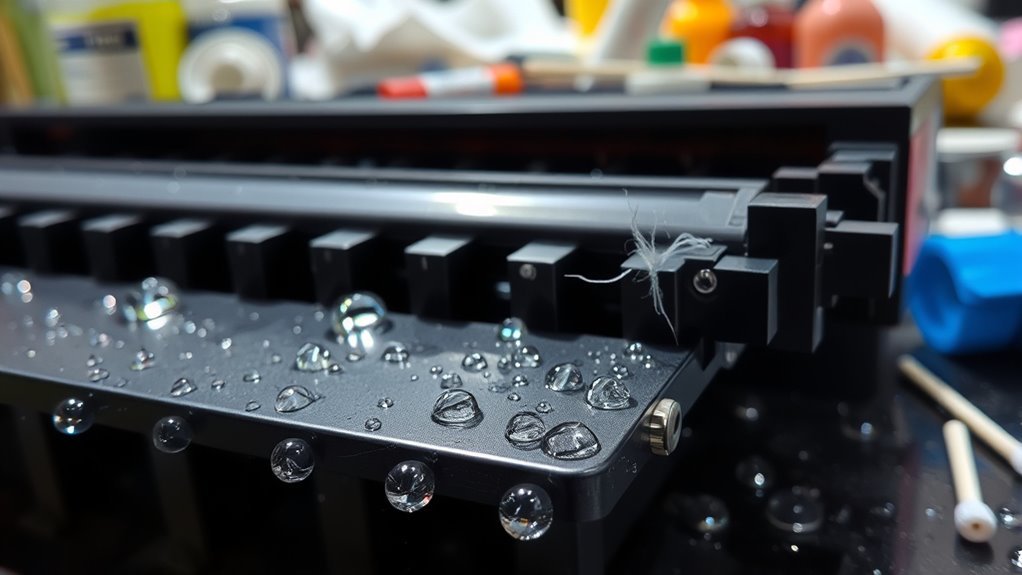
When cleaning your print head, you might be tempted to use harsh chemicals or scrub too hard, but both can cause damage. You shouldn’t ignore the manufacturer’s guidelines, as they provide the safest methods for maintenance. Following their instructions helps keep your printer working smoothly without unnecessary risks.
Using Harsh Chemicals
Cleaning the print head might seem straightforward, but using harsh chemicals can do more harm than good. When you reach for strong cleaners, you risk leaving chemical residue that clogs the delicate nozzles or damages sensitive components. This residue can interfere with print quality or even cause permanent harm, limiting your printer’s freedom to perform. Instead, stick to safe alternatives like distilled water or specialized cleaning solutions designed for printers. These options clean effectively without risking damage or buildup. Remember, preserving your printer’s longevity means choosing cleaning methods that respect its design. Avoid shortcuts with harsh chemicals, and you’ll keep your printer running smoothly without sacrificing its freedom to deliver crisp, clear prints. Choose wisely and protect your investment.
Excessive Pressure Applied
One common mistake people make is applying too much pressure while cleaning the print head. The print head is extremely pressure sensitive, and pressing down hard can damage delicate components. This not only risks hardware failure but also ruins your print quality.
To avoid this, keep these tips in mind:
- Use a gentle touch—light pressure is enough to remove dirt without harm.
- Choose soft, lint-free materials to clean, reducing the need for force.
- Let cleaning solutions do the work rather than scrubbing aggressively.
Ignoring Manufacturer Guidelines
Although it might seem easier to skip the instructions, ignoring your printer’s manufacturer guidelines can lead to serious damage or ineffective cleaning. Manufacturer recommendations are there for a reason—they guarantee you follow the right cleaning protocols tailored to your specific model. When you bypass these guidelines, you risk using the wrong cleaning solutions or techniques that could clog or damage the print head permanently. You want freedom in maintaining your printer, but that doesn’t mean doing whatever feels convenient. Sticking to the manufacturer’s cleaning protocols helps maintain peak performance and extends your printer’s life. So, before you plunge into cleaning, take a moment to check those instructions—you’ll save yourself from costly repairs and keep your printer running smoothly.
Using Excessive Moisture When Cleaning
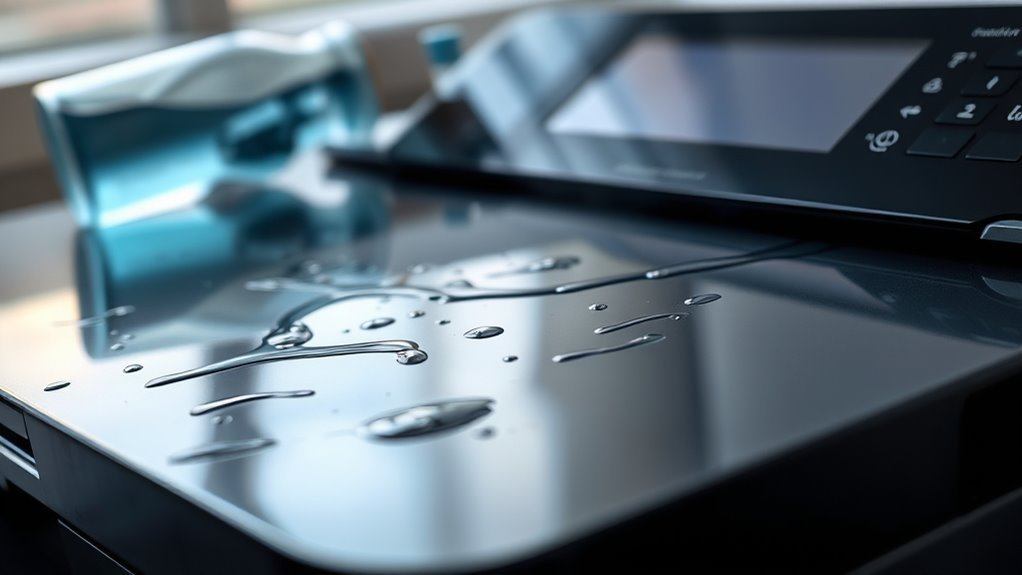
You might think using a lot of water will get your printer cleaner, but too much moisture can cause serious damage to its internal parts. It’s important to use just the right amount—usually a slightly damp cloth—to avoid water seeping inside. Let’s look at how to keep moisture levels safe while cleaning.
Risks of Water Damage
If you use too much water when cleaning your printer, you risk causing serious damage to its internal components. Water exposure can short-circuit sensitive electronics, leading to costly repairs or total failure. Without proper moisture control, you might unknowingly trap water inside, causing corrosion over time. To protect your printer and maintain your freedom to print whenever you want, keep these risks in mind:
- Electrical damage: Excess moisture can disrupt circuits, making your printer unusable.
- Corrosion: Water left inside promotes rust on metal parts, degrading performance.
- Paper jams: Damp internal parts can cause paper to stick or jam frequently.
Being mindful with water guarantees your printer stays reliable and free from avoidable harm.
Proper Moisture Levels
How much moisture is just right when cleaning your printer? Striking the perfect moisture balance is key to maintaining your device’s freedom to perform without hiccups. Using too much water or cleaning solution can seep into internal components, causing damage or corrosion. Instead, aim for a lightly dampened cloth—never dripping wet. This approach, combined with proper humidity control in your workspace, helps protect your printer from excess moisture buildup. Keep the environment around your printer dry and stable to prevent condensation inside sensitive parts. By mastering moisture balance and maintaining good humidity control, you guarantee your printer stays reliable and free from avoidable water-related issues. Remember, less is more when it comes to moisture—preserve your printer’s freedom to operate smoothly and efficiently.
Ignoring Manufacturer’s Cleaning Instructions
Although it might seem tempting to skip the manual, ignoring manufacturer’s cleaning instructions can lead to costly damage or void your printer’s warranty. You want the freedom to maintain your device, but it’s essential to follow recommended cleaning techniques found in printer manuals. Here’s why you shouldn’t overlook them:
- Protect your investment – Manufacturer guidelines are designed to keep your printer running smoothly without harming delicate parts.
- Avoid warranty issues – Cleaning your printer the wrong way can void your warranty, leaving you on the hook for repairs.
- Ensure peak performance – Following specific instructions helps maintain print quality and prevents malfunctions.
Respecting the instructions gives you control without risking damage, so always consult your printer manual before cleaning.
Attempting to Clean Internal Parts Without Proper Tools
When you try to clean your printer’s internal parts without the right tools, you risk causing more harm than good. Without proper internal cleaning tools, you might damage delicate components or leave residue that affects performance. It’s tempting to use household items, but they often lack the precision and safety needed. Understanding basic printer disassembly techniques is essential before diving in; otherwise, you could break clips or misalign parts, restricting your printer’s freedom to operate smoothly. Instead, invest in the recommended cleaning kits and follow guides tailored to your model. This approach lets you maintain your printer’s health without risking costly repairs or voiding warranties. Respecting the complexity inside your device guarantees a longer lifespan and uninterrupted printing freedom.
Frequently Asked Questions
Can Using Compressed Air Harm My Printer?
Did you know that over 30% of printer issues stem from improper cleaning? When using compressed air, you need to be cautious because compressed air risks include blowing debris deeper into delicate parts or causing moisture buildup. To keep your printer running smoothly, stick to printer maintenance tips like using short bursts and holding the can upright. That way, you maintain your freedom to print without unexpected breakdowns or costly repairs.
How Often Should I Replace Printer Ink Cartridges?
You should replace your ink cartridges based on their ink cartridge lifespan, which varies by brand and usage. Don’t wait until print quality drops to low; keeping an eye on ink levels helps. If you want more freedom, consider refill ink options—they can save money and reduce waste. Just be sure you’re using quality refills to avoid damaging your printer. Replace cartridges promptly to keep prints sharp and your device happy.
Is It Safe to Clean the Printer Rollers With Alcohol?
When you’re thinking about roller cleaning, using alcohol might seem like a quick fix, but you should be cautious. Alcohol effects can sometimes be harsh on printer rollers, causing them to dry out or crack over time. Instead, opt for a lint-free cloth slightly dampened with water or a specialized roller cleaner. This way, you keep your printer running smoothly without risking damage, giving you the freedom to print worry-free.
What’S the Best Way to Store a Printer When Not in Use?
Oh sure, just toss your printer anywhere and hope for the best! But if you want to actually save yourself from headaches, proper printer storage is key. Keep it covered, away from dust and direct sunlight, and in a cool, dry spot. Regular maintenance tips like powering it on occasionally prevent ink clogs. Treat your printer like a free spirit that needs a cozy, safe home when it’s not in use.
Can Dust Buildup Cause Paper Jams in Printers?
Yes, dust accumulation can definitely cause paper jams in your printer. When dust builds up inside, especially around the paper feed, it can interfere with how smoothly the paper moves through the machine. This can lead to misfeeds, jams, or even damage over time. To keep your printer running freely, make sure you regularly clean out any dust and keep the paper feed area clear, so your prints stay hassle-free.