Deep Cleaning Checklist for Desk
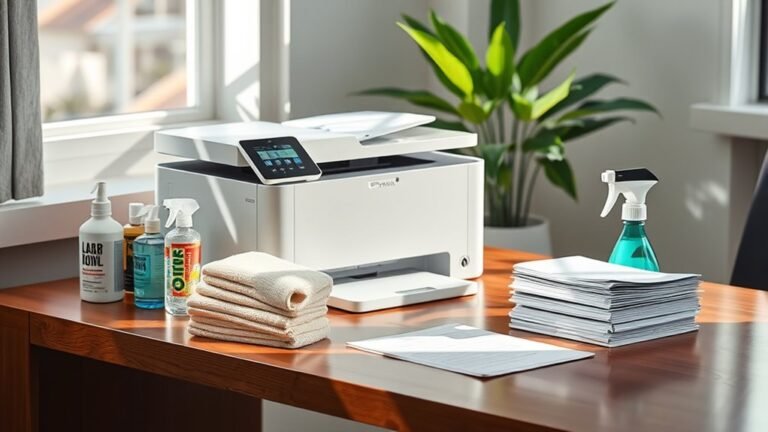
Start by clearing everything off your desk, sorting items into categories to keep only essentials. Dust all surfaces thoroughly, including corners and accessories, using a microfiber cloth. Clean your computer, keyboard, and mouse with care, and disinfect frequently touched items. Organize drawers with bins or dividers, and tidy up cables using ties or clips. Wipe down your chair and nearby areas, then set a routine for daily and weekly maintenance. To maximize productivity, you can explore tips for long-term desk care and organization strategies.
Clear Everything Off Your Desk
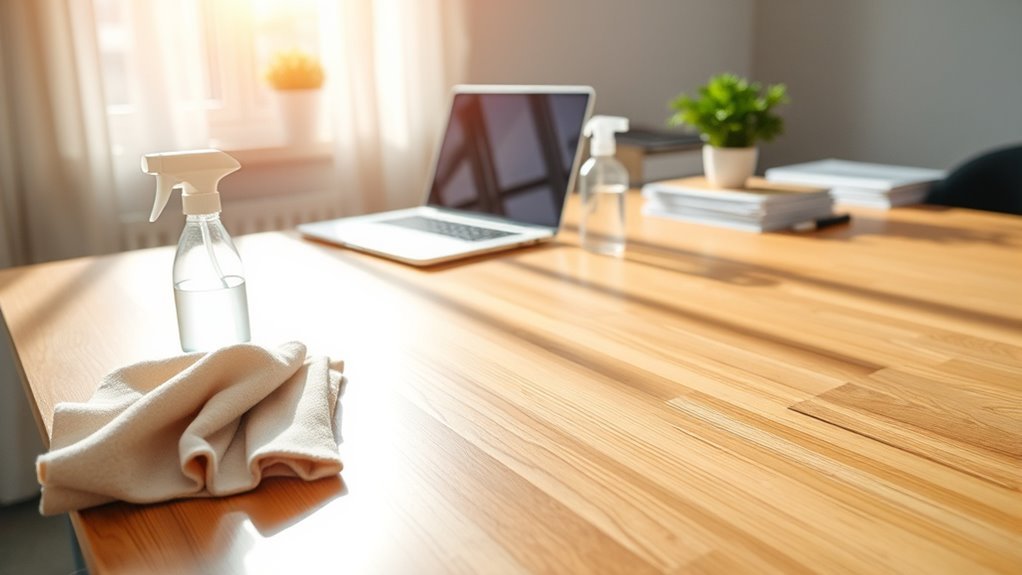
Before you begin cleaning, clear everything off your desk. This step is essential for gaining control over your workspace and embracing freedom from clutter. Start by removing every item—papers, gadgets, and personal knick-knacks—and sort them into categories. Use smart desk organization tips like grouping similar items and keeping only essentials within reach. Employ decluttering strategies that prioritize what truly supports your productivity and joy. By wiping the slate clean, you create a fresh canvas for efficiency and creativity. Remember, a clear desk isn’t just about tidiness; it’s about reclaiming your space and mental clarity. Taking this initial step sets the stage for a deeper, more meaningful clean that empowers you to work freely and focus fully.
Dust All Surfaces Thoroughly
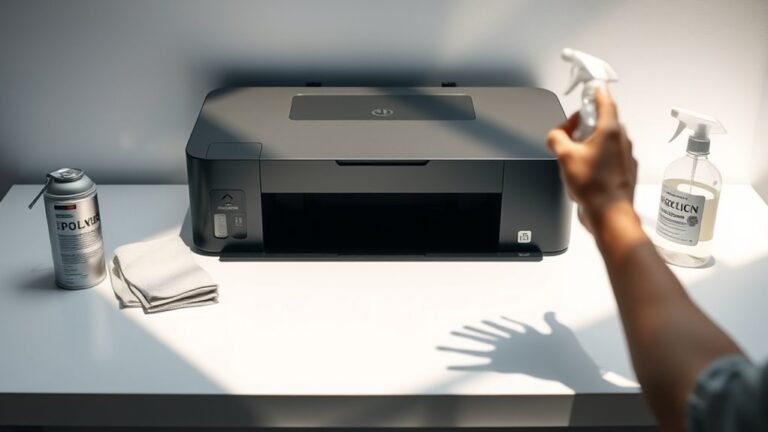
Once you’ve cleared your desk, dusting all surfaces thoroughly guarantees you remove hidden dirt and allergens that can accumulate unnoticed. Start by choosing dusting techniques suited for your desk’s surface materials—whether it’s wood, metal, or glass. Use a microfiber cloth for delicate surfaces to avoid scratches, and consider a soft-bristle brush for crevices or textured finishes. Lightly dampening the cloth can trap dust better but avoid soaking surfaces. Remember to dust the edges, corners, and any accessories left on your desk to verify nothing’s missed. Taking these steps frees you from lingering allergens and keeps your workspace inviting. Mastering these dusting techniques lets you maintain a clean, open space that supports your freedom to work comfortably and creatively every day.
Clean Your Computer and Accessories
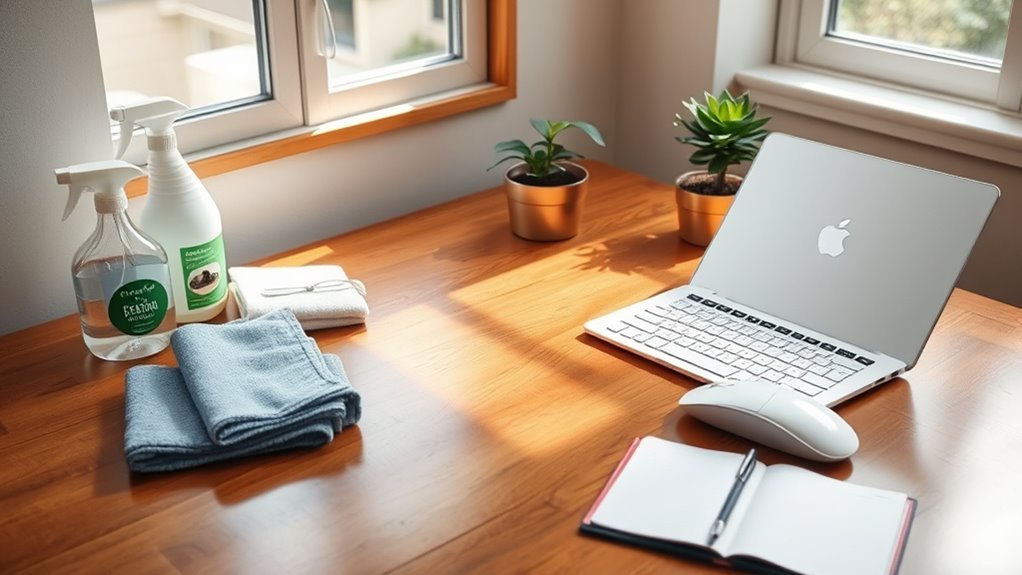
Although it can be easy to overlook, cleaning your computer and accessories is essential for maintaining both hygiene and device performance. You want to keep your workspace free from dust and debris that can clog vents or interfere with keys. Start by gently wiping your monitor and keyboard with a microfiber cloth to avoid scratches. Use compressed air to blow out dust from tight spaces like between keys or inside ports. For accessory maintenance, don’t forget your mouse, headphones, and external drives—clean these regularly to prevent buildup that reduces functionality. Practicing good computer hygiene not only extends your device’s lifespan but also keeps your environment fresh and inviting. Taking a few focused minutes on this step lets you enjoy freedom from tech troubles and a clutter-free desk.
Disinfect Frequently Touched Items
Several items on your desk get touched constantly, making them hotspots for germs and bacteria. To keep your workspace healthy and fresh, grab some disinfecting wipes and focus on these germ hotspots:
- Keyboard and mouse – your hands interact with these all day.
- Phone and charger cables – they’re handled frequently and often overlooked.
- Desk surface edges – you rest your arms and hands here, too.
- Drawer handles and pen holders – small areas that collect germs silently.
Organize Desk Drawers and Compartments
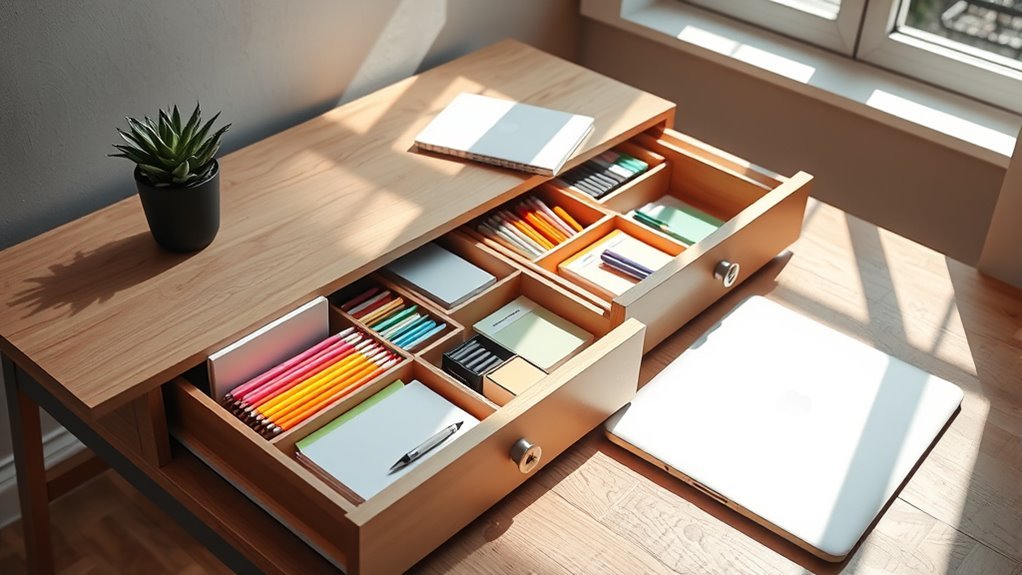
After wiping down the frequently touched items on your desk, it’s a good idea to turn your attention to what’s inside your drawers and compartments. Start by emptying each drawer completely to get a clear view of its contents. Use drawer organization tools like small bins or dividers to separate items by category. Compartment sorting helps you create designated spaces for pens, electronics, and miscellaneous tools, making everything easy to find. Keep only what you truly need, and arrange items so you can access them freely—no more digging around. This simple system frees your mind and workspace, giving you the freedom to focus on what matters without clutter holding you back. With organized drawers, your desk becomes a streamlined hub for productivity and creativity.
Sort Through and Declutter Paperwork
Now’s the time to sort through your paperwork by categorizing important documents for easy access. Be sure to recycle any unnecessary papers to reduce clutter. This simple step will help keep your desk neat and organized.
Categorize Important Documents
One of the easiest ways to regain control of your workspace is to sort through your paperwork and categorize important documents. By mastering document prioritization, you free yourself from overwhelming clutter and create a filing system that works for you. Here’s how to get started:
- Identify urgent documents that need immediate attention or action.
- Separate important records you must keep, like contracts or tax papers.
- Create categories based on document type or purpose to simplify retrieval.
- Use clear labels and store documents in designated folders or files.
This approach guarantees your filing system supports your freedom, saving time and stress. You’ll find your desk feels lighter and your mind clearer, ready for what matters most.
Recycle Unnecessary Papers
Stacks of old papers can quickly take over your desk if you don’t regularly sort through them. To regain your space and peace of mind, start by identifying which documents you no longer need. Shred sensitive information and separate recyclable papers from trash. Embracing paper recycling not only clears your workspace but also supports eco friendly practices that protect the environment. By committing to regular decluttering, you reduce waste and free yourself from the chaos of clutter. Keep a designated bin for recycling to make this process effortless. Remember, freeing your desk from unnecessary papers is a simple step toward a more organized, sustainable lifestyle—giving you the freedom to focus on what truly matters.
Wipe Down Desk Chair and Surrounding Areas
Before you move on to cleaning the desk surface, take a moment to wipe down your desk chair and the areas around it. This step frees your workspace from hidden dust and grime, boosting your comfort and focus.
- Choose the right cleaning products for your chair upholstery—fabric, leather, or mesh each need different care.
- Use a soft cloth or sponge to gently wipe the chair, avoiding harsh scrubbing that can damage materials.
- Don’t forget to clean armrests, wheels, and the base where dust collects.
- Wipe down nearby surfaces, like the floor beneath and side tables, to maintain an overall fresh environment.
Taking these simple steps helps you reclaim your space and keeps your chair feeling like new.
Manage and Tidy Up Cables and Chargers
Although cables and chargers are essential, they often create clutter that can distract and frustrate you. Taking control with effective cable management frees your workspace and your mind. Start by unplugging and sorting cables by device, then use cable ties or clips to bundle them neatly. Label each charger to quickly identify what belongs where, making charger organization simple and stress-free. Consider using a cable box or under-desk trays to hide excess cords, keeping surfaces clear and accessible. When everything has its place, you won’t waste time untangling or searching for the right charger. This small effort lets you enjoy a clean, open desk that supports your freedom to focus and create without unnecessary obstacles.
Clean and Organize Desk Supplies
Once your cables and chargers are neatly managed, it’s easier to turn your attention to the smaller items that fill your desk. Tackling these can free up space and clear your mind. Here are some desk organization tips to help you clean and organize desk supplies effectively:
- Sort supplies by type—pens, paperclips, sticky notes—and toss anything broken or dried out.
- Use supply storage solutions like drawer organizers or small containers to keep everything accessible but tidy.
- Label storage compartments so you can quickly find what you need without digging around.
- Keep only essentials on your desktop surface to maintain a clutter-free zone that supports focus and freedom.
Establish a Routine for Regular Maintenance
To keep your desk consistently clean and organized, you’ll need to establish a simple maintenance routine that fits your schedule. Building effective desk maintenance habits helps prevent clutter from piling up and makes deep cleaning less overwhelming. Use cleaning schedule reminders on your phone or calendar to stay on track without feeling tied down. Here’s a straightforward routine to keep your desk fresh and free:
| Task | Frequency |
|---|---|
| Wipe surface | Daily |
| Declutter papers | Weekly |
| Organize supplies | Weekly |
| Clean keyboard/mouse | Biweekly |
| Deep clean drawers | Monthly |
Sticking to these habits gives you freedom from mess and the satisfaction of a tidy workspace every day.
Frequently Asked Questions
How Often Should I Deep Clean My Desk for Optimal Hygiene?
Imagine your workspace as a calm lake, clear and inviting. To keep that clarity, your desk cleaning frequency should be about once a week. This rhythm helps you sweep away hidden dust and germs, offering hygiene benefits that boost your focus and freedom from distractions. When you deep clean regularly, you create a fresh, inspiring environment that lets your creativity flow freely, making your daily grind feel less like a chore and more like a choice.
What Eco-Friendly Cleaning Products Work Best for Desks?
If you want to keep your desk clean without harming the planet, you’ll love using natural cleaners like vinegar, baking soda, and lemon juice—they’re super effective and safe. Pair those with sustainable supplies like reusable microfiber cloths or bamboo brushes to reduce waste. These eco-friendly choices give you the freedom to maintain a spotless workspace while staying true to your values and helping the environment thrive.
Can Desk Cleaning Improve Productivity and Focus?
You might think cleaning your desk could magically boost your brainpower overnight—but honestly, it’s pretty close! When you keep your desk organized, you clear the clutter that clouds your mind, releasing serious mental clarity. This freedom lets you focus without distractions, making your work smoother and your creativity flow stronger. So, by tidying up, you’re not just cleaning—you’re freeing your mind to perform at its absolute best.
How to Safely Clean Electronics Without Causing Damage?
When you clean electronics, you’ve got to be gentle to avoid damage. Start by powering off your device. Use electronic wipes designed for screens and keyboards—they’re perfect for dust removal without harsh chemicals. Don’t spray liquids directly on your gadgets; instead, lightly moisten a cloth or use those wipes. This way, you keep your electronics safe and clean, giving you the freedom to focus and work without worry.
What Are Common Allergens Found on Desks to Watch Out For?
You might think desks are just harmless surfaces, but they’re often hiding common allergens like dust mites and mold spores. These tiny invaders thrive in the dust and moisture that can build up, especially if you’re not cleaning regularly. If you’re craving freedom from sneezing or irritation, it’s smart to keep your workspace clean and dry. That way, you can breathe easy and focus without allergens holding you back.