How to Clean a Cart Battery: Step-by-Step Guide
Cleaning a cart battery is essential for maintaining its performance and longevity. A well-maintained battery not only prolongs its lifespan but also ensures that your cart operates efficiently. In this guide, you’ll learn the steps involved in cleaning your cart battery, the necessary tools, and important safety precautions to consider. By following these guidelines, you can keep your battery in optimal condition, preventing costly replacements and enhancing overall performance.
Safety Precautions
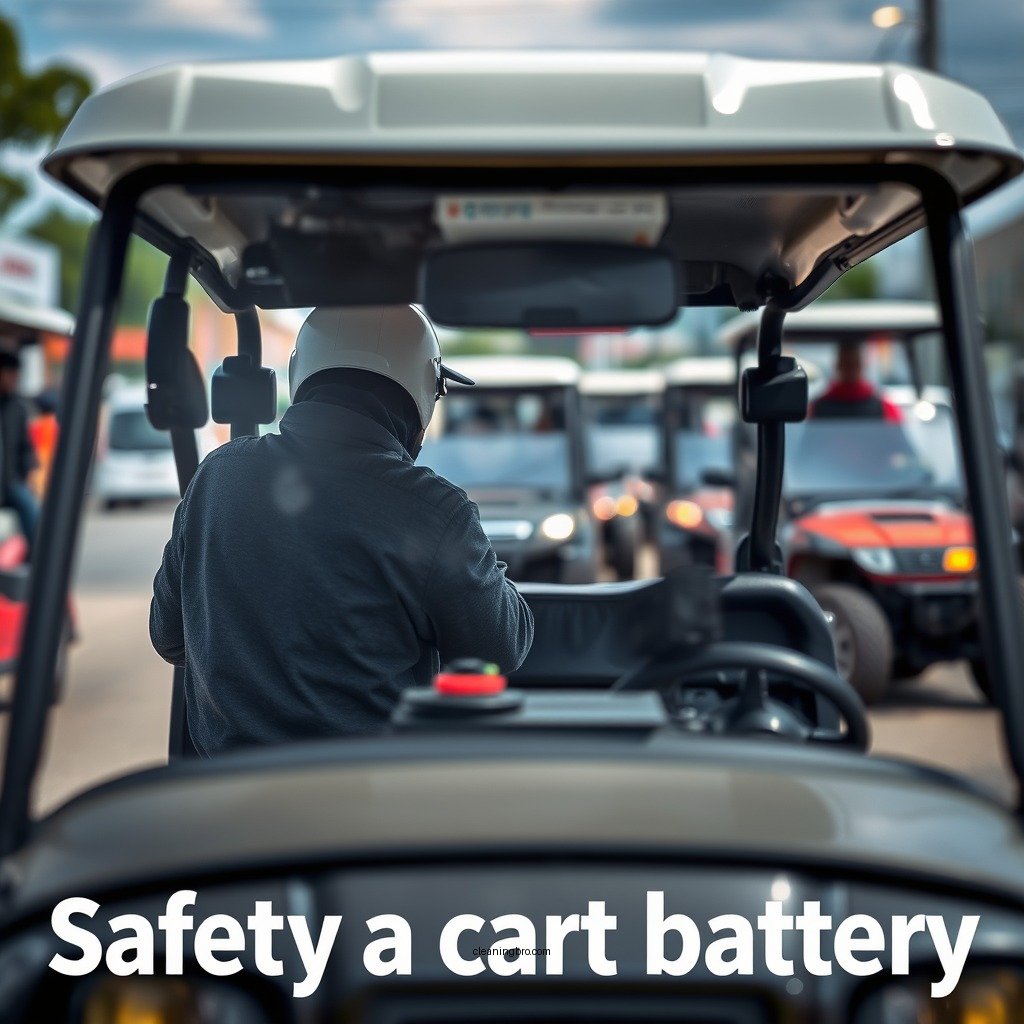
Before you begin the cleaning process, it is crucial to prioritize safety. Here are some essential precautions to consider:
– Always wear protective gear such as gloves and goggles: This will protect your skin and eyes from harmful battery acid or debris that may be present.
– Disconnect the battery from the cart to prevent any electrical hazards: Ensuring the battery is disconnected eliminates the risk of accidental short-circuits or electrical shocks during the cleaning process.
Taking these precautions will help create a safe environment as you clean your cart battery.
Tools and Materials Required
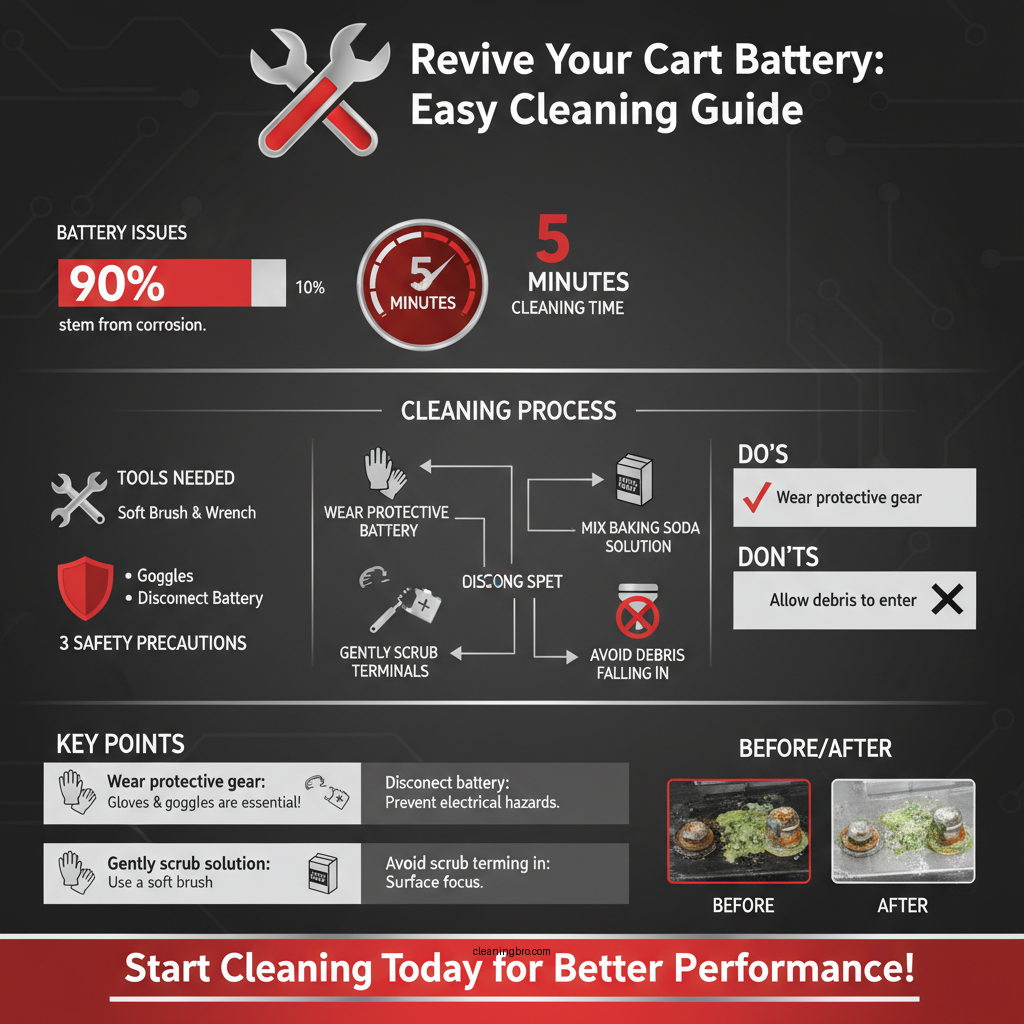
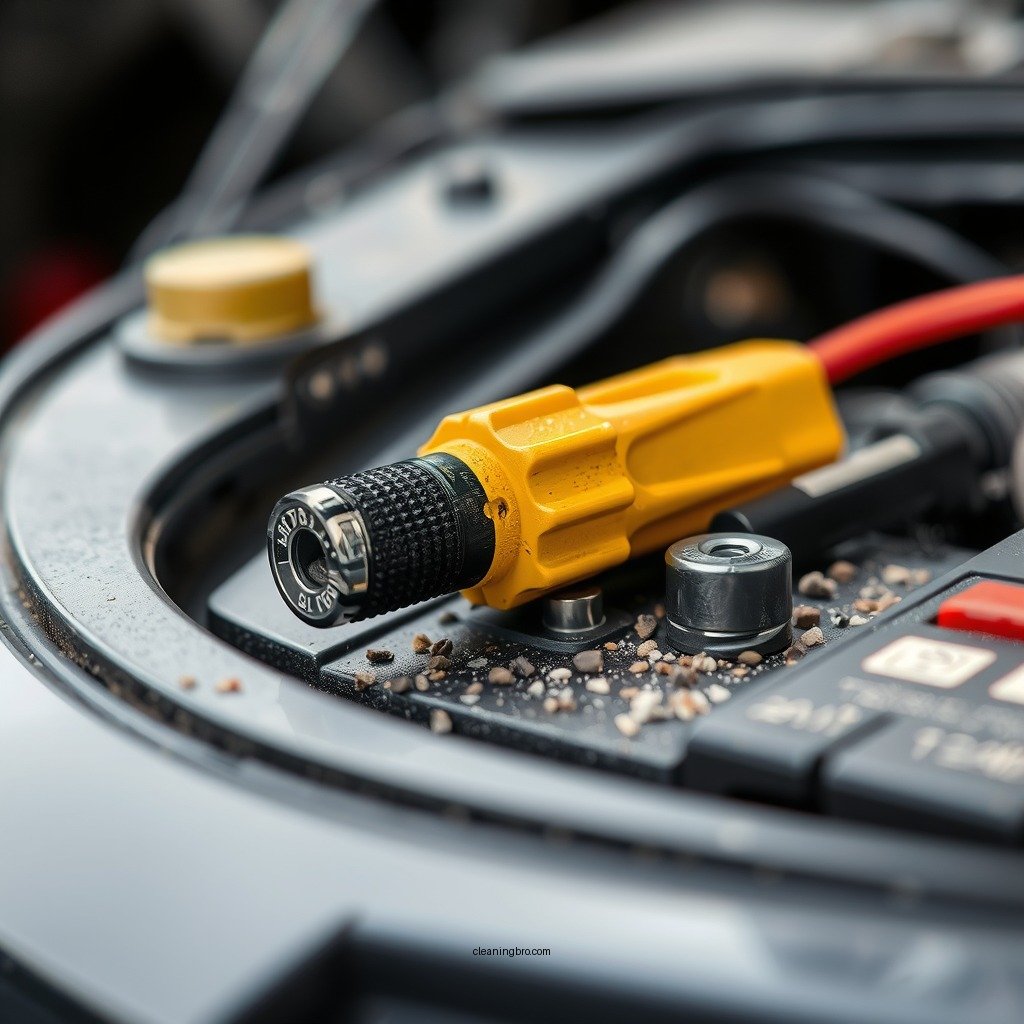
To effectively clean your cart battery, you will need the following tools and materials:
– Baking soda and water solution: This mixture acts as a neutralizer to counteract battery acid.
– Soft brush or cloth: A soft-bristled brush or cloth allows for gentle scrubbing without damaging the terminals or casing.
– Wrench for terminal removal: A proper-sized wrench is necessary to safely disconnect the battery terminals.
Having these tools ready will streamline the cleaning process and ensure thorough cleaning.
Step-by-Step Cleaning Process
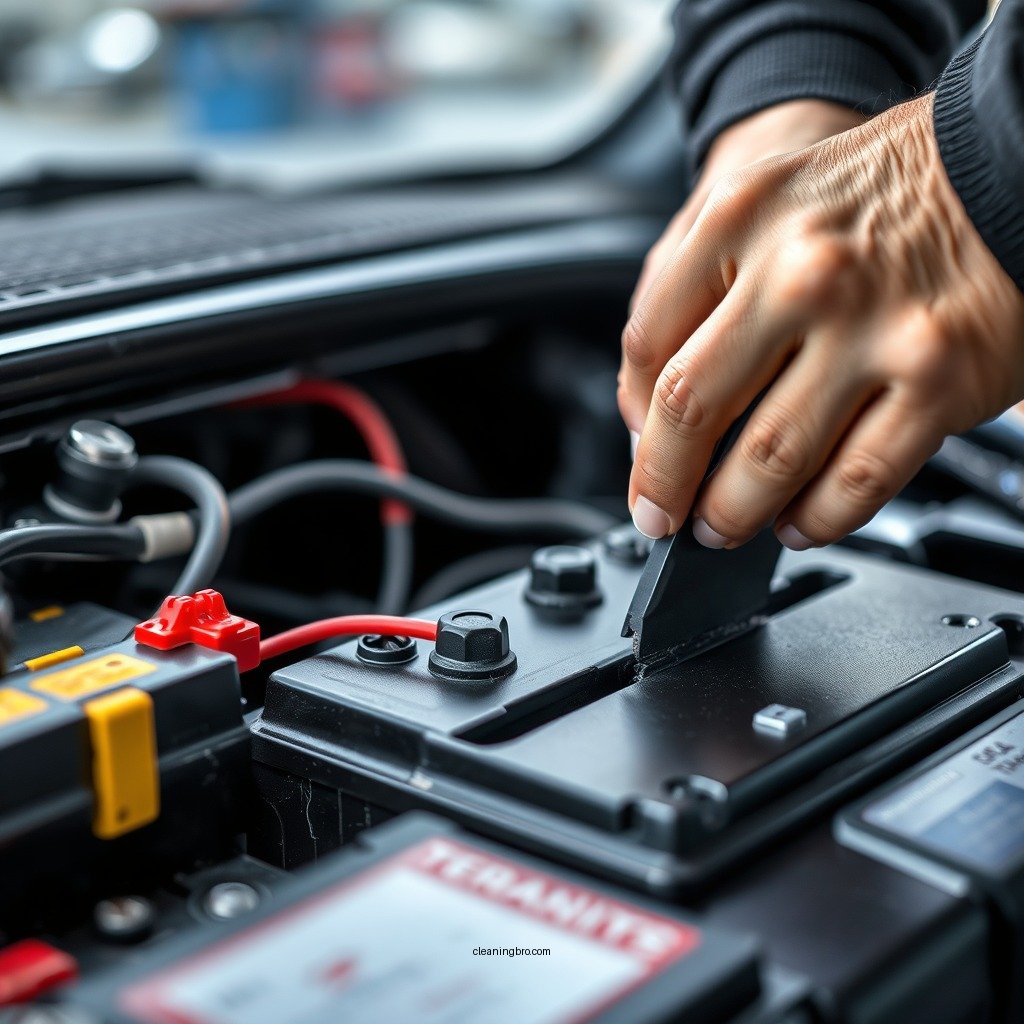
Cleaning your cart battery involves several straightforward steps, which are detailed below:
1. Prepare a baking soda solution to neutralize any acid: Mix one tablespoon of baking soda with a cup of water. This solution will help neutralize any acid buildup on the battery terminals and casing.
2. Use a soft brush or cloth to gently scrub the terminals and battery casing: Dip your brush or cloth into the baking soda solution and scrub the terminals and casing to remove any corrosion and dirt. Be careful not to allow any debris to fall into the battery cells.
Following these steps will help restore your battery’s functionality.
Top 7 Cart Battery Maintenance Products (2024)
| # | Product | Type | Effectiveness |
|---|---|---|---|
| 1 | Battery Terminal Cleaner | Liquid | High |
| 2 | Corrosion Inhibitor Spray | Aerosol | Medium |
| 3 | Multi-Purpose Wipes | Wipes | Low |
| 4 | Battery Cleaner Foam | Foam | High |
| 5 | Acid Neutralizer | Powder | Medium |
| 6 | Terminal Protector | Liquid | High |
| 7 | Cleaning Brush Set | Brushes | Medium |
Cleaning the Battery Terminals
Cleaning the terminals is a critical step in maintaining battery performance. Here’s how to effectively clean them:
1. Remove the terminal connections with a wrench, starting with the negative terminal: Always disconnect the negative terminal first to avoid any risk of short circuits.
2. Clean the terminals with the baking soda solution to remove corrosion: Apply the baking soda solution to the terminals and scrub gently using a soft brush. This will dissolve corrosion and ensure a good connection when reattached.
Ensure that you dry the terminals thoroughly before reconnecting them.
Inspecting for Damage
After cleaning, it’s essential to inspect the battery for any signs of damage. Here are a few key areas to focus on:
– Check for any signs of leaks or swelling on the battery casing: If you notice any leaks, it may indicate a compromised battery that needs replacement.
– Ensure all connections are tight and free from corrosion before reassembling: Loose connections can lead to poor performance or further corrosion. Tighten any loose screws or bolts and clean any remaining residue.
Regular inspections will help you catch potential issues early.
Reassembling the Battery
Once the cleaning and inspection are complete, it’s time to reassemble your battery. Here’s how to do it:
1. Reconnect the terminals, starting with the positive terminal first: This helps avoid short circuits and ensures a safe reconnection.
2. Secure the battery back into the cart, ensuring it is stable: Make sure the battery is properly secured to avoid vibrations that could loosen connections during operation.
Proper reassembly is crucial for ensuring optimal battery performance.
Regular Maintenance Tips
To keep your cart battery functioning well over time, consider these maintenance tips:
– Schedule regular inspections and cleanings every few months: Frequent maintenance can help prevent corrosion and extend the battery’s lifespan.
– Keep the battery area dry and free from debris to avoid corrosion: Moisture and dirt can lead to battery corrosion, so it’s essential to keep the area clean and dry.
Implementing these maintenance practices will help ensure your battery remains in good working condition.
Cleaning your cart battery is a straightforward process that can significantly enhance its performance and lifespan. By following the outlined steps and maintaining regular upkeep, you can ensure your battery remains in good working condition. Remember to prioritize safety and use the right materials for the best results. Regular attention to your battery’s health will not only save you money on replacements but also improve your cart’s overall efficiency.
Frequently Asked Questions
What is the best way to clean a cart battery?
The best way to clean a cart battery is to first disconnect it from the power source. Use a mixture of baking soda and water to create a paste, then apply it to the terminals with a soft brush to neutralize any corrosion. Rinse with clean water and dry thoroughly before reconnecting.
How often should I clean my cart battery?
You should clean your cart battery at least once every three months or more frequently if you notice corrosion or dirt buildup. Regular cleaning helps maintain optimal performance and prolongs the life of the battery by preventing buildup that can lead to poor connections.
Why is it important to clean the terminals of a cart battery?
Cleaning the terminals of a cart battery is crucial because corrosion can create a poor connection, leading to inefficient power transfer and reduced battery performance. Regular maintenance ensures that the battery operates effectively, enhancing its lifespan and reliability.
Which tools and materials do I need to clean a cart battery effectively?
To clean a cart battery effectively, you’ll need a few basic tools and materials: a pair of safety goggles, gloves, a soft brush or toothbrush, baking soda, water, a wrench for terminal removal, and a clean cloth for drying. Having these items on hand will ensure a safe and thorough cleaning process.
How do I safely remove corrosion from a cart battery?
To safely remove corrosion from a cart battery, first, wear safety goggles and gloves to protect yourself. Disconnect the battery cables starting with the negative terminal, then apply a baking soda and water solution to the corroded areas. Scrub gently with a brush, rinse with water, and dry the terminals before reconnecting the cables securely.
References
- https://en.wikipedia.org/wiki/Battery_(electricity
https://en.wikipedia.org/wiki/Battery_(electricity - https://www.britannica.com/science/electric-battery
https://www.britannica.com/science/electric-battery - https://www.sciencedirect.com/topics/engineering/battery-cleaning
https://www.sciencedirect.com/topics/engineering/battery-cleaning - https://www.nyserda.ny.gov/All-Programs/Programs/Commercial-Industrial/Resources/Energy-Efficiency-Resources/Battery-Storage
https://www.nyserda.ny.gov/All-Programs/Programs/Commercial-Industrial/Resources/Energy-Efficiency-Resources/Battery-Storage - https://www.electrical4u.com/battery-cleaning/
https://www.electrical4u.com/battery-cleaning/ - https://www.epa.gov/recycle/lead-battery-recycling
https://www.epa.gov/recycle/lead-battery-recycling - Google Scholar Google Scholar
https://scholar.google.com/scholar?q=cleaning+cart+battery - Google Scholar Google Scholar
https://scholar.google.com/scholar?q=battery+maintenance - Google Scholar Google Scholar
https://scholar.google.com/scholar?q=battery+cleaning+methods - https://www.cdc.gov/niosh/topics/lead/batteries.html
https://www.cdc.gov/niosh/topics/lead/batteries.html