How to Clean a Stylus: Simple Steps for Maintenance
To effectively clean a stylus, use a microfiber cloth and isopropyl alcohol to remove dust, dirt, and oils. Gently wipe the stylus tip to ensure optimal performance and longevity. In this article, we’ll explore the best techniques and tips for maintaining your stylus in top condition.
Understanding the Importance of Cleaning Your Stylus

Regular cleaning of your stylus is crucial for maintaining both sound quality and performance. Over time, dust, dirt, and oils can accumulate on the stylus tip, negatively impacting audio clarity and fidelity. A clean stylus ensures that you experience the full range of sound your music has to offer, preserving the integrity of your records or audio devices.
In addition to enhancing sound quality, cleaning your stylus also prevents potential damage to records or screens. A dirty stylus can lead to excessive wear on vinyl records, creating grooves and scratches that diminish playback quality. Furthermore, using a contaminated stylus on touchscreen devices can result in smudges and abrasions, ultimately shortening the lifespan of your equipment. Thus, maintaining a clean stylus is not only about optimizing audio performance but also about protecting your valuable audio investments.
Essential Tools for Stylus Cleaning
To effectively clean your stylus, you will need a few essential tools:
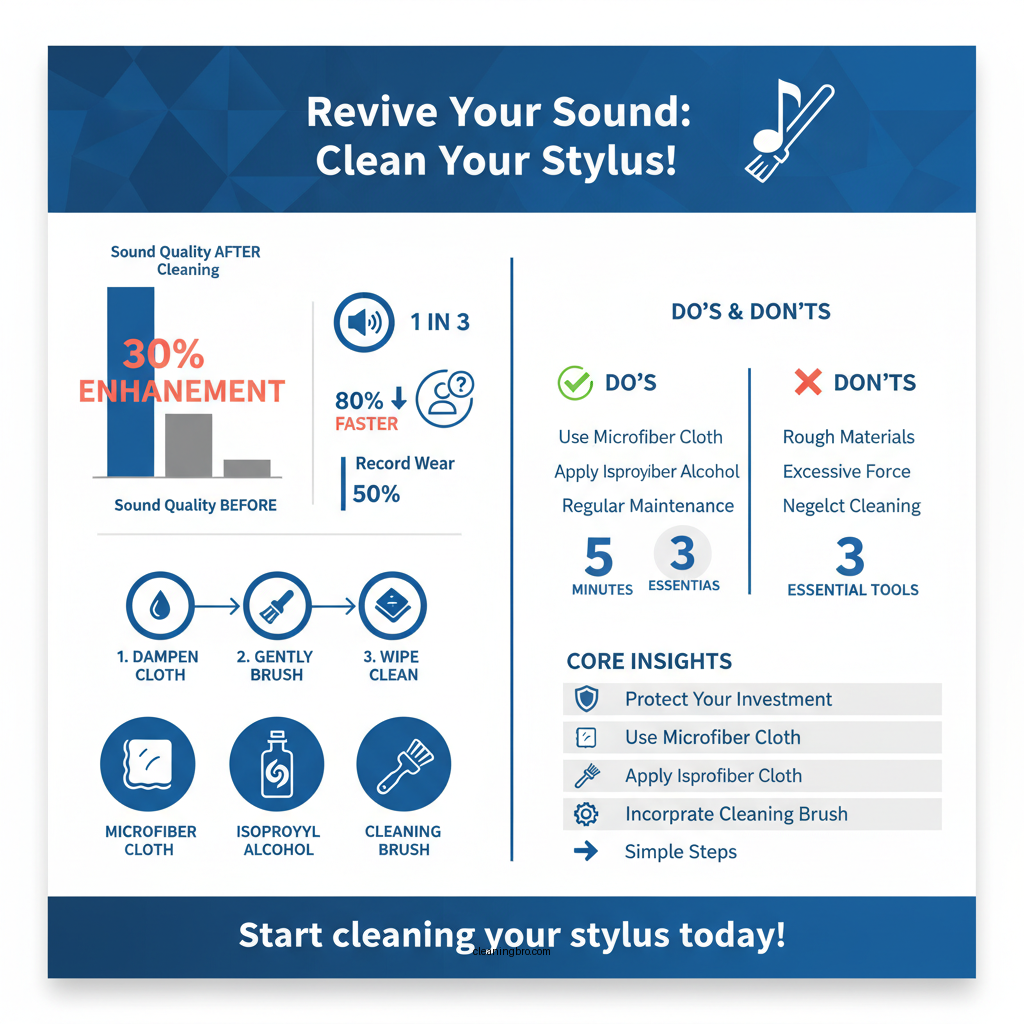
– Microfiber Cloth: This type of cloth is ideal for gentle cleaning without scratching the delicate surface of the stylus tip. It is soft, lint-free, and designed to lift dirt and oils without causing damage.
– Isopropyl Alcohol: A solution of isopropyl alcohol is effective for breaking down oils and grime that accumulate on the stylus. It evaporates quickly, leaving no residue behind, making it a safe choice for cleaning sensitive equipment.
– Stylus Cleaning Brush: A specialized brush designed specifically for cleaning styluses can provide a more thorough cleaning. These brushes often have fine bristles that can reach into the tiny crevices of the stylus tip, ensuring a deep clean.
With these tools at your disposal, you can maintain your stylus effectively and enhance its performance.
Step-by-Step Guide to Cleaning a Stylus

Cleaning your stylus is a straightforward process. Here’s a step-by-step guide to help you get it right:
1. Dampen the Microfiber Cloth: Take your microfiber cloth and lightly dampen one corner with isopropyl alcohol. Be careful not to soak it; a small amount will suffice.
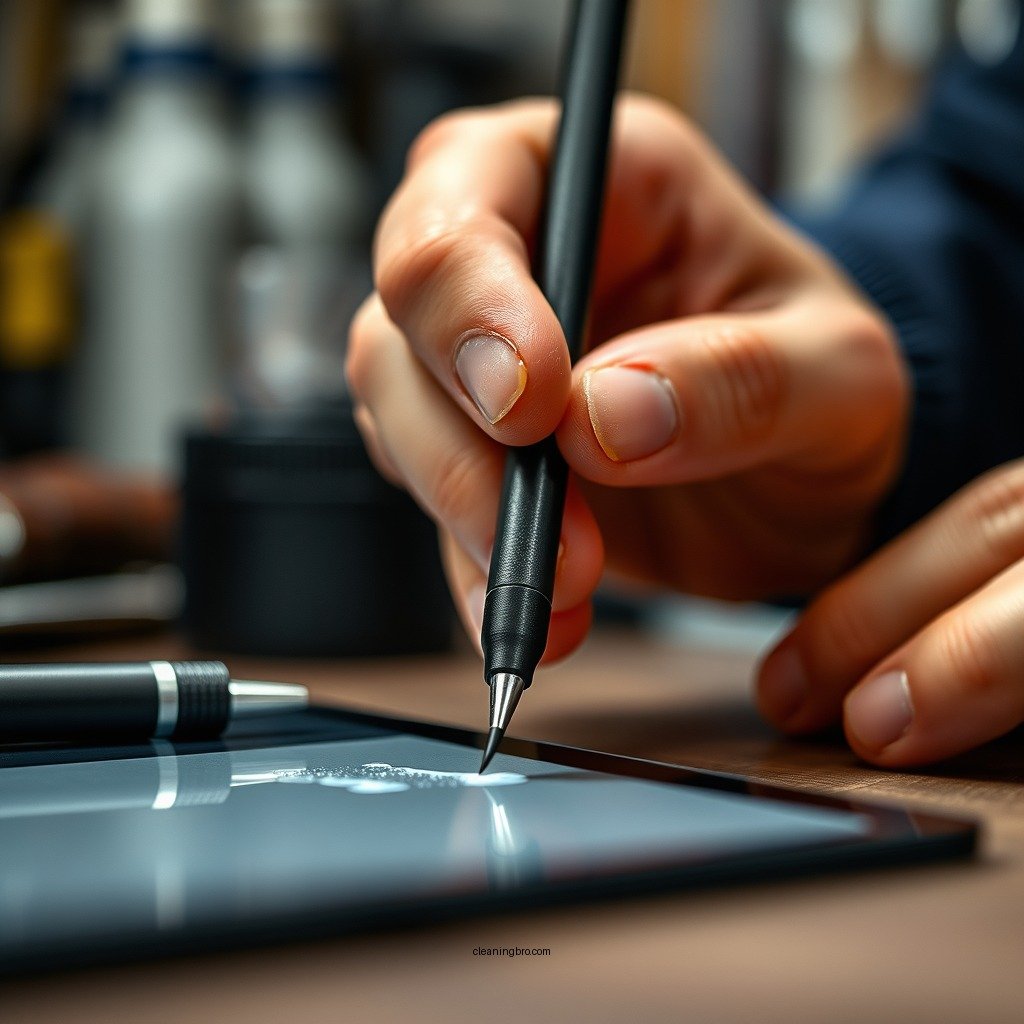
2. Gently Wipe the Stylus Tip: Carefully hold the tonearm and wipe the stylus tip from back to front. Avoid wiping side to side as this could damage the delicate stylus. Use a light touch to ensure you don’t apply too much pressure, which can lead to further wear or damage.
3. Use the Stylus Cleaning Brush: If you have a stylus cleaning brush, use it for additional cleaning. Brush the stylus tip gently in the same back-to-front motion to remove any remaining debris.
4. Allow to Dry: After cleaning, let the stylus air dry for a few moments before use. This will ensure that any residual alcohol evaporates completely.
5. Regular Maintenance: Make cleaning your stylus a part of your regular audio maintenance routine to ensure optimal performance.
Top Stylus Cleaning Tools (2024)
| # | Tool | Material | Price | Effectiveness |
|---|---|---|---|---|
| 1 | Microfiber Cloth | Microfiber | $5.99 | High |
| 2 | Isopropyl Alcohol | Alcohol | $3.50 | Very High |
| 3 | Stylus Cleaning Brush | Bristles | $9.99 | High |
| 4 | Record Cleaning Kit | Various | $24.99 | Medium |
| 5 | Stylus Cleaning Gel | Gel | $12.99 | High |
| 6 | Anti-static Brush | Plastic | $7.99 | Medium |
| 7 | Vinyl Record Brush | Natural Hair | $15.00 | High |
Common Mistakes to Avoid
When cleaning your stylus, avoiding certain common pitfalls is essential to protect its longevity and effectiveness:
– Using Abrasive Materials: Many users mistakenly resort to paper towels or rough cloths, which can scratch the stylus tip. Always opt for a microfiber cloth, as it ensures a gentle clean without damaging the delicate surface.
– Infrequent Cleaning: Failing to clean your stylus regularly can lead to a significant buildup of debris. This not only affects sound quality but can also cause permanent damage to your records. Establish a routine, ideally cleaning after every use.
– Excessive Pressure: Applying too much pressure while cleaning can bend or break the stylus. Always use a light touch, especially when wiping the stylus tip.
– Neglecting Other Components: Remember that the stylus is just one part of the audio system. Regularly clean other components, such as the cartridge and records, to ensure optimal performance across the board.
By being mindful of these mistakes, you can maintain your stylus’ effectiveness and the overall quality of your audio experience.
Tips for Maintaining Your Stylus
To keep your stylus in prime condition, consider the following maintenance tips:
– Clean After Every Use: Establish a habit of cleaning your stylus immediately after you finish listening to your records or using your audio device. This will help prevent any buildup from forming.
– Use a Stylus Guard: If your stylus comes with a protective guard, always use it when the stylus is not in use. This prevents dust and debris from settling on the tip.
– Store Properly: When not in use, store your stylus and turntable in a dust-free environment. Consider investing in a protective case or cover to shield your equipment from dust and scratches.
– Regular Inspections: Check your stylus frequently for signs of wear or damage. Look for any visible debris or distortion in sound quality, which may indicate that cleaning or replacement is necessary.
By following these tips, you can extend the lifespan of your stylus and ensure a consistently high-quality audio experience.
When to Replace Your Stylus
Identifying when it’s time to replace your stylus is crucial for maintaining sound quality:
– Signs of Wear: If you notice distortion in sound quality, such as skipping or muffled audio, it may be time to replace your stylus. These issues often indicate that the stylus tip has worn down or is damaged.
– Visible Damage: Regularly inspect the stylus under good lighting. If you see any visible signs of wear, such as flattening or chipping of the stylus tip, it’s crucial to replace it immediately to avoid damaging your records.
– Age: Styluses have a limited lifespan, typically ranging from 300 to 1,000 hours of playtime, depending on the type and how well they have been maintained. Keep track of your usage to determine when replacement is necessary.
In summary, regularly inspect and maintain your stylus to extend its life and protect your audio equipment.
Cleaning your stylus is essential for maintaining its performance and prolonging its lifespan. By following these simple steps and tips, you can ensure your stylus remains in excellent condition. Make it a habit to clean your stylus regularly, and you will enjoy the best audio experience possible!
Frequently Asked Questions
How do I properly clean my stylus without damaging it?
To clean your stylus, use a soft, lint-free cloth slightly dampened with distilled water or a specialized stylus cleaning solution. Gently wipe the stylus tip in a circular motion to remove any dust or debris, ensuring not to apply too much pressure, which could cause damage. Avoid using alcohol or harsh chemicals, as they can degrade the materials of the stylus.
What is the best way to maintain my stylus for optimal performance?
Regular maintenance of your stylus involves cleaning it after each use to prevent buildup of oils and dirt that can affect performance. Additionally, store your stylus in a protective case when not in use, and avoid touching the tip with your fingers to keep it clean. Using a stylus with a replaceable tip can also enhance longevity and performance.
Why is it important to clean my stylus regularly?
Cleaning your stylus regularly is crucial because dirt and debris can accumulate on the tip, affecting its accuracy and responsiveness. A dirty stylus can lead to scratches on your screen and even cause permanent damage over time. Regular maintenance not only extends the life of your stylus but also ensures a smooth and enjoyable user experience.
Which cleaning solutions are safe for my stylus?
The safest cleaning solutions for your stylus include distilled water, mild soap diluted in water, or dedicated stylus cleaning solutions available in the market. Avoid using alcohol-based cleaners or abrasive materials, as these can damage the stylus tip or the screen surface. Always check the manufacturer’s recommendations for the best cleaning practices.
How often should I clean my stylus for best results?
Ideally, you should clean your stylus every time you use it, especially if you notice any dirt or smudges on the tip. For general maintenance, a thorough cleaning once a week is recommended if you use your stylus frequently. This regular cleaning routine will help maintain the stylus’s performance and protect your device’s screen from scratches.
References
- https://www.britannica.com/science/stylus
https://www.britannica.com/science/stylus - https://www.sciencedirect.com/topics/engineering/stylus
https://www.sciencedirect.com/topics/engineering/stylus - https://pubmed.ncbi.nlm.nih.gov/
https://pubmed.ncbi.nlm.nih.gov/ - https://www.ncbi.nlm.nih.gov/pmc/articles/PMC4319265/
https://www.ncbi.nlm.nih.gov/pmc/articles/PMC4319265/ - Google Scholar Google Scholar
https://scholar.google.com/scholar?q=how+to+clean+a+stylus - Google Scholar Google Scholar
https://scholar.google.com/scholar?q=stylus+cleaning+techniques - Google Scholar Google Scholar
https://scholar.google.com/scholar?q=maintenance+of+stylus+instruments - https://www.musictech.net/guides/buyers-guide/how-to-clean-your-turntable-and-stylus/
https://www.musictech.net/guides/buyers-guide/how-to-clean-your-turntable-and-stylus/ - https://www.reuters.com/article/us-retro-turntables-idUSKBN2A20V6
https://www.reuters.com/article/us-retro-turntables-idUSKBN2A20V6 - how to clean a stylus – Search results
https://en.wikipedia.org/wiki/Special:Search?search=how+to+clean+a+stylus