How to Clean Screen Printing Screens: A Comprehensive Guide
Cleaning screen printing screens is essential for maintaining print quality and prolonging the life of your equipment. In this guide, you’ll learn effective methods and best practices for properly cleaning your screens, ensuring they are ready for your next printing project. With proper care, your screens can deliver vibrant, accurate prints and last significantly longer, saving time and costs in the long run.
Understanding the Importance of Screen Cleaning
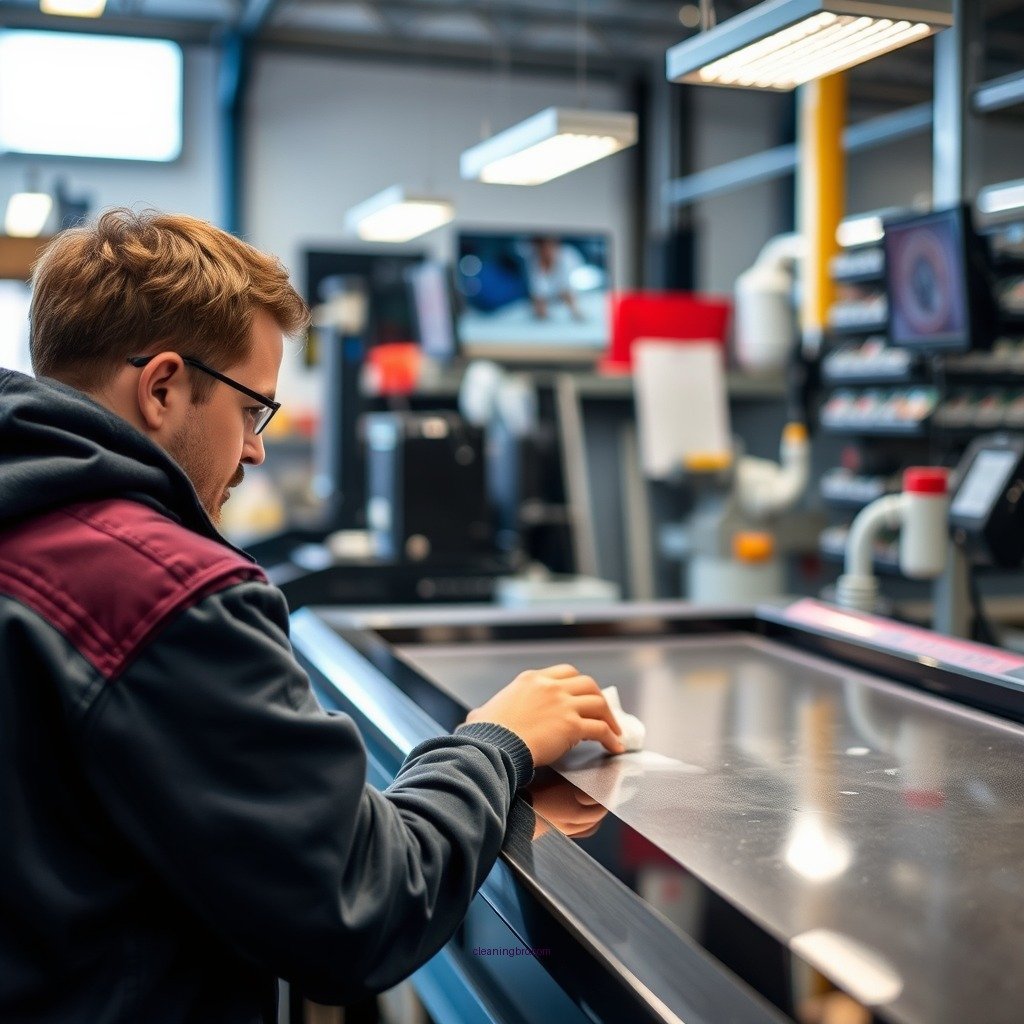
Cleaning your screen printing screens is not merely a maintenance task; it is a critical step in the screen printing process that directly affects the quality of your prints. When screens are not cleaned properly, ink can build up and dry, leading to clogged mesh and inconsistent prints. This buildup compromises the integrity of the screen, potentially leading to damage that may require replacement.
Moreover, clean screens contribute to better print quality and color accuracy. Residual ink from previous jobs can affect how new ink interacts with the mesh, leading to color contamination and dull prints. By ensuring your screens are clean, you not only enhance print fidelity but also reduce the likelihood of reworks and waste, thereby improving your overall efficiency and profitability.
Materials and Tools Needed
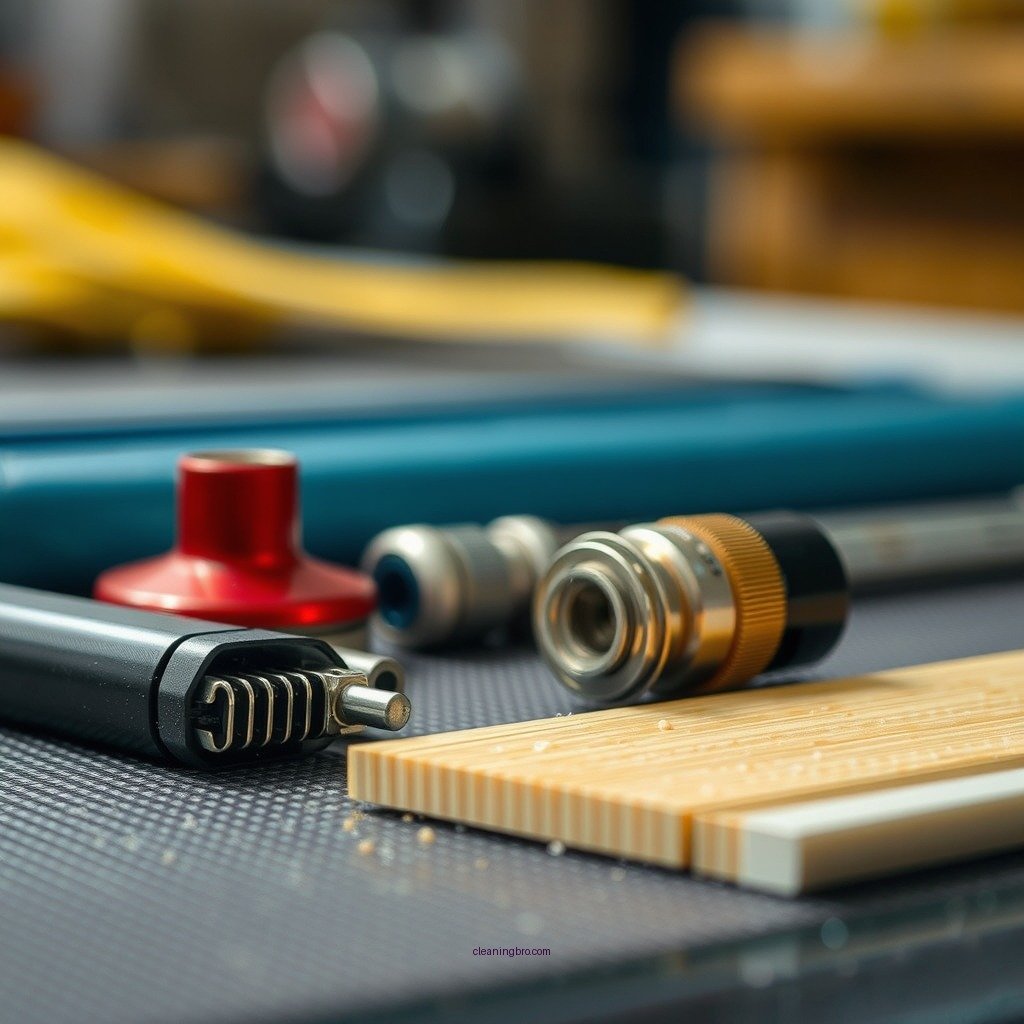
Before you begin the cleaning process, gather the necessary materials and tools to ensure a thorough and efficient cleaning experience:
– Screen cleaning solution or degreaser: Select a high-quality cleaning solution designed specifically for screen printing. These products effectively break down ink and residue without damaging the mesh.
– Soft brushes and sponges for scrubbing: Opt for soft-bristled brushes and sponges that can gently scrub the screen without causing abrasion. Avoid using anything too harsh, as it can tear or damage the mesh.
– High-pressure water source for rinsing: A pressure washer or a high-pressure hose can help remove stubborn ink residues quickly. However, be cautious with the pressure settings to avoid damaging the screen.
– Protective gear: Depending on the cleaning solution used, gloves and goggles may be necessary to protect your skin and eyes from chemical exposure.
Step-by-Step Cleaning Process
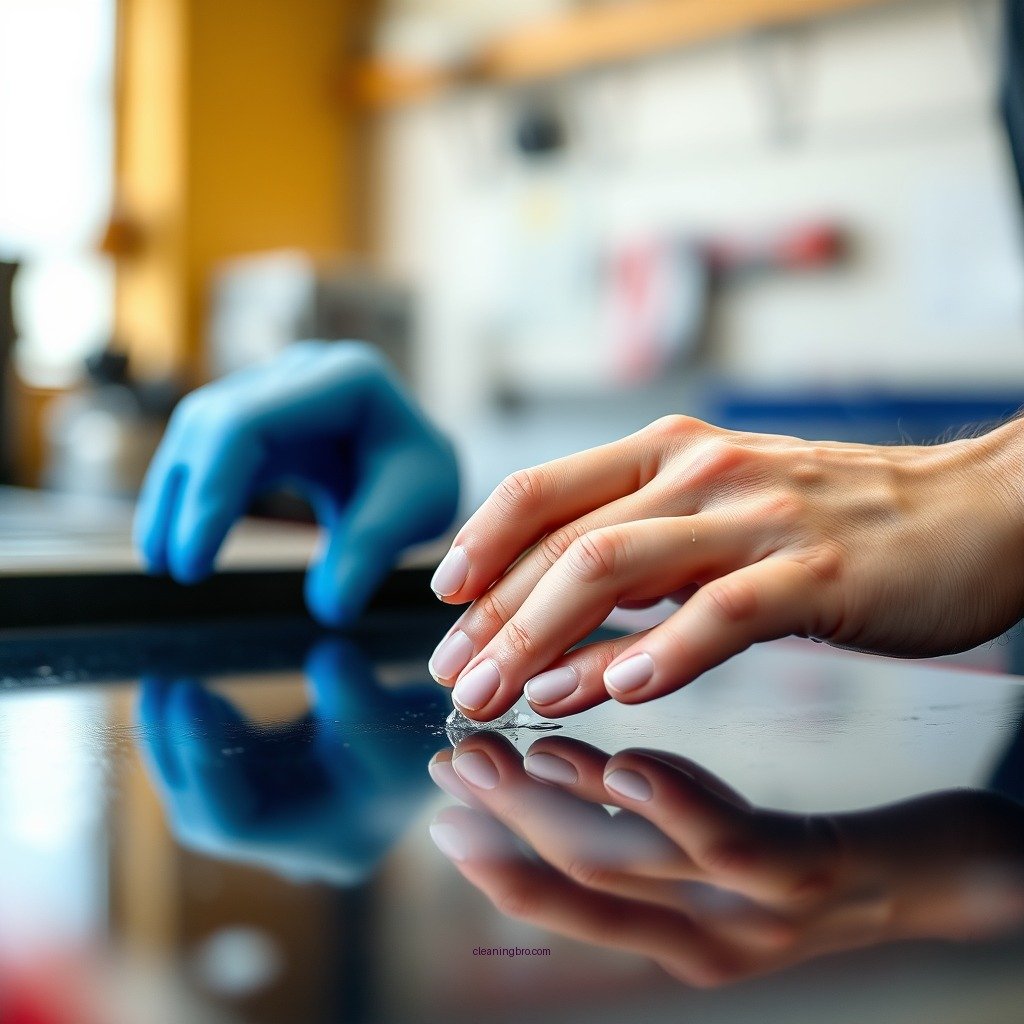
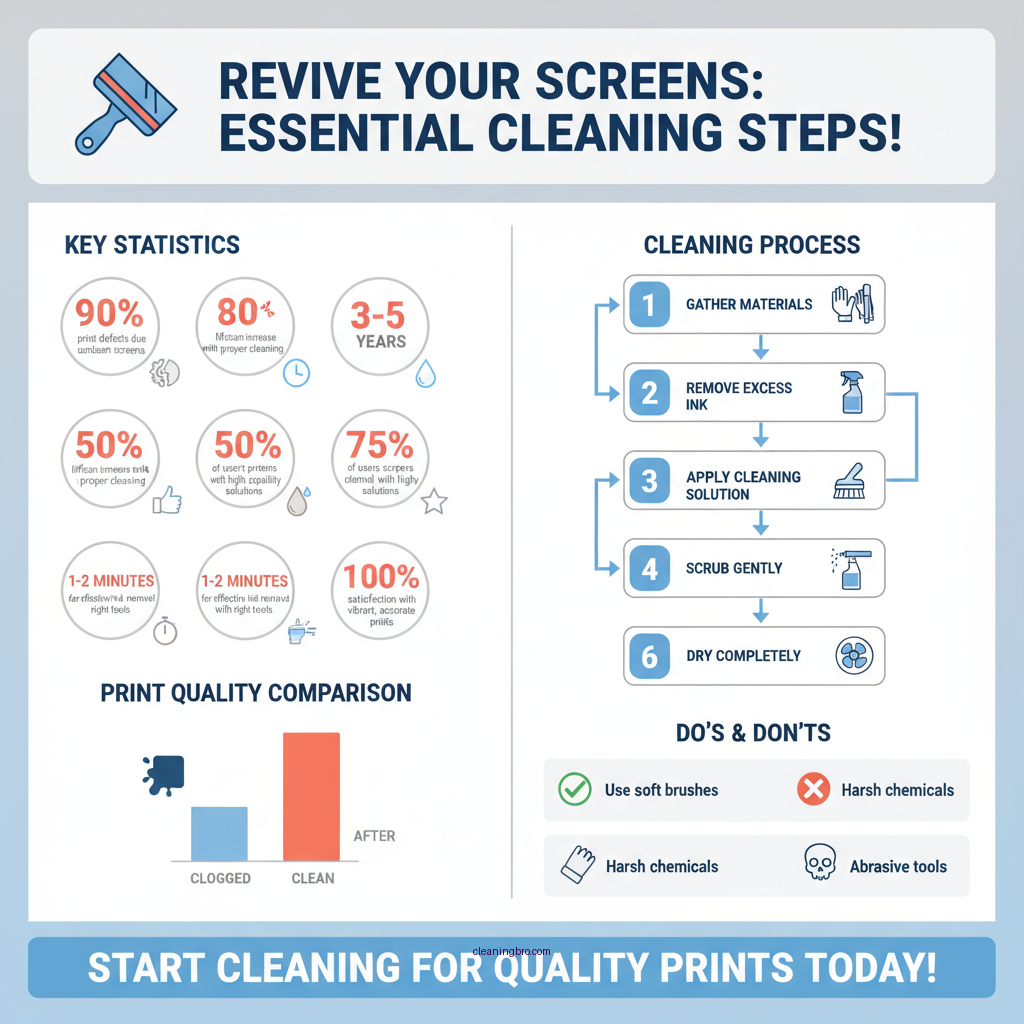
Cleaning your screen printing screens involves a systematic approach to ensure effectiveness. Follow these steps for optimal results:
1. Remove excess ink: Start by using a spatula or scraper to remove as much excess ink as possible from the screen. Work from the top down to prevent ink from running into clean areas.
2. Apply the cleaning solution: Spray or apply the cleaning solution generously over the screen. Allow it to sit for a few minutes to penetrate and dissolve the ink.
3. Scrub the screen gently: Using a soft brush or sponge, gently scrub the screen in a circular motion. Be careful not to apply too much pressure, as this can damage the mesh.
4. Rinse thoroughly: After scrubbing, use a high-pressure water source to rinse the screen thoroughly. Ensure that all cleaning agents and ink residues are washed away.
5. Inspect the screen: After rinsing, inspect the screen for any remaining ink spots. If necessary, repeat the cleaning process on stubborn areas.
Dealing with Stubborn Inks
Sometimes, ink residues can be particularly stubborn, especially if left on the screen for an extended period. In such cases, consider the following strategies:
– Use a specially formulated ink remover: For tough stains, invest in a high-quality ink remover designed for screen printing. These products are formulated to break down dried ink effectively.
– Let the remover sit: After applying the ink remover, allow it to sit for a few minutes to penetrate the ink. This will make the scrubbing process easier and more effective.
– Scrub with care: When scrubbing stubborn areas, use a softer brush to avoid damaging the mesh. Repeat the process if necessary until the ink is fully removed.
Drying and Storing Screens
Proper drying and storage of your screens are crucial to prevent mold and mildew growth. Here’s how to effectively dry and store your screens:
1. Rinse thoroughly: Ensure all cleaning agents and residues are completely rinsed off the screen. Any leftover cleaning agents can affect the quality of future prints.
2. Dry screens completely: Use a clean, lint-free cloth to pat the screen dry. If possible, air dry the screens in a well-ventilated area. Avoid stacking wet screens, as this can lead to moisture retention and potential damage.
3. Store screens appropriately: Once dry, store the screens in a cool, dry place away from direct sunlight and extreme temperatures. Consider placing them in a protective cover or stacking them vertically to minimize space.
Tips for Maintaining Clean Screens
To prolong the life of your screens and streamline the cleaning process, consider implementing the following tips:
– Clean screens immediately after use: Cleaning your screens right after printing prevents ink from drying and makes the cleaning process much easier.
– Use dedicated screens for specific inks: If possible, designate specific screens for certain inks (e.g., water-based vs. plastisol). This minimizes the need for extensive cleaning and helps maintain print quality.
– Regular inspections: Periodically inspect your screens for any signs of wear or damage. Early detection can save you from more extensive repairs later.
Common Mistakes to Avoid
While cleaning screens might seem straightforward, several common mistakes can hinder the process and lead to damage:
– Using abrasive materials: Avoid scrubbing pads or brushes that are too harsh, as they can tear or wear down the mesh. Stick to soft brushes and sponges designed for screen cleaning.
– Skipping rinsing: Always rinse your screens thoroughly after cleaning. Leftover cleaning agents can compromise the quality of future prints, leading to unwanted contamination.
– Neglecting to check for damage: Before cleaning, take a moment to inspect your screens for any tears or damages. Cleaning a damaged screen can exacerbate the problem.
Top Ink Removers for Screen Cleaning (2024)
| # | Product | Effectiveness | Eco-Friendly | Price |
|---|---|---|---|---|
| 1 | Speedball Screen Printing Ink Remover | Highly Effective | Yes | $12.99 |
| 2 | Easiway Ink Remover | Moderately Effective | Yes | $15.50 |
| 3 | GEM Ink Remover | Effective | Yes | $10.75 |
| 4 | Sgreen Ink Remover | Highly Effective | Yes | $14.99 |
| 5 | CPS Screen Printing Cleaner | Moderately Effective | Yes | $11.50 |
| 6 | Kreul Screen Cleaner | Effective | Yes | $9.99 |
| 7 | Screen Clean 8000 | Highly Effective | Yes | $16.99 |
Top Screen Cleaning Solutions: Full Comparison
| Feature | ⭐ Speedball Ink Remover | Sgreen Ink Remover | Easiway Ink Remover |
|---|---|---|---|
| Price | $12.99 | $14.99 | $15.50 |
| Effectiveness | ✅ Highly Effective | ✅ Highly Effective | ❌ Moderately Effective |
| Eco-Friendly | Yes | Yes | Yes |
| Fast Acting | ✅ Quick | ✅ Quick | ❌ Slower |
| Safety | Safe | Safe | Caution |
| Versatility | Multiple Inks | Multiple Inks | Limited Types |
| Availability | Widely Available | Available Online | Limited Retailers |
| Customer Ratings | ★★★★★ | ★★★★☆ | ★★★☆☆ |
| Free Trial | ✅ Available | ✅ Available | ❌ Not Available |
| 🏆 Best For | Versatile users & efficiency | Eco-conscious users | Budget-minded users |
Maintaining clean screen printing screens is vital for achieving high-quality results and extending the life of your equipment. By following the outlined steps and tips, you can ensure that your screens are always ready for your next project. Make screen cleaning a regular part of your printing routine to enjoy consistently vibrant and precise prints. By investing time in proper screen cleaning, you can enhance your print quality, minimize waste, and ultimately improve your profitability.
Frequently Asked Questions
How do I properly clean screen printing screens after use?
To properly clean screen printing screens, first remove excess ink using a spatula or squeegee. Then, spray the screen with a specialized screen cleaner or a mixture of water and mild detergent. Gently scrub the screen with a soft brush or cloth, focusing on the mesh and any stubborn ink spots, then rinse thoroughly with water to remove all cleaning agents.
What is the best method for removing emulsion from screen printing screens?
The best method for removing emulsion from screen printing screens involves using an emulsion remover, which is a chemical solution specifically designed to break down emulsion. Apply the remover to both sides of the screen, let it sit for a few minutes, and then scrub gently with a brush. Rinse with water to ensure all emulsion is eliminated, preparing the screen for reuse.
Why is it important to clean screen printing screens immediately after use?
Cleaning screen printing screens immediately after use is crucial to prevent ink and emulsion from drying and hardening on the mesh. Dried ink can clog the mesh, affecting the quality of future prints, while hardened emulsion can make screens unusable. Timely cleaning not only preserves the integrity of the screens but also extends their lifespan, saving you money in the long run.
Which cleaning solutions are safe for screen printing screens?
Safe cleaning solutions for screen printing screens include water-based screen cleaners, biodegradable detergents, and emulsion removers specifically formulated for screen printing. Avoid using harsh solvents like acetone or bleach, as they can damage the mesh and frame. Always check the product labels to ensure they are compatible with your screens.
How can I prevent ink buildup on my screen printing screens?
To prevent ink buildup on screen printing screens, always clean the screens promptly after each printing session and use a screen opener to keep the mesh clear during longer runs. Additionally, maintain proper ink consistency and avoid overloading the screen with ink, as this can lead to excessive buildup. Regular maintenance and proper cleaning techniques will help ensure optimum screen performance.
References
- Screen printing
https://en.wikipedia.org/wiki/Screen_printing - Rochester Institute of Technology | RIT
https://www.rit.edu/ - https://www.uwm.edu/
https://www.uwm.edu/ - https://www.ncbi.nlm.nih.gov/pmc/articles/PMC6813803/
https://www.ncbi.nlm.nih.gov/pmc/articles/PMC6813803/ - Google Scholar Google Scholar
https://scholar.google.com/scholar?q=how+to+clean+screen+printing+screens - Google Scholar Google Scholar
https://scholar.google.com/scholar?q=screen+printing+screen+cleaning+techniques - The University of Texas at Austin
https://www.utexas.edu/ - https://www.sciencedirect.com/topics/engineering/screen-printing
https://www.sciencedirect.com/topics/engineering/screen-printing - Latest news, sport and opinion from the Guardian
https://www.theguardian.com/ - https://www.ncbi.nlm.nih.gov/pmc/articles/PMC6679713/
https://www.ncbi.nlm.nih.gov/pmc/articles/PMC6679713/