How to Clean the Sticky Side of a Screen Protector
Cleaning the sticky side of a screen protector is crucial for maintaining the clarity and functionality of your device’s display. Over time, the sticky side can accumulate dust, fingerprints, and oils that can interfere with the touch sensitivity and clarity of your screen. With a few simple household items, such as tape and a microfiber cloth, you can effectively restore the adhesive side of your screen protector. In this article, we will guide you through the step-by-step process to ensure your screen protector remains in top condition.
Understanding the Sticky Side of Screen Protectors
The sticky side of a screen protector is specifically designed to adhere to your device’s display, providing a shield against scratches and impact. However, this adhesive surface can attract dust, lint, and natural oils from your fingers, which can lead to a compromised viewing experience. If not cleaned regularly, these contaminants can cause the protector to lose its stickiness, leading to air bubbles and incomplete adhesion.
Items You’ll Need
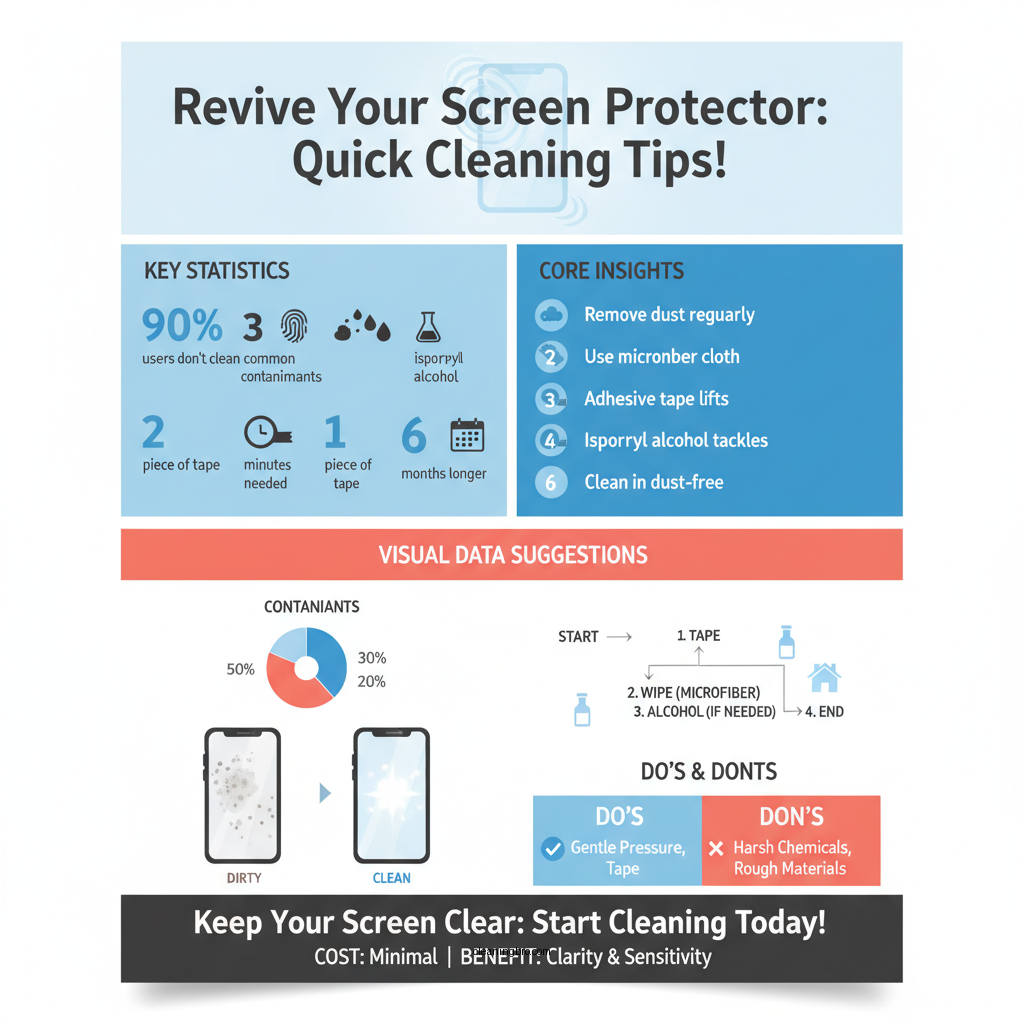
To clean the sticky side of your screen protector effectively, gather the following items:
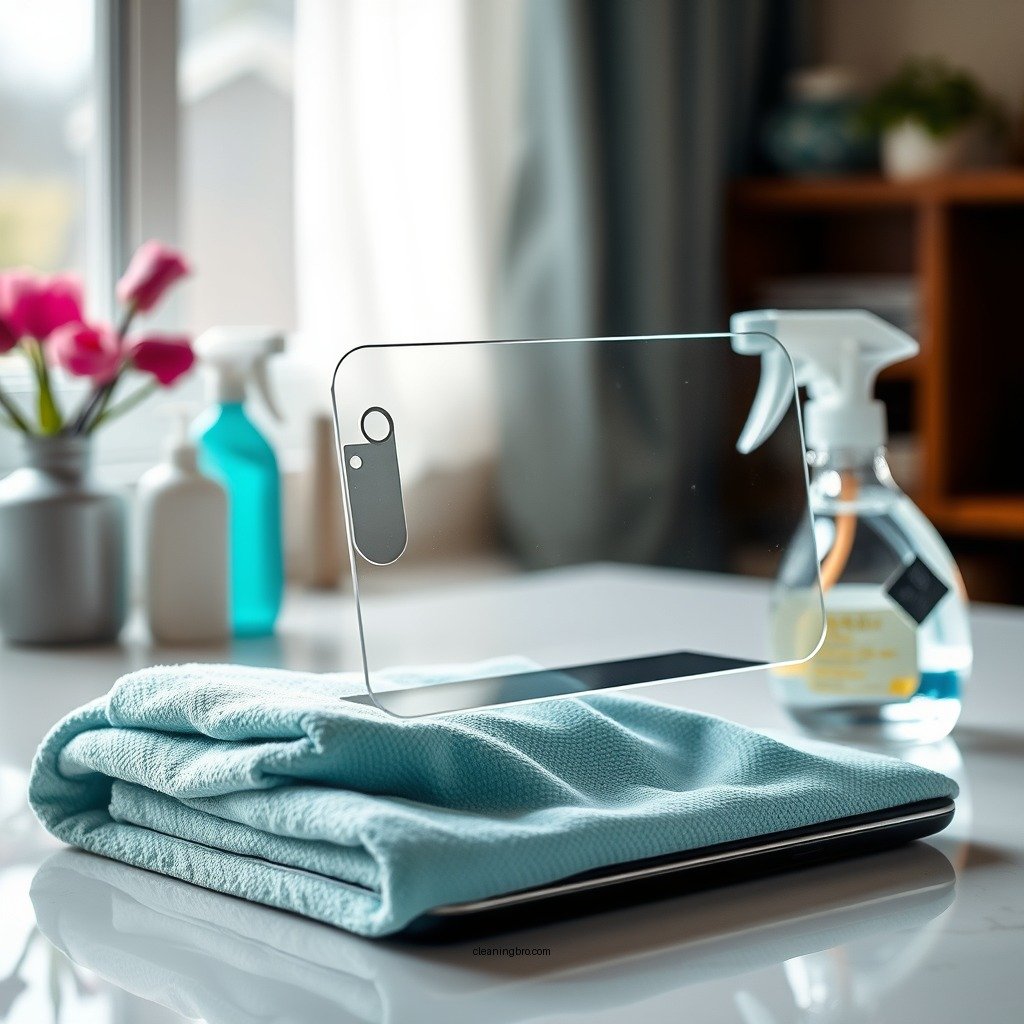
– Microfiber Cloth: This soft, non-abrasive cloth is ideal for gently cleaning surfaces without scratching. It is essential for wiping away dust and grime without leaving lint behind.
– Adhesive Tape: A piece of adhesive tape, such as painter’s tape or masking tape, can be used to lift off dust and debris from the sticky side without damaging the adhesive.
– Isopropyl Alcohol: If you encounter stubborn residues or sticky spots that tape cannot remove, a small amount of isopropyl alcohol can be used for deeper cleaning. Make sure to use a concentration of 70% or higher for best results.
Step-by-Step Cleaning Process
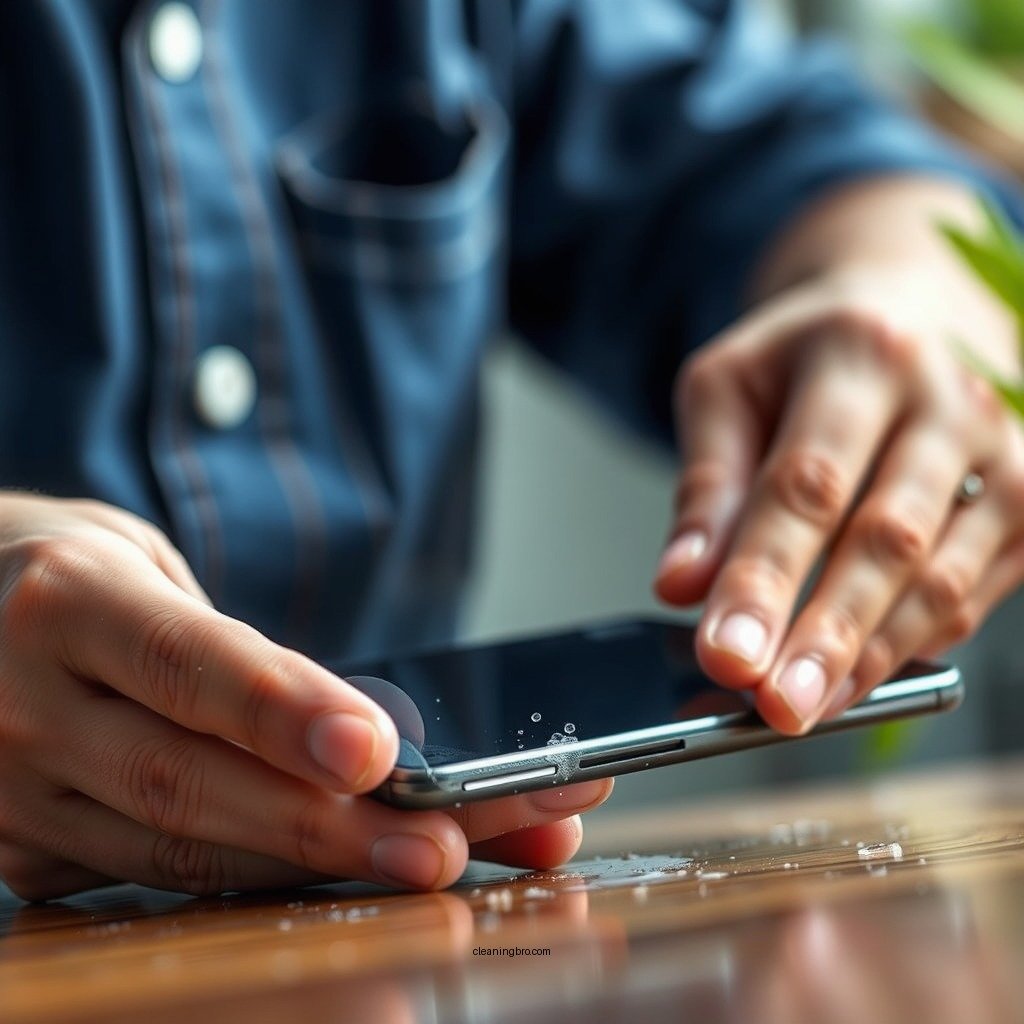
To clean the sticky side of your screen protector, follow these steps:
– Step 1: Carefully remove the screen protector from your device. It’s advisable to do this in a dust-free environment to minimize the risk of further contamination.
– Step 2: Take a piece of adhesive tape and dab it gently onto the sticky side of the screen protector. This method will lift away any dust particles or debris. Make sure to use a light touch to avoid tearing the protector.
– Step 3: After using the tape, inspect the sticky side for any remaining dust or smudges. If necessary, repeat the dabbing process with a fresh piece of tape until the surface appears clean.
– Step 4: If you still find residues or sticky spots, lightly dampen a microfiber cloth with isopropyl alcohol. Gently wipe the sticky side, making sure not to saturate it. Allow it to air dry completely before reapplying it to your device.
Dealing with Residue
Sometimes, after using tape, you may find that a sticky residue remains. This can happen if the screen protector has been in use for an extended period. To address this, follow these steps:
– Lightly dampen your microfiber cloth with isopropyl alcohol, ensuring that it is not dripping wet.
– Gently wipe the sticky side of the screen protector, focusing on areas with visible residue.
– After cleaning, allow the sticky side to air dry completely. This is crucial because any remaining moisture can cause bubbles when reapplying the protector.
Reapplying the Screen Protector
After ensuring that the sticky side is clean and dry, it’s time to reapply the screen protector:
– Step 1: Align the screen protector carefully with your device’s display. Take your time with this step to avoid misalignment, which can lead to bubbles.
– Step 2: Once aligned, gently press down on the center of the screen protector. This will help it adhere smoothly to the display.
– Step 3: Use a credit card or another flat surface to push out any air bubbles that may form. Start from the center and move outward to the edges.
– Step 4: After reapplying, ensure that the edges are firmly attached and that no dust or debris has gotten underneath.
Tips for Preventing Future Stickiness
To maintain the cleanliness of your screen protector’s sticky side and prevent future stickiness, consider the following tips:
– Store Your Device Properly: When not in use, store your device in a dust-free environment. Consider using a case that provides additional protection against dust and debris.
– Regular Cleaning Routine: Establish a routine for cleaning your screen protector. Depending on usage, a quick clean every few weeks can prevent buildup.
– Avoid Touching the Sticky Side: When handling the screen protector, try to avoid touching the sticky side with your fingers. This minimizes the transfer of oils and dirt.
– Use a Screen Cleaning Kit: Invest in a quality screen cleaning kit that includes a microfiber cloth and cleaning solution. This can help maintain both the display and the screen protector.
Top 7 Screen Protector Brands by Adhesive Quality (2024)
| # | Brand | Adhesive Quality | Durability | Customer Rating |
|---|---|---|---|---|
| 1 | ZAGG InvisibleShield | Excellent | High | ★★★★☆ |
| 2 | Tech Armor | Good | Medium | ★★★★☆ |
| 3 | Spigen | Very Good | High | ★★★★★ |
| 4 | OtterBox | Good | Very High | ★★★★☆ |
| 5 | amFilm | Excellent | High | ★★★★★ |
| 6 | BodyGuardz | Very Good | Medium | ★★★★☆ |
| 7 | Tech21 | Good | Medium | ★★★☆☆ |
Screen Protector Comparison: ZAGG vs Tech Armor vs Spigen
| Feature | ⭐ ZAGG InvisibleShield | Tech Armor | Spigen |
|---|---|---|---|
| Price | $39.99 | $24.99 | $19.99 |
| Material | Tempered Glass | PET Film | Tempered Glass |
| Scratch Resistance | ✅ Excellent | ✅ Good | ✅ Excellent |
| Bubble-free Installation | ✅ Yes | ✅ Yes | ✅ Yes |
| Installation Kit Included | ✅ Yes | ✅ Yes | ✅ Yes |
| Warranty | Lifetime | Limited Lifetime | Lifetime |
| Fingerprint Resistance | Yes | No | Yes |
| Full Coverage | ✅ Yes | ❌ No | ✅ Yes |
| UV Protection | Yes | No | Yes |
| 🏆 Best For | Premium protection enthusiasts | Budget-conscious users | All-around protection seekers |
The process of cleaning the sticky side of a screen protector is straightforward and can significantly enhance the usability of your device. By following these steps, you can keep your screen protector in optimal condition and ensure a clear, functional display. Remember to clean it regularly to maintain its effectiveness and longevity. A well-maintained screen protector not only enhances your viewing experience but also contributes to the overall durability of your device.
Frequently Asked Questions
How do I remove sticky residue from the back of my screen protector?
To remove sticky residue from the back of your screen protector, start by using a small amount of rubbing alcohol on a microfiber cloth. Gently rub the sticky area until the residue lifts, ensuring not to apply too much pressure to avoid damaging the protector. After cleaning, wipe the area with a dry part of the cloth to remove any excess moisture.
What is the best method to clean the adhesive side of a screen protector?
The best method to clean the adhesive side of a screen protector is to use a combination of adhesive remover and a soft cloth. Apply a few drops of adhesive remover to the cloth and gently dab the sticky area, avoiding direct contact with the screen protector’s surface. This helps to dissolve the residue without scratching the protector.
Why does my screen protector become sticky over time?
A screen protector can become sticky over time due to the breakdown of the adhesive used to bond it to your device, often caused by exposure to heat, moisture, or oils from your fingers. Additionally, dust and debris can accumulate, contributing to the sticky feel. Regular cleaning and proper care can help prolong the life of your screen protector.
Which cleaning products should I avoid when cleaning my screen protector?
When cleaning your screen protector, avoid using ammonia-based cleaners, paper towels, or any abrasive materials, as these can damage the surface and the adhesive. It’s best to stick with mild soap and water or specialized screen cleaner solutions that are safe for use on electronic devices.
How can I prevent my screen protector from getting sticky in the future?
To prevent your screen protector from getting sticky in the future, keep your device in a clean environment and regularly clean both the screen and the protector to remove oils and debris. Additionally, avoid exposing your device to excessive heat or humidity, which can degrade the adhesive quality over time.
References
- https://www.lifewire.com/how-to-clean-your-screen-protector-4777714
https://www.lifewire.com/how-to-clean-your-screen-protector-4777714 - Google Scholar Google Scholar
https://scholar.google.com/scholar?q=cleaning+screen+protector - Google Scholar Google Scholar
https://scholar.google.com/scholar?q=how+to+clean+sticky+screen+protector - Google Scholar Google Scholar
https://scholar.google.com/scholar?q=screen+protector+cleaning+methods - https://www.nytimes.com/2020/03/12/style/how-to-clean-your-phone.html
https://www.nytimes.com/2020/03/12/style/how-to-clean-your-phone.html - https://www.bbc.com/future/article/20200311-how-to-clean-your-phone-and-keep-it-germ-free
https://www.bbc.com/future/article/20200311-how-to-clean-your-phone-and-keep-it-germ-free - Google Scholar Google Scholar
https://scholar.google.com/scholar?q=how+to+clean+the+sticky+side+of+a+screen+protector - how to clean the sticky side of a screen protector – Search results
https://en.wikipedia.org/wiki/Special:Search?search=how+to+clean+the+sticky+side+of+a+screen+protector - https://www.ncbi.nlm.nih.gov/search/research-articles/?term=how+to+clean+the+sticky+side+of+a+screen+protector
https://www.ncbi.nlm.nih.gov/search/research-articles/?term=how+to+clean+the+sticky+side+of+a+screen+protector