How to Clean Your Desk Pad: Effective Steps
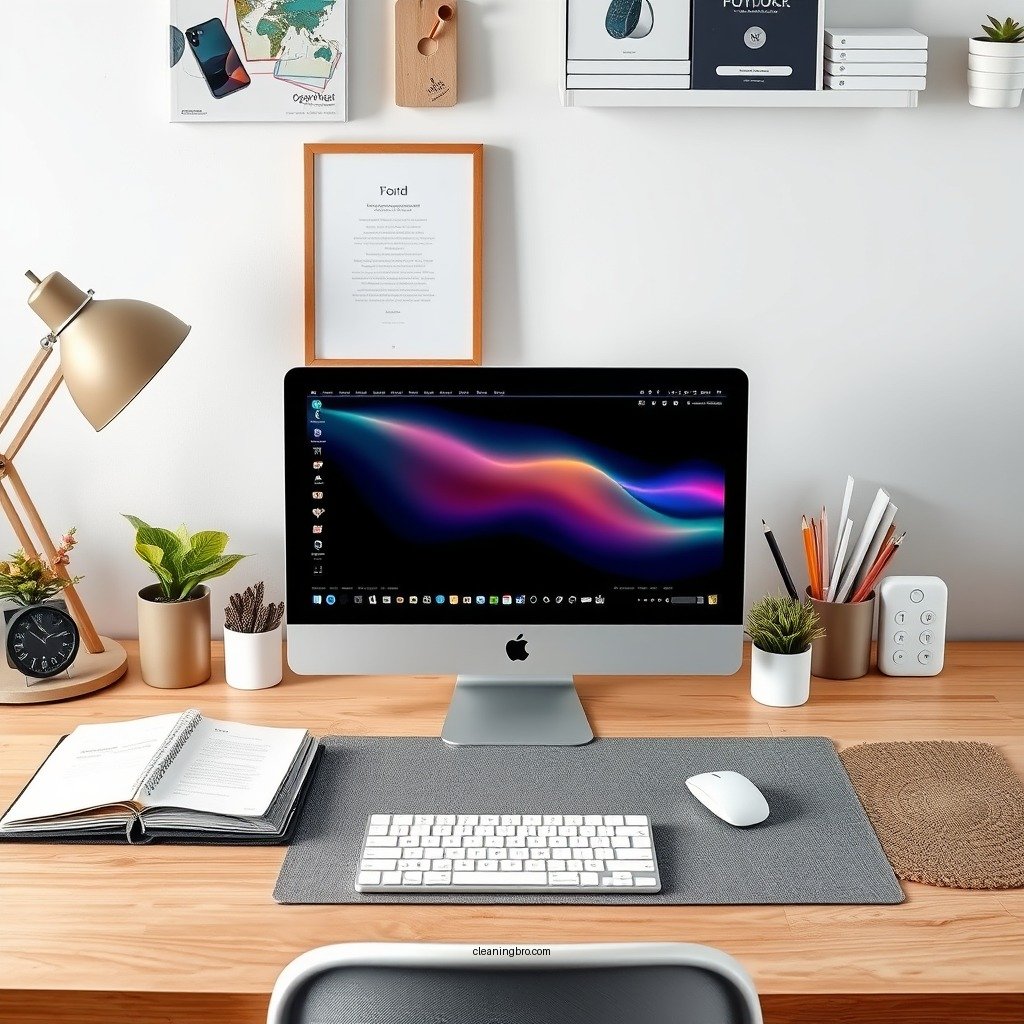
Cleaning your desk pad is a straightforward process that can help maintain a tidy workspace and prolong the life of your pad. By following a few simple steps, you can remove dirt, stains, and allergens, ensuring a more productive environment. This guide will walk you through the necessary techniques to keep your desk pad in top condition.
Understanding Your Desk Pad Material

The first step to effectively cleaning your desk pad is understanding the material it is made from. Desk pads come in a variety of materials, including leather, fabric, and plastic, each requiring a different cleaning approach.
– Leather: This material is often prized for its durability and classic appearance. However, it can be sensitive to harsh chemicals and excessive moisture. Always use a specialized leather cleaner and conditioner to maintain its suppleness and shine.
– Fabric: Fabric desk pads are typically more absorbent and can trap dirt and spills. Regular vacuuming and spot cleaning with mild detergent and warm water are effective methods for maintaining these pads.
– Plastic: Plastic desk pads are the easiest to clean, as they can often be wiped down with a damp cloth or disinfectant without fear of damage.
Always check the manufacturer’s care instructions before cleaning to avoid causing any damage to your desk pad.
Basic Cleaning Supplies You’ll Need
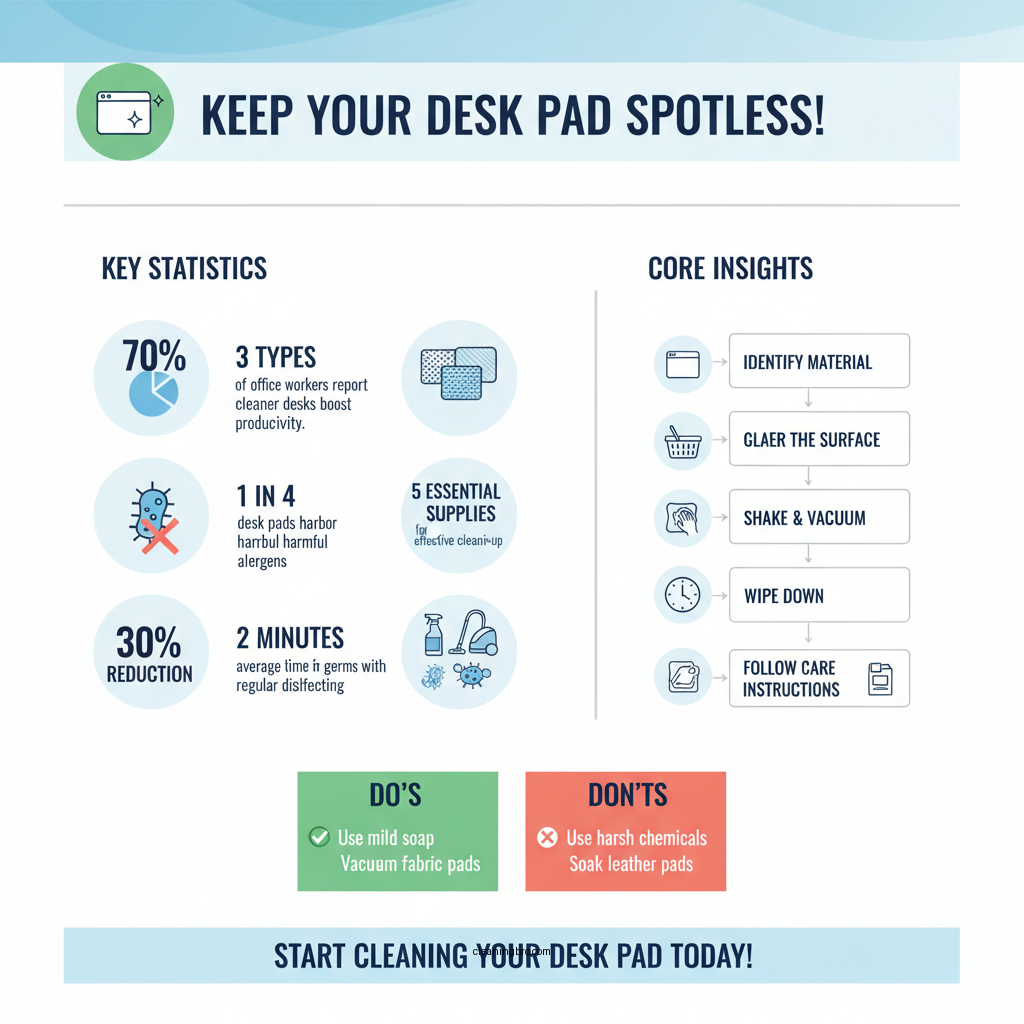

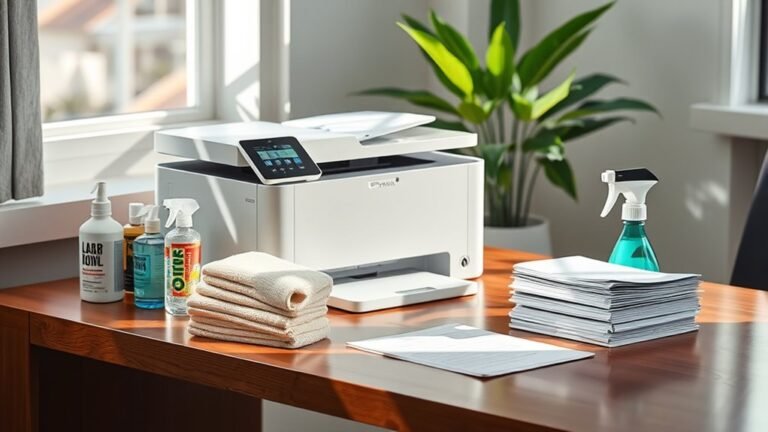
To effectively clean your desk pad, it is essential to gather a few basic supplies. Here’s a list of what you might need:
– Mild soap: A gentle, non-abrasive soap is ideal for cleaning various materials without causing damage.
– Water: Use warm water to assist in dissolving dirt and grime.
– Microfiber cloths: These are great for trapping dirt without scratching the surface of your desk pad.
– Soft brush: A soft-bristled brush can help dislodge dirt from textured surfaces.
– Disinfectant wipes: These can be handy for quick clean-ups and killing germs.
– Vacuum with a brush attachment: For fabric desk pads, a vacuum can help remove dust and crumbs effectively.
Having these items on hand will make the cleaning process more manageable and efficient.
Step-by-Step Cleaning Process
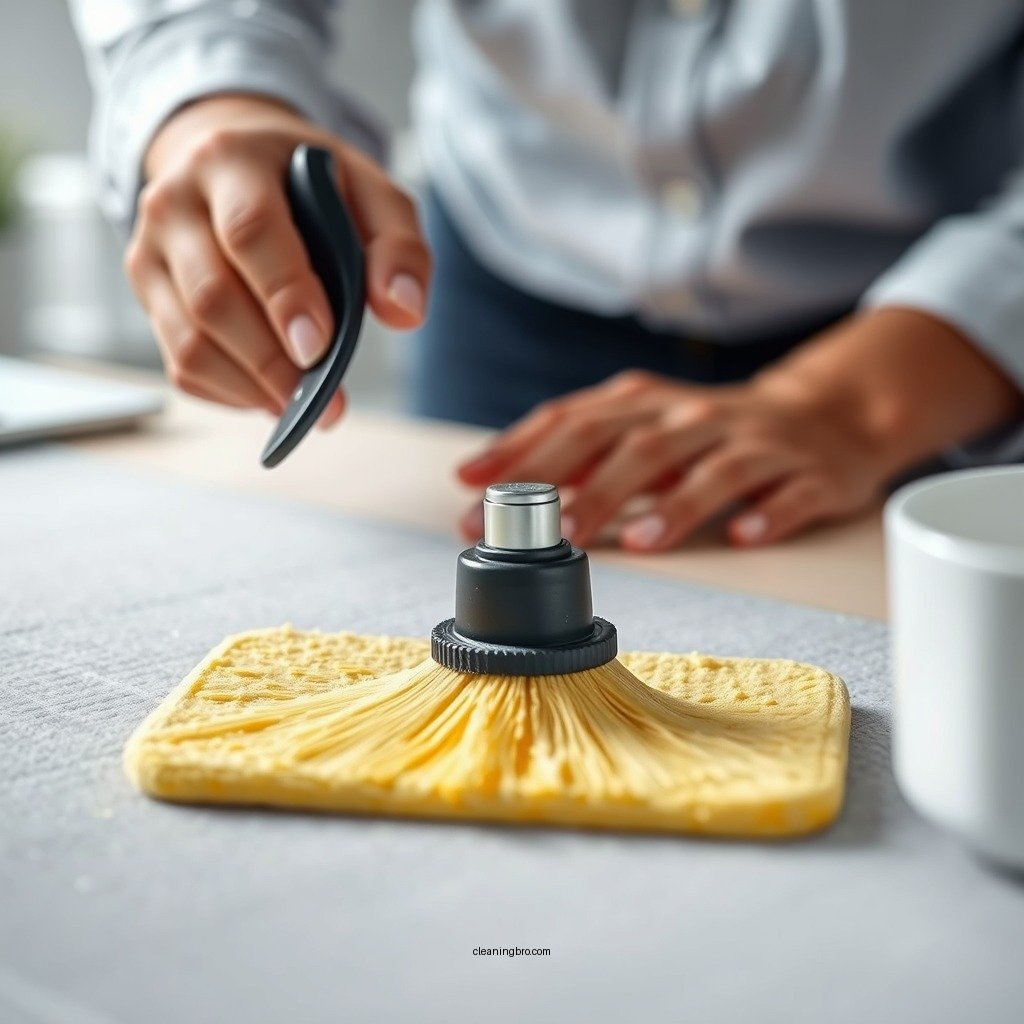
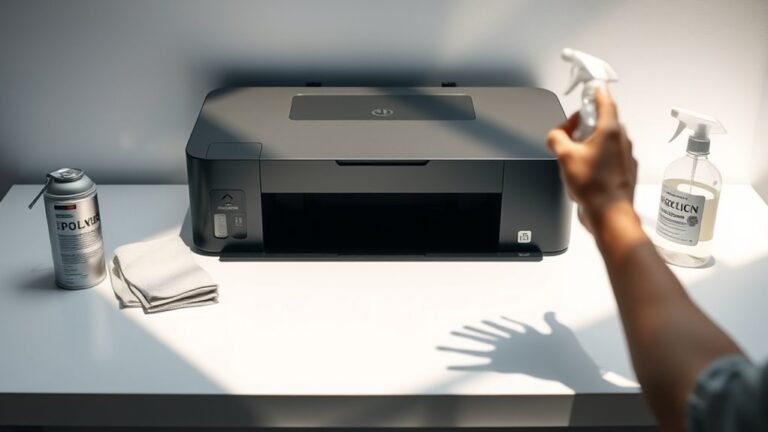
Cleaning your desk pad is a simple process that can be broken down into several steps:
1. Remove Items: Start by clearing your desk pad of any items, such as pens, papers, or electronics. This step ensures that you can clean every inch of the pad without obstruction.
2. Shake Off Debris: Gently shake the desk pad to dislodge any loose dirt or debris. If your pad is particularly dirty, you may want to use a vacuum with a brush attachment at this stage.
3. Dampen Your Cloth: Mix a small amount of mild soap with warm water. Dampen a microfiber cloth with this solution, ensuring it is not soaking wet to avoid oversaturation.
4. Wipe the Surface: Gently wipe the surface of the desk pad using circular motions. For textured pads, you can use a soft brush to get into the grooves.
5. Dry Thoroughly: After cleaning, ensure that the desk pad is dried thoroughly with a clean, dry cloth. This step is crucial, especially for leather and fabric pads, to prevent moisture damage.
By following these steps, you can ensure your desk pad remains clean and in good condition for longer.
Top Desk Pad Materials and Cleaning Techniques
| # | Material | Cleaning Method | Frequency | Special Care |
|---|---|---|---|---|
| 1 | Leather | Leather cleaner & conditioner | Monthly | Avoid water |
| 2 | Fabric | Vacuum & spot clean | Every 1-2 weeks | Check for stains |
| 3 | Plastic | Wipe with damp cloth | Weekly | Use disinfectant |
| 4 | Vinyl | Mild soap & water | Bi-weekly | Avoid abrasives |
| 5 | Microfiber | Machine wash | Monthly | Use gentle cycle |
| 6 | Bamboo | Wipe with damp cloth | Weekly | Natural cleaner |
| 7 | Neoprene | Spot clean | As needed | Avoid harsh chemicals |
Dealing with Stains and Spots
Stains can be a common issue for desk pads, especially if they are made from fabric or leather. Here are some effective methods for handling tough stains:
– Identify the Stain: Different stains require different approaches. For example, ink stains may require isopropyl alcohol, while food stains might respond better to warm soapy water.
– Use a Stain Remover: For tougher stains, apply a stain remover that is compatible with your desk pad material. Always test a small, inconspicuous area first to ensure that it does not cause discoloration or damage.
– Scrub Gently: Use a soft brush to gently scrub the stained area. Avoid using excessive force, as this can damage the material.
– Rinse and Dry: After treating the stain, rinse the area with a damp cloth to remove any cleaning solution. Ensure that the area is dried thoroughly to avoid moisture damage.
By addressing stains promptly and using the right techniques, you can keep your desk pad looking fresh and clean.
Regular Maintenance Tips
Implementing a routine cleaning schedule is key to maintaining the appearance and longevity of your desk pad. Here are some tips for regular maintenance:
1. Establish a Cleaning Schedule: Depending on usage, aim to clean your desk pad at least once a month. For high-use desks, a weekly wipe-down may be beneficial.
2. Use a Protective Cover: Consider using a clear protective cover or mat over your desk pad. This can minimize wear and tear from daily use, spills, and scratches.
3. Keep Items Organized: Regularly declutter your desk to prevent unnecessary wear on your desk pad and maintain an organized workspace.
4. Avoid Eating and Drinking: Try to limit food and beverages around your desk pad. If spills occur, clean them immediately to prevent staining.
By integrating these tips into your routine, you can ensure that your desk pad remains in excellent condition.
When to Replace Your Desk Pad
Despite your best efforts in cleaning and maintaining your desk pad, there may come a time when replacement is necessary. Here are some signs that it may be time to invest in a new desk pad:
– Excessive Wear: Look for signs of wear such as cracks, peeling, or fraying edges. These not only affect aesthetics but can also compromise functionality.
– Persistent Stains: If stains have set in and cleaning methods have proven ineffective, it may be time for a replacement.
– Loss of Functionality: If the desk pad no longer provides a stable surface for writing or using a mouse, it is likely not serving its purpose effectively.
– Personal Preference: If your style or workspace needs have changed, updating your desk pad can be a simple way to refresh your environment.
Before deciding to replace, assess the overall condition and functionality of your desk pad to ensure that it is truly necessary.
Keeping your desk pad clean is essential for both hygiene and aesthetics. By understanding the right cleaning techniques and maintaining a regular cleaning schedule, you can ensure that your workspace remains inviting and efficient. Take the time today to refresh your desk pad and enjoy a cleaner, more organized work environment.
Frequently Asked Questions
How often should I clean my desk pad?
It’s recommended to clean your desk pad at least once a week to prevent the buildup of dust, dirt, and bacteria. If you use your desk pad for eating or drinking, consider cleaning it more frequently, such as every few days, to maintain hygiene and keep it looking fresh.
What is the best way to remove stains from a desk pad?
To effectively remove stains from a desk pad, start by using a soft cloth dampened with warm soapy water. For tougher stains, a mixture of water and vinegar can be applied gently with a soft brush; just ensure to test it on a small area first to avoid any damage to the material.
Why does my desk pad smell bad, and how can I clean it?
A bad smell from your desk pad can be caused by accumulated sweat, food spills, or bacteria. To clean it, use a mixture of mild soap and water, scrub gently, and allow it to air dry completely to eliminate odors. Regular cleaning can help prevent this issue from recurring.
Which materials are easiest to clean when choosing a desk pad?
Desk pads made of materials like silicone, leather, or vinyl are generally easier to clean compared to fabric options. They can be wiped down with a damp cloth and mild detergent, making them ideal for maintaining a clean workspace with minimal effort.
How can I prevent my desk pad from getting dirty in the first place?
To prevent your desk pad from getting dirty, consider using coasters for drinks, regularly decluttering your desk, and keeping food away from the workspace. Additionally, placing a protective cover or mat on top can help shield it from spills and dust, ensuring it stays clean longer.
References
- Cleaning | technology | Britannica
https://www.britannica.com/topic/cleaning - https://www.nytimes.com/wirecutter/blog/how-to-clean-desk-objects/
https://www.nytimes.com/wirecutter/blog/how-to-clean-desk-objects/ - https://www.sciencedirect.com/topics/computer-science/desk-mat
https://www.sciencedirect.com/topics/computer-science/desk-mat - https://www.cdc.gov/niosh/topics/cleaning.html
https://www.cdc.gov/niosh/topics/cleaning.html - https://www.mayoclinic.org/healthy-lifestyle/consumer-health/in-depth/cleaning-your-home/art-20045723
https://www.mayoclinic.org/healthy-lifestyle/consumer-health/in-depth/cleaning-your-home/art-20045723 - Google Scholar Google Scholar
https://scholar.google.com/scholar?q=how+to+clean+desk+pad - Google Scholar Google Scholar
https://scholar.google.com/scholar?q=cleaning+desk+accessories - Google Scholar Google Scholar
https://scholar.google.com/scholar?q=desk+mat+cleaning+methods - https://www.nytimes.com/guides/smarterliving/how-to-clean-your-home
https://www.nytimes.com/guides/smarterliving/how-to-clean-your-home - how to clean desk pad – Search results
https://en.wikipedia.org/wiki/Special:Search?search=how+to+clean+desk+pad