How to Remove Pet Mess From Keyboard
If your keyboard is covered in pet mess, first turn it off and unplug it to avoid damage. Gently shake out loose fur, then use compressed air and a soft brush to remove stubborn hair and debris. Clean sticky spots with a cloth lightly dampened with isopropyl alcohol, avoiding excess moisture. Disinfect carefully to eliminate odors and bacteria, then let it dry fully before use. You can explore deeper cleaning steps and preventive tips to keep your keyboard pet-proof.
Assessing the Damage and Type of Mess

Before you begin cleaning, it’s important to evaluate the damage and identify the type of mess on your keyboard. By carefully evaluating the mess, you can choose the best approach to restore your device while protecting its functionality. Different damage types, such as liquid spills, sticky residues, or fur clumps, require distinct handling methods. You might find a simple dust layer or something more stubborn like dried pet saliva or food crumbs. Understanding these damage types helps you avoid unnecessary steps and potential harm. Taking a moment to evaluate the situation empowers you to clean efficiently and confidently, freeing yourself from worry about causing further trouble. This initial evaluation sets the stage for a focused, effective cleanup, letting you reclaim your keyboard without hassle or delay.
Preparing Your Keyboard for Cleaning
Once you’ve assessed the damage, you’ll want to carefully prepare your keyboard for cleaning to prevent further issues. First, identify your keyboard type—whether it’s mechanical, membrane, or wireless—since each requires different handling. Disconnect your keyboard from power or remove batteries to avoid electrical hazards. Choose cleaning supplies suited for electronics, like microfiber cloths, isopropyl alcohol (70% or less), and gentle brushes. Avoid harsh chemicals that might damage sensitive components. Find a well-lit, flat workspace where you can work freely without distractions. Lay down a towel or mat to catch debris and protect surfaces. Taking these steps guarantees you’re ready to clean effectively without risking harm to your device, letting you regain control and maintain your keyboard’s functionality with ease. Remember, using microfiber cloths helps prevent scratches and effectively traps dust during cleaning.
Safe Removal of Hair and Fur

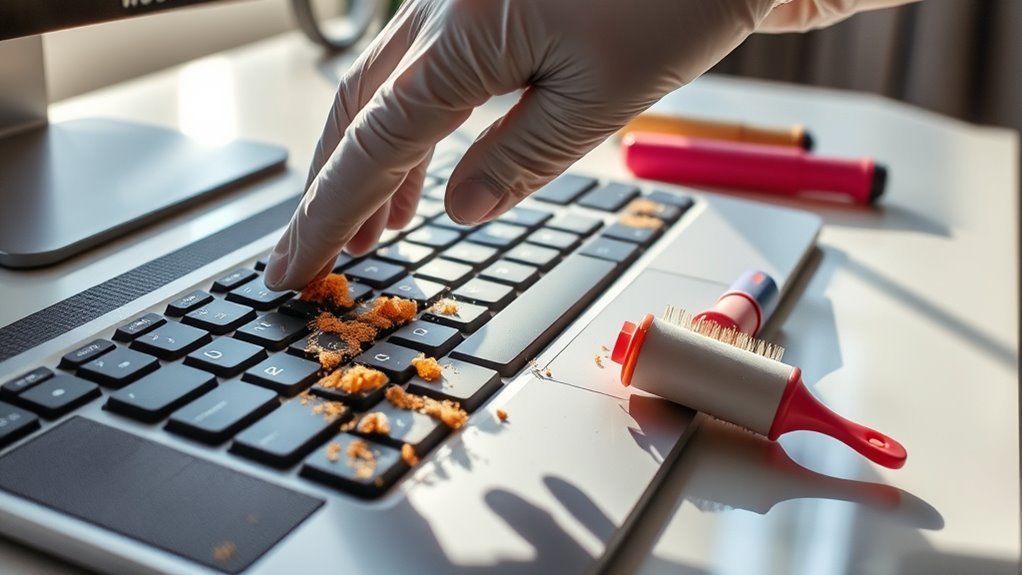
Although pet hair can seem stubborn, you can safely remove it from your keyboard without causing damage. Start by gently turning your keyboard upside down and giving it a light shake to dislodge loose fur. Use a soft brush or a microfiber cloth to sweep away remaining strands — these tools prevent scratching while ensuring effective furry removal. For stubborn hair caught between keys, a can of compressed air works wonders by blowing debris out without forcing you to dismantle your keyboard. Remember, regular grooming tips for your pet, like brushing, reduce shedding and minimize keyboard mess. By combining these approaches, you maintain your device’s cleanliness and protect its functionality, granting you the freedom to enjoy a fur-free workspace without hassle. Additionally, regular grooming helps to identify skin issues early, contributing to your pet’s overall health and reducing excessive shedding.
Cleaning Sticky Residue and Spills
Dealing with pet hair is just one part of keeping your keyboard clean; sticky residue and spills present another challenge that can affect both appearance and functionality. When sticky substances get trapped under keys, they can cause sticking or unresponsiveness. You’ll want to use gentle cleaning solutions that won’t damage your keyboard’s electronics.
| Step | Tip |
|---|---|
| Power Off | Always unplug or turn off your keyboard first. |
| Use Isopropyl Alcohol | Dampen a cloth with 70% alcohol for effective cleaning. |
| Cotton Swabs | Great for reaching tight spaces between keys. |
| Avoid Excess Liquid | Prevent damage by never pouring liquids directly. |
Regular cleaning not only maintains hygiene but also helps prevent button sticking and ensures your device remains responsive.
Disinfecting to Eliminate Odors and Bacteria

To truly get rid of pet mess, you’ll need to disinfect your keyboard with effective, safe cleaners that won’t damage its components. Choosing the right disinfectant helps eliminate bacteria and neutralize odors, keeping your workspace fresh. Let’s explore the best products and techniques to make sure your keyboard is both clean and safe to use. Regular cleaning with isopropyl alcohol at least 70% is recommended to effectively sanitize without harming your keyboard.
Effective Disinfectant Choices
When you want to thoroughly clean your keyboard after a pet mess, choosing the right disinfectant is essential to eliminate both odors and bacteria effectively. Knowing the disinfectant types helps you pick what suits your needs without risking damage or harsh chemicals. Here are some effective options:
- Isopropyl alcohol (70% or higher) – great for killing germs quickly and evaporates fast.
- Hydrogen peroxide – a powerful disinfectant that also neutralizes odors.
- Natural alternatives like white vinegar or lemon juice – gentle, eco-friendly, and odor-fighting.
- Commercial disinfectant wipes formulated for electronics – convenient and safe when used properly.
Selecting the right disinfectant lets you clean confidently, maintaining your keyboard’s function while keeping it fresh and safe for your work or play.
Safe Cleaning Techniques
Choosing the right disinfectant is only part of the process; knowing how to apply it safely guarantees your keyboard gets clean without damage. Start by unplugging your keyboard or turning off your laptop to avoid electrical issues. Use a soft cloth lightly dampened with eco friendly products—avoid soaking, which can let moisture seep inside. Gently wipe surfaces and between keys, ensuring you reach all crevices where bacteria and odors hide. Never spray disinfectant directly onto the keyboard. For tough spots, a cotton swab dipped in a mild solution works wonders without risking harm. Safe cleaning means patience and care, preserving your device while eliminating unwanted germs. By choosing gentle, eco friendly methods, you protect both your keyboard and the environment, giving you freedom from worry and a fresh workspace.
Odor Neutralizing Tips
Although disinfecting removes germs, it doesn’t always eliminate the odors that linger after pet messes. To truly free your keyboard from unwanted smells, try these odor neutralizing tips. First, sprinkle baking soda—a natural remedy and odor absorbing material—over the affected area, letting it sit for several hours before vacuuming. Second, place activated charcoal nearby; it absorbs airborne odors effectively. Third, dab a cotton ball with white vinegar and gently wipe the keyboard surface; vinegar neutralizes odors and disinfects. Finally, guarantee proper ventilation to keep fresh air circulating around your workspace. By combining these methods, you’ll maintain a clean, odor-free keyboard without harsh chemicals, letting you enjoy your freedom from pet mess worries.
Drying and Reassembling Your Keyboard
Before reassembling your keyboard, you’ll want to guarantee every component is completely dry to prevent damage or malfunction. Effective drying methods include air drying in a warm, ventilated area or using a fan to speed up the process. Avoid using heat sources like hair dryers, which can warp plastic parts. Once dry, follow reassembly tips such as aligning keys carefully and ensuring clips snap securely without forcing them. Take your time to reconnect any internal cables or components properly to avoid misalignment. By patiently drying and methodically reassembling your keyboard, you’ll restore its function while preserving its longevity. This approach allows you to regain full freedom over your device without risking future issues caused by lingering moisture or improper assembly.
Preventive Measures to Protect Your Keyboard From Future Messes
Since pet messes on your keyboard can cause frustrating disruptions, taking preventive steps is essential to protect your device and save you time on cleanup. You want to enjoy freedom from constant worry about spills or fur. Here are four effective preventative maintenance tips:
- Use keyboard covers to create a barrier against liquids, dust, and fur. They’re easy to clean and inexpensive.
- Establish a pet-free zone around your workspace to minimize accidental messes.
- Clean your keyboard regularly to prevent buildup that could attract pets.
- Store food and drinks away from your desk to reduce the risk of spills.
Additionally, maintaining a consistent cleaning frequency helps ensure your keyboard stays free from germs and allergens caused by pet messes.
Frequently Asked Questions
Can Pet Mess Damage the Internal Electronics of My Keyboard?
Yes, pet mess can definitely cause electronic damage to your keyboard. Liquids and debris can seep inside, interfering with the circuits and leading to malfunctions. To keep your keyboard protection strong, it’s essential to clean any mess quickly and prevent further exposure. By acting fast and taking care, you’ll help preserve your device’s freedom to function properly without costly repairs or replacements.
Which Keyboard Types Are Most Resistant to Pet Mess?
When it comes to pet mess, mechanical keyboards tend to be more resistant than membrane keyboards. Their individual, raised keys make cleaning easier and prevent liquids from seeping deep inside. Membrane keyboards, with their sealed, flat design, are more vulnerable to spills and messes, which can damage internal circuits. If you want freedom from worrying about pet accidents, mechanical keyboards are a smarter choice—they offer durability and are simpler to maintain after mishaps.
Are There Pet-Safe Cleaning Products Recommended for Keyboards?
If you’re worried about using harsh chemicals, you’ll be glad to know there are pet safe sprays designed specifically for delicate electronics like keyboards. These sprays are gentle yet effective, ensuring no harm comes to your furry friends or your device. Pair them with keyboard wipes for quick, convenient cleaning. Together, they help you maintain a spotless keyboard without risking your pet’s health, giving you the freedom to keep both safe and sound.
How Often Should I Clean My Keyboard if I Have Pets?
You should prioritize keyboard maintenance by cleaning it at least once a week if you have pets, as pet hygiene directly affects your workspace cleanliness. Regular cleaning prevents buildup of fur, dander, and debris, ensuring your keyboard stays functional and hygienic. If your pets are particularly messy or shed a lot, consider cleaning more often. Staying consistent gives you the freedom to enjoy a fresh, efficient workspace without worrying about hidden pet messes.
Can Pets Be Trained to Avoid the Keyboard Area?
Yes, you can train your pets to avoid the keyboard area using behavioral modification techniques. It takes patience, but by applying positive reinforcement—rewarding your pet when they stay away—you encourage good habits without restricting their freedom. Consistently redirect their attention and praise them for choosing other spots. Over time, your pet will learn to respect your workspace boundaries while still feeling free and comfortable in their environment.