Office Cleaning
Weekly Cleaning Routine for Printer
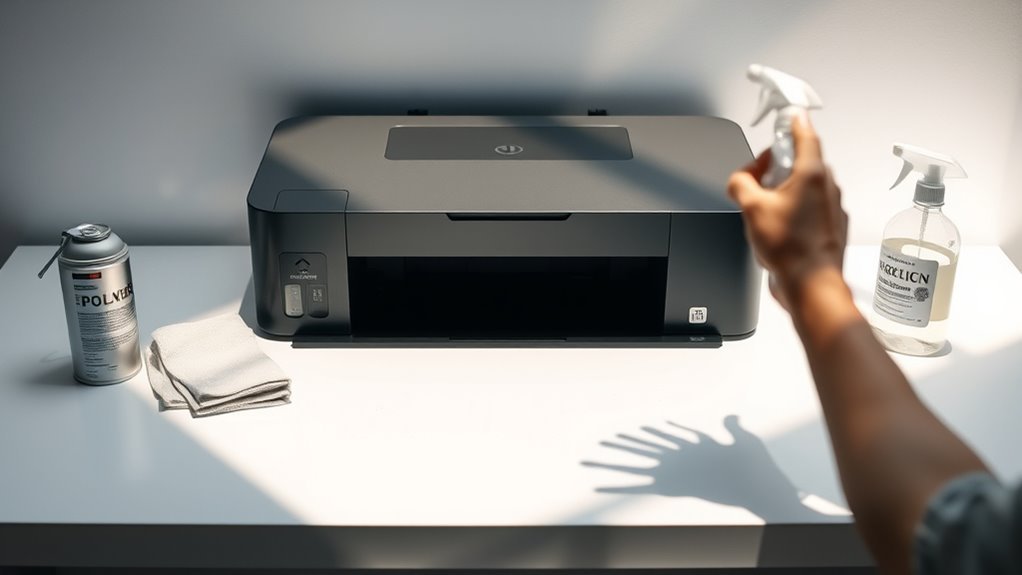
To keep your printer running smoothly, start by powering it off and unplugging it. Remove any paper and cartridges carefully. Use a soft cloth and mild cleaner to…
Read More →To keep your printer running smoothly, start by powering it off and unplugging it. Remove any paper and cartridges carefully. Use a soft cloth and mild cleaner to…
Read More →Before and after using your keyboard, make sure to power it off and disconnect it to avoid accidental inputs. Start by shaking out loose debris, then use compressed…
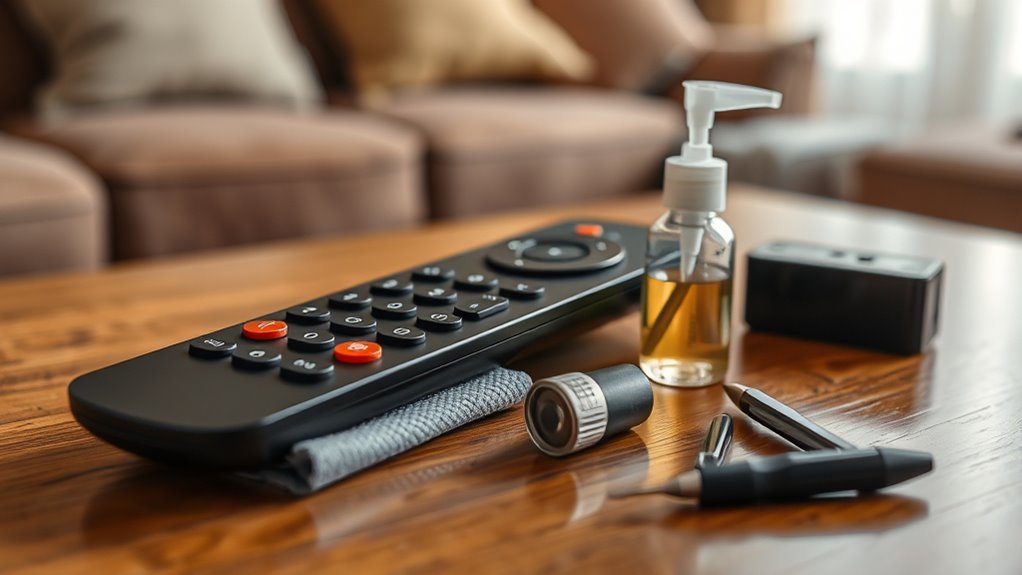
Read More →To keep your remote working smoothly, clean it regularly using a microfiber cloth and cotton swabs dipped in alcohol, especially around buttons. Replace batteries every three to six…
Read More →Before the holidays, clear out unused apps and files to free up space and improve phone speed. Update your operating system and apps to keep security tight and…
Read More →To remove keyboard grease effectively, start by wiping the surface with a microfiber cloth dampened with isopropyl alcohol or a gentle degreaser. Use soft brushes or cotton swabs…
Read More →To spring clean your smartphone, start by evaluating storage to spot large or unused files. Delete apps you no longer use and organize photos by date or event,…
Read More →