The Ultimate Guide to Removing Keyboard Stains Fast
To quickly remove office chair stains from your keyboard, use a microfiber cloth dampened with a gentle cleaning solution. This method effectively lifts stains without damaging your keyboard. Maintaining a clean keyboard is essential for both hygiene and functionality, as dirt and grime can accumulate and potentially impair performance. In this guide, we will explore the best techniques and products to keep your keyboard clean and stain-free, ensuring a more pleasant and productive workspace.
Understanding Common Keyboard Stains

Keyboards are notorious for accumulating a variety of stains, primarily due to spills, grease, and dust buildup. Common spills may include coffee, water, or food particles that can seep between the keys. Additionally, the natural oils from your fingers can lead to grease stains over time, creating a sticky surface that can be unpleasant to touch. Dust and dirt can also accumulate, leading to a grimy appearance and potentially affecting the functionality of keys.
Timely cleaning is crucial to prevent these stains from becoming permanent. For instance, a coffee spill left unattended can seep deep into the circuitry of your keyboard, causing not just cosmetic issues but also functional damage. Regular maintenance helps in avoiding costly repairs or replacements while ensuring a hygienic workspace.
Essential Tools for Effective Cleaning

Having the right tools at your disposal is fundamental to effective keyboard cleaning. Here are two essential items to consider:
– Microfiber Cloths: Microfiber cloths are ideal for cleaning keyboards because they trap dirt and dust without scratching the surfaces. Their fine fibers are effective at lifting and holding onto grime, making them perfect for delicate electronic surfaces like keyboards.
– Isopropyl Alcohol: This is a proven disinfectant that evaporates quickly, making it an excellent choice for cleaning electronics. A solution with at least 70% isopropyl alcohol can effectively kill germs and bacteria while drying rapidly, reducing the risk of moisture damage to your keyboard.
Utilizing these tools will ensure that your cleaning process is efficient and safe for your keyboard.
Step-by-Step Cleaning Process
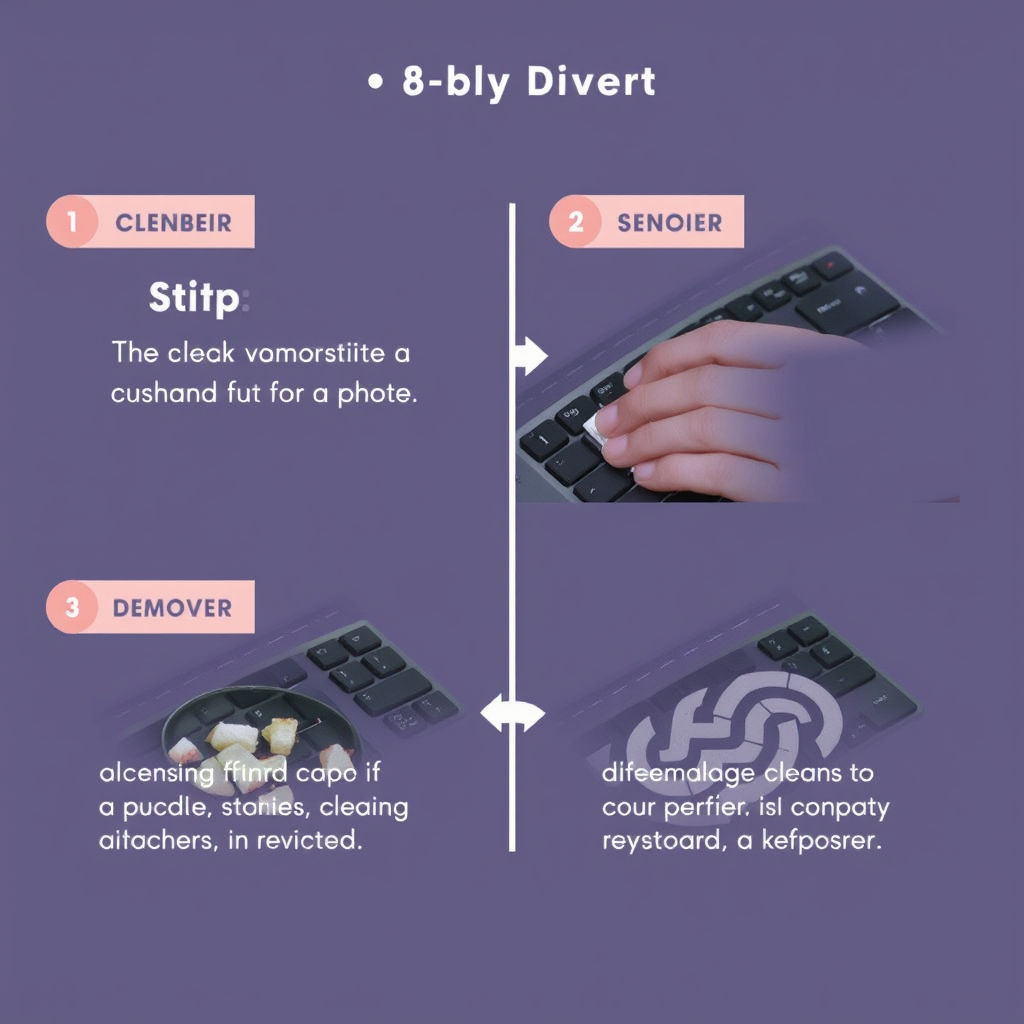
Cleaning your keyboard doesn’t have to be a daunting task. Follow this simple step-by-step process for optimal results:
1. Power Down Your Keyboard: Always start by powering down your keyboard and unplugging it from your computer. This precaution prevents accidental key presses and protects the device from electrical damage.
2. Dislodge Debris: Gently shake the keyboard or turn it upside down to dislodge any loose debris. You can also use compressed air to blow out dirt and crumbs from between the keys, ensuring a more thorough cleaning.
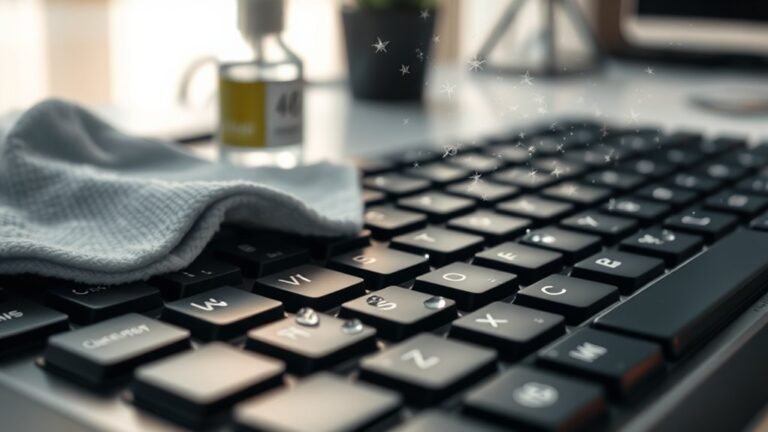
3. Wipe Down Surfaces: Dampen a microfiber cloth with your chosen cleaning solution—preferably a mixture of isopropyl alcohol and water. Wipe down all surfaces of the keyboard, including the keys and the area around them. Ensure that the cloth is not overly wet to avoid moisture seeping into the keyboard.
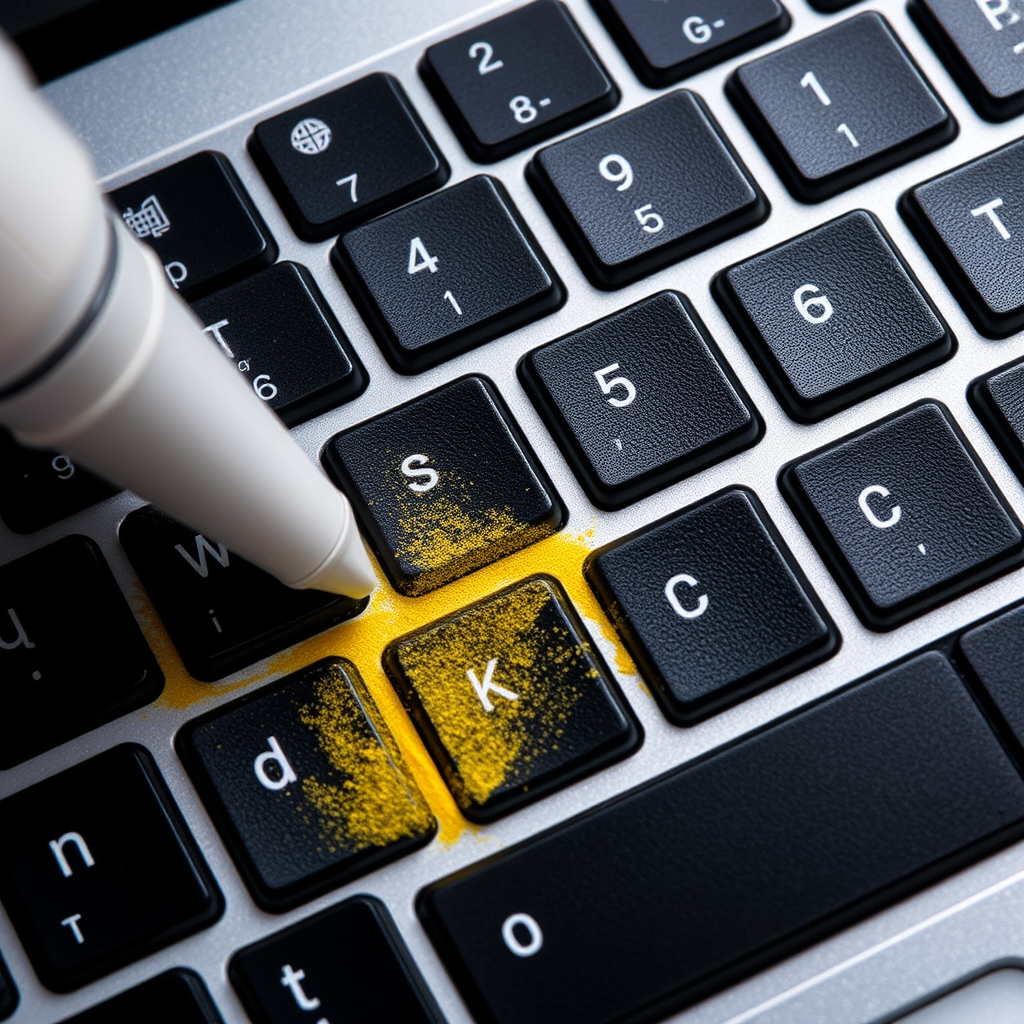
4. Detailing: For stubborn stains, consider using a cotton swab dipped in the cleaning solution to clean the sides of the keys and any hard-to-reach areas.
This method will leave your keyboard looking refreshed and functioning optimally.
Tips for Preventing Future Stains
Prevention is always better than cure, especially when it comes to maintaining the integrity of your keyboard. Here are some proactive measures you can take:
– Use Keyboard Covers: Investing in a silicone or fabric keyboard cover can provide an extra layer of protection against spills and dirt. These covers are often washable, allowing for easy maintenance.
– Establish a Regular Cleaning Schedule: Regularly cleaning your keyboard—ideally once a week—can help maintain hygiene and appearance. Incorporate this task into your routine to ensure it becomes a habit.
– Mind Your Workspace: Be cautious with food and beverages near your keyboard. Establish a designated eating area away from your equipment to minimize the risk of spills.
By implementing these tips, you will significantly reduce the likelihood of stains and extend the life of your keyboard.
Best Cleaning Solutions for Stubborn Stains
Sometimes, standard cleaning solutions may not suffice for particularly stubborn stains. Here are some effective options to consider:
– Homemade Cleaners: A simple yet effective homemade solution can be created by mixing equal parts of white vinegar and water. This natural cleaner is non-toxic and can effectively tackle many types of stains while also disinfecting.
– Store-Bought Options: When looking for commercial cleaning solutions, choose products that are specifically designed for electronics. Look for non-toxic formulas that are safe for keyboards and other devices. Brands like Screen Mom or iKlear offer cleaning solutions that are effective yet gentle on electronics.
Using the right cleaning solution can make all the difference when it comes to removing tough stains.
When to Seek Professional Help
While regular cleaning can address most issues, there are times when you should consider seeking professional help:
– Signs of Deeper Issues: If you notice that keys are sticking, malfunctioning, or if there is a persistent odor, it may indicate deeper problems within the keyboard. These issues could stem from internal damage caused by spills or prolonged neglect.
– Benefits of Professional Cleaning Services: Professional cleaning services specialize in electronics and can provide thorough cleaning that you may not achieve at home. They have the right tools and expertise to address complex issues without risking further damage.
Recognizing when to seek professional assistance can save you time and money in the long run.
Regular cleaning and preventive measures can significantly extend the life of your keyboard. By understanding common stains, using the right tools, and following a careful cleaning process, you can maintain a clean and functional keyboard. Implementing these strategies today will not only keep your workspace spotless but also enhance your overall productivity and enjoyment of your equipment.