How to Clean a PCB: A Step-by-Step Guide
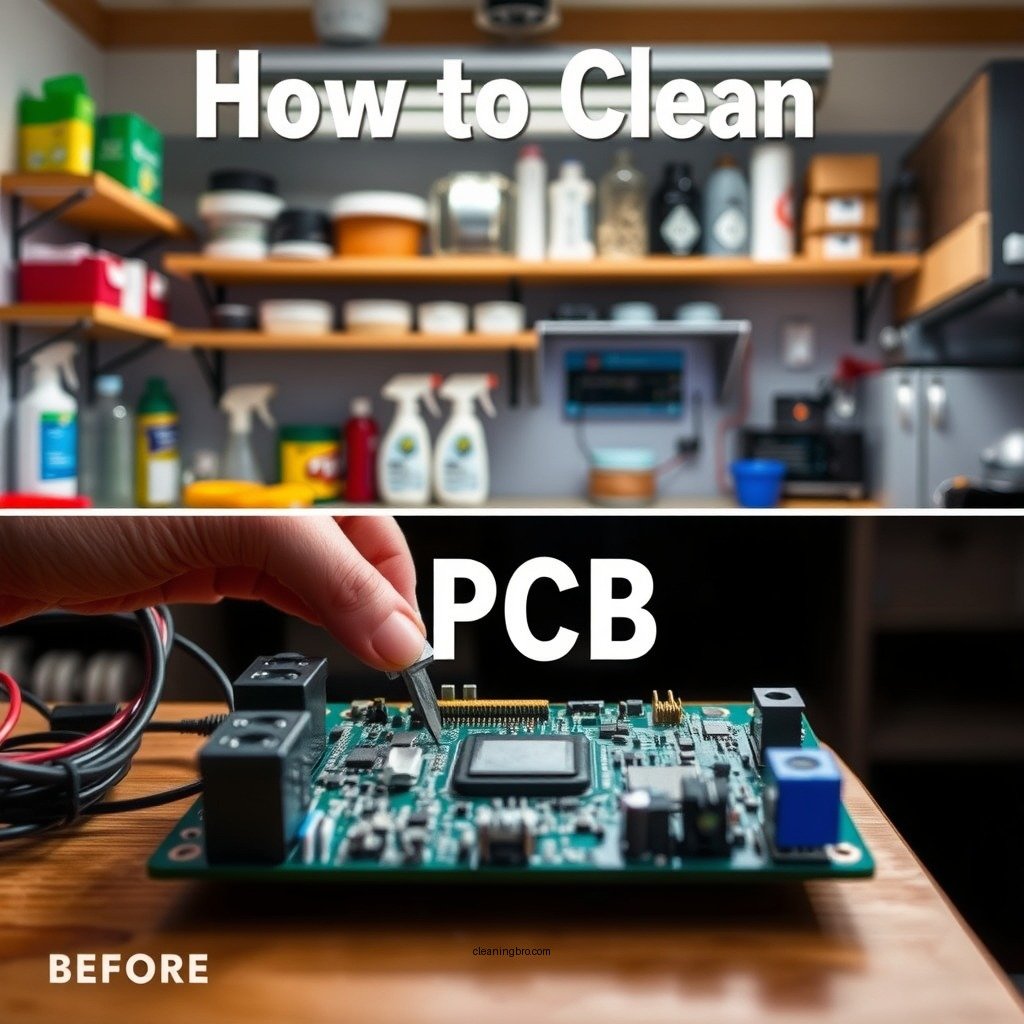
Cleaning a PCB (Printed Circuit Board) is essential for maintaining its functionality and longevity. To effectively clean a PCB, start by gathering the right materials and following a systematic approach. This guide will provide you with the best methods and tips to ensure your PCB is clean and free from debris, ultimately enhancing its performance and reliability.
Understanding the Importance of Cleaning a PCB
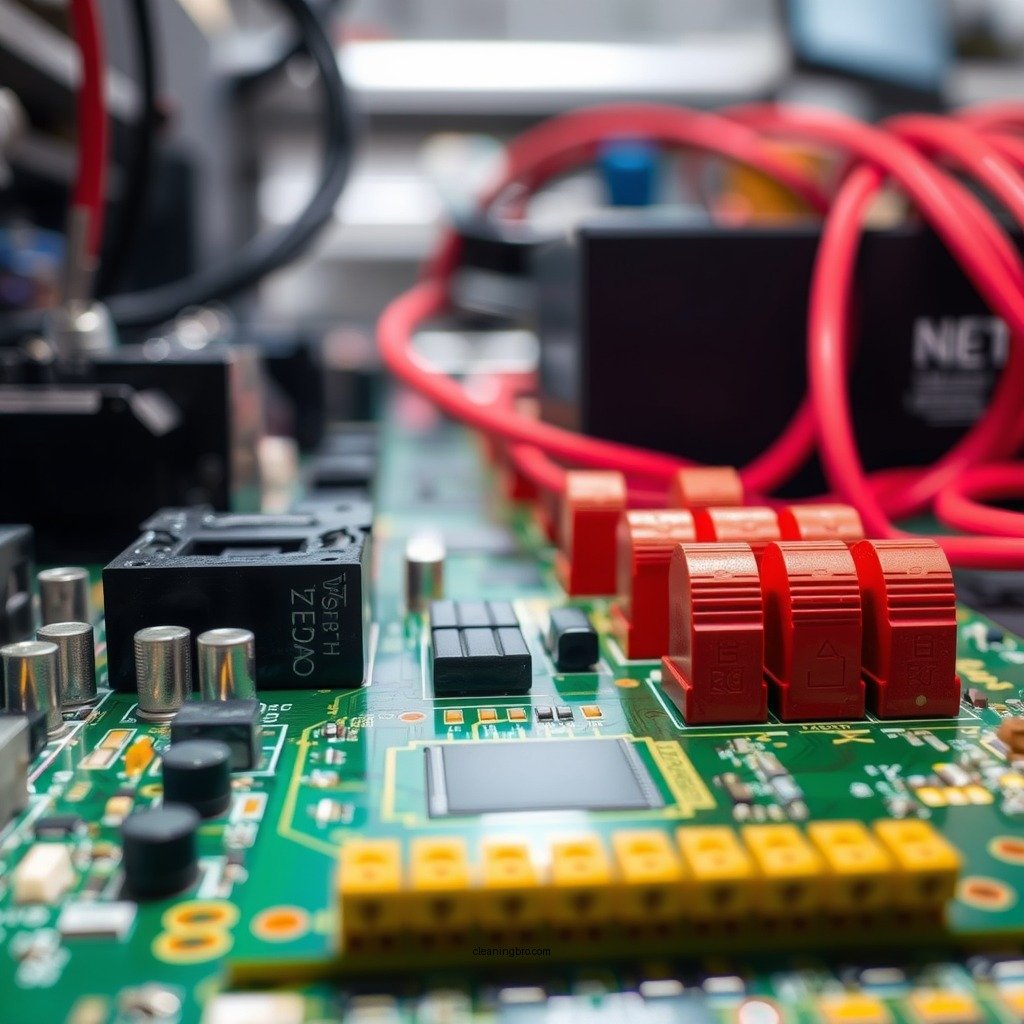
Cleaning a PCB is not simply a matter of aesthetics; it plays a crucial role in the overall performance and longevity of the electronic components. Dust, dirt, and debris can accumulate on the surface of a PCB, leading to several potential issues:
– Prevents Corrosion and Damage to Components: Dust and moisture can lead to corrosion of the circuit components, which may ultimately cause failures. A clean PCB minimizes the risk of short circuits and ensures that the electrical connections remain intact.
– Improves Electrical Performance and Reliability: A clean PCB operates more efficiently. Contaminants can interfere with electrical signals, leading to degraded performance. Regular cleaning can prevent these issues, ensuring the PCB functions as intended and extends its lifespan.
Safety Precautions Before Cleaning
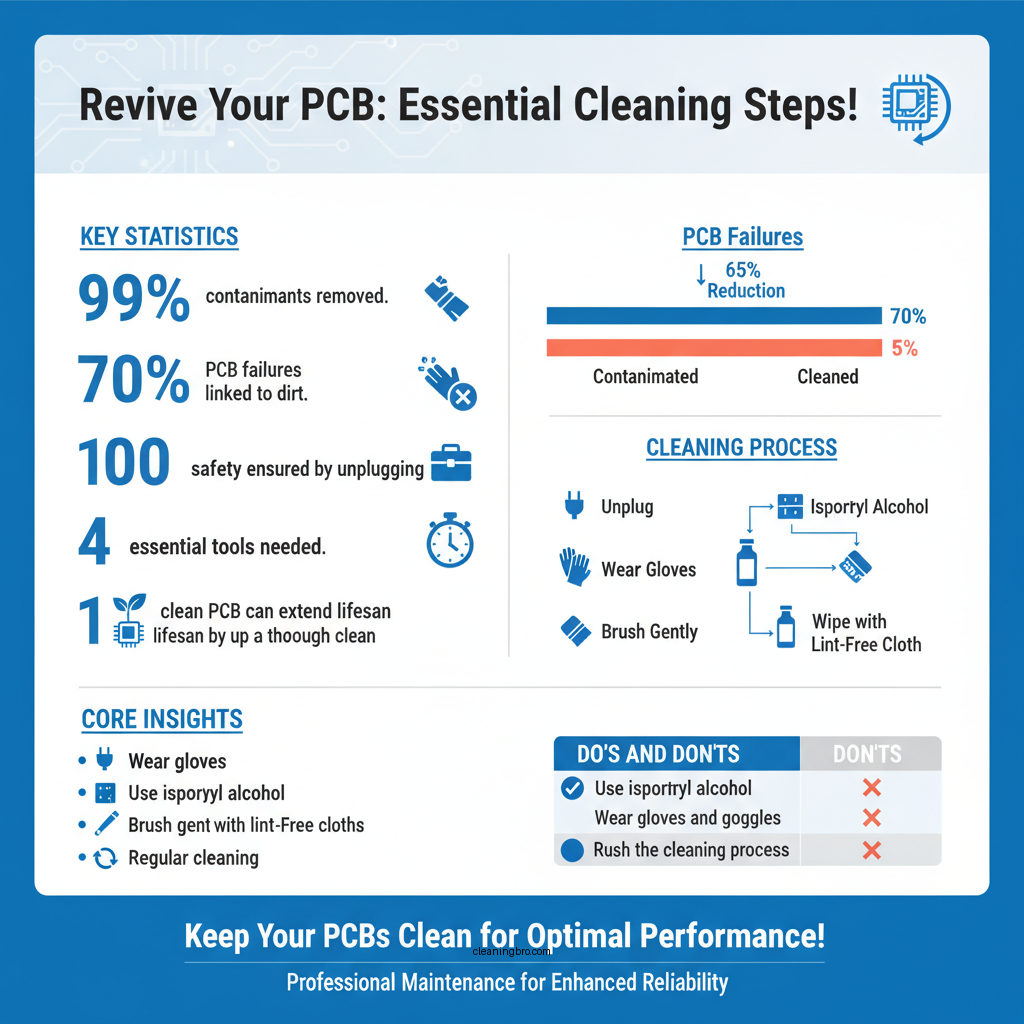
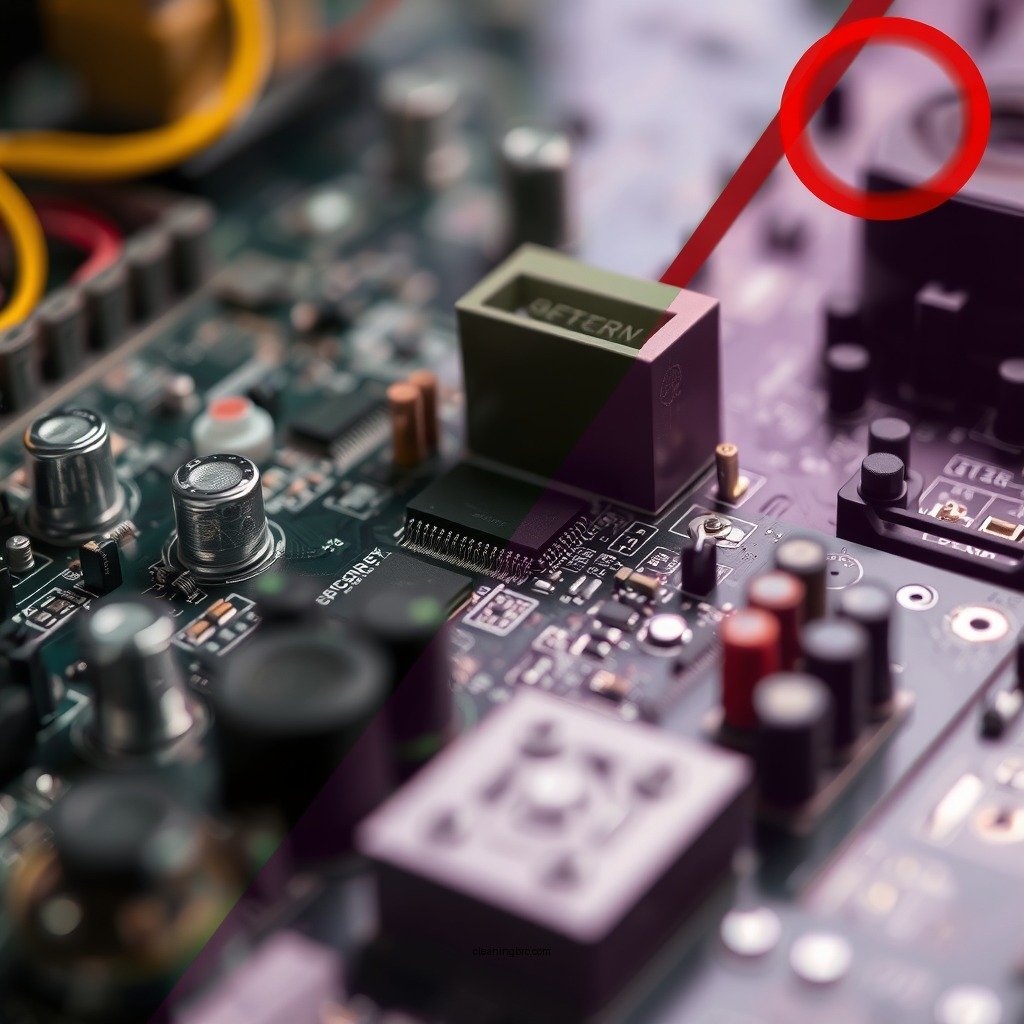
Before embarking on the cleaning process, it is crucial to observe proper safety precautions to protect yourself and the PCB:
– Unplug All Power Sources to Avoid Electric Shock: Always ensure that the PCB is powered down and disconnected from any power sources. This step is vital for preventing electrical shocks and ensuring your safety during the cleaning process.
– Wear Gloves and Safety Goggles to Protect Yourself: Use gloves to avoid leaving fingerprints or oils on the PCB, which can lead to additional contamination. Safety goggles are essential to protect your eyes from potential splashes of cleaning solutions or small debris.
Materials Needed for PCB Cleaning
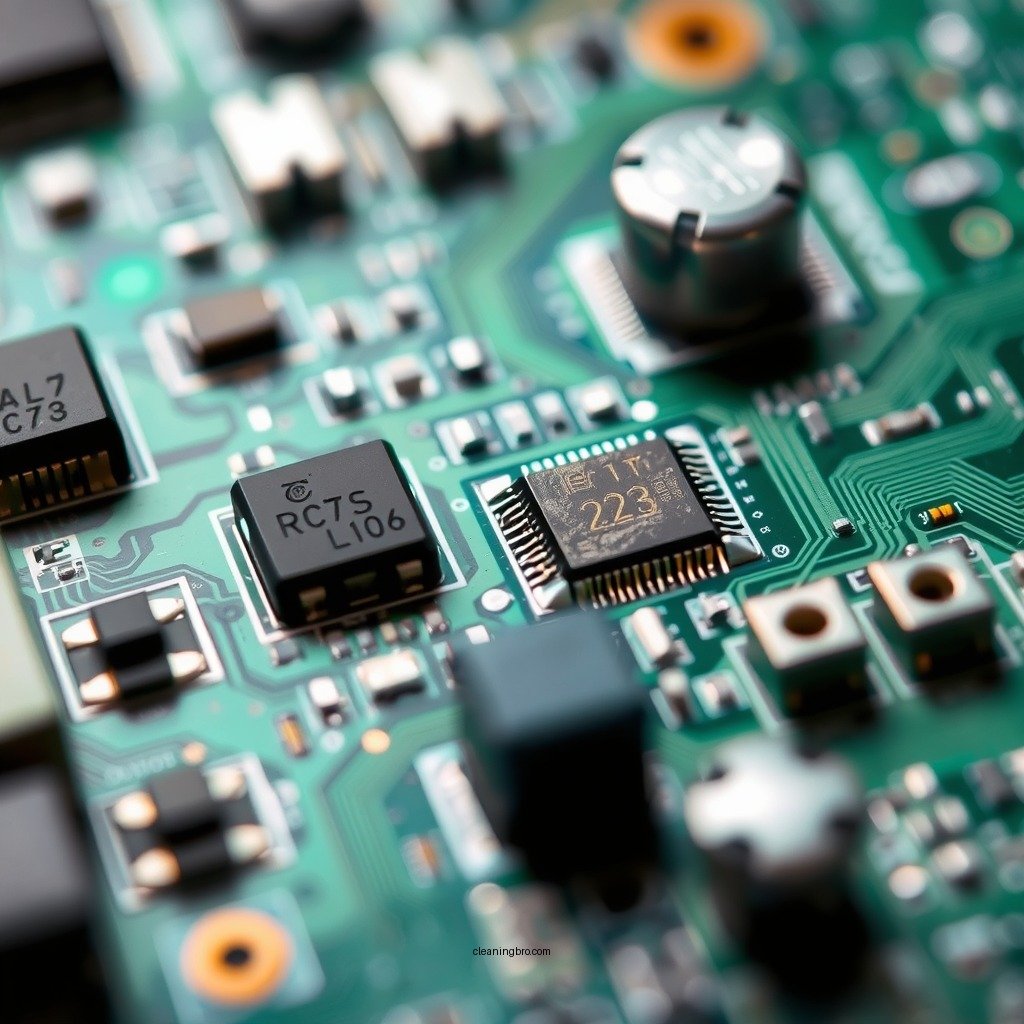
Having the right materials on hand can make the cleaning process more efficient and effective. Here’s a list of essential items:
– Isopropyl Alcohol (preferably 99%): This solvent is effective for dissolving oils, dirt, and residues. It evaporates quickly and leaves no residue, making it ideal for cleaning electronics.
– Soft-bristled Brush or Toothbrush: A soft brush will help to remove dirt and debris without damaging the delicate components on the PCB.
– Lint-free Cloths or Paper Towels: These materials are necessary for wiping down the PCB without leaving behind fibers or dust.
Top 7 PCB Cleaning Methods (2023)
| # | Method | Effectiveness | Time Required | Cost |
|---|---|---|---|---|
| 1 | Isopropyl Alcohol | High | 10-15 mins | Low |
| 2 | Ultrasonic Cleaning | Very High | 30 mins | Medium |
| 3 | Compressed Air | Medium | 5 mins | Low |
| 4 | Acetone | High | 10 mins | High |
| 5 | Soap and Water | Medium | 15 mins | Low |
| 6 | Vinegar Solution | Medium | 20 mins | Low |
| 7 | Deionized Water | High | 15 mins | Medium |
Step-by-Step Cleaning Process
Cleaning a PCB can be a straightforward process if you follow these steps:
1. Remove Any Loose Debris with a Soft Brush: Start by gently brushing the PCB with a soft-bristled brush to remove any loose dust and debris. Be careful around delicate components, applying minimal pressure to avoid damage.
2. Dampen a Cloth with Isopropyl Alcohol and Gently Wipe the Surface: After removing the loose debris, take a lint-free cloth and dampen it with isopropyl alcohol. Wipe the PCB surface gently, avoiding any excessive force that could dislodge components.
3. Focus on Areas with Visible Dirt or Residue: Pay special attention to areas with visible dirt, flux residues, or stains. If necessary, you can use the soft brush to work the alcohol into these areas gently.
Drying and Inspecting the PCB
Once the cleaning process is complete, allow the PCB to air dry fully before reassembly. This step is crucial to ensure that no moisture is trapped, which could lead to corrosion:
– Check for Any Missed Spots or Damage During the Cleaning Process: After drying, inspect the PCB closely for any areas that may have been missed or any signs of damage that may have occurred during cleaning. Address any issues promptly.
Common Mistakes to Avoid
While cleaning a PCB, it is easy to make mistakes that can lead to further damage. Here are common pitfalls to avoid:
– Using Excessive Liquid That Can Seep into Components: Over-saturating your cleaning materials can lead to liquid seeping into sensitive components, which could cause short circuits or corrosion.
– Scrubbing Too Hard, Which Can Damage the PCB: It’s important to use a gentle touch when cleaning. Scrubbing too hard can scratch or damage the PCB and its components.
When to Seek Professional Help
There are situations where professional assistance may be necessary:
– If the PCB Shows Signs of Severe Damage: If your PCB has visible damage such as burnt components or corrosion, it may require professional repair services rather than just cleaning.
– When the Cleaning Process is Beyond Your Skill Level: If you’re unsure about how to clean your PCB safely or effectively, it may be wise to consult with a professional technician who specializes in electronics.
Cleaning your PCB can significantly enhance its performance and prevent future issues. By following these steps and precautions, you can ensure that your board remains in optimal condition. If you’re unsure about any aspect of the cleaning process, don’t hesitate to seek professional assistance. Maintaining a clean PCB is a key factor in the longevity and reliability of your electronic devices.
Frequently Asked Questions
What are the best methods for cleaning a PCB safely?
The best methods for cleaning a PCB safely include using isopropyl alcohol (IPA) or specialized PCB cleaning solutions. Dip a soft brush or lint-free cloth in the cleaning solution and gently scrub the surface to remove dust and debris. Avoid using abrasive materials that can scratch the board or damage components.
How can I remove corrosion from a PCB?
To remove corrosion from a PCB, first, disconnect all power sources and remove batteries. Then, use a mixture of white vinegar and water or a commercial desoldering solution to gently scrub the corroded areas with a soft brush. Rinse with isopropyl alcohol and let it dry completely before reassembling.
Why is it important to clean a PCB?
Cleaning a PCB is crucial because contaminants like dust, grease, and moisture can lead to poor electrical connections, corrosion, and ultimately component failure. Regular cleaning helps maintain the performance and longevity of electronic devices, ensuring they operate efficiently without unexpected failures.
Which cleaning solutions are best for electronic circuit boards?
The best cleaning solutions for electronic circuit boards are isopropyl alcohol (preferably 99% purity), specialized PCB cleaning agents, and ultrasonic cleaning solutions. These options effectively remove contaminants without leaving residues that could affect performance. Always ensure the solution is safe for the specific materials used in the PCB.
How do I clean a PCB without damaging it?
To clean a PCB without damaging it, avoid harsh chemicals and excessive moisture. Use a soft brush or lint-free cloth with isopropyl alcohol for light cleaning, and be gentle to prevent dislodging components. For deeper cleaning, consider using an ultrasonic cleaner designed for electronics, ensuring the board is fully dry before powering it back on.
References
- Printed circuit board
https://en.wikipedia.org/wiki/Printed_circuit_board - https://www.sciencedirect.com/topics/engineering/printed-circuit-board
https://www.sciencedirect.com/topics/engineering/printed-circuit-board - https://pubmed.ncbi.nlm.nih.gov/32306258/
https://pubmed.ncbi.nlm.nih.gov/32306258/ - https://www.nature.com/articles/s41598-019-53193-0
https://www.nature.com/articles/s41598-019-53193-0 - Inventors of bullet-proof wood create fire-proof wood | Research | Chemistry World
https://www.chemistryworld.com/news/how-to-clean-your-pcbs/3010197.article - https://www.electronics-tutorials.ws/io/io_6.html
https://www.electronics-tutorials.ws/io/io_6.html - https://www.ece.ucdavis.edu/~benson/ece196/presentation/PCB_Cleaning.pdf
https://www.ece.ucdavis.edu/~benson/ece196/presentation/PCB_Cleaning.pdf - https://www.hindawi.com/journals/jchem/2019/9273637/
https://www.hindawi.com/journals/jchem/2019/9273637/ - Google Scholar Google Scholar
https://scholar.google.com/scholar?q=how+to+clean+a+pcb - Google Scholar Google Scholar
https://scholar.google.com/scholar?q=PCB+cleaning+methods