How to Clean a Printed Circuit Board: A Step-by-Step Guide
Cleaning a printed circuit board (PCB) is essential to maintain its functionality and extend its lifespan. To effectively clean a PCB, use isopropyl alcohol and a soft brush to remove dust, grime, and other contaminants safely. In this article, you’ll learn the best techniques and precautions to take when cleaning your PCBs.
Understanding the Importance of PCB Cleaning
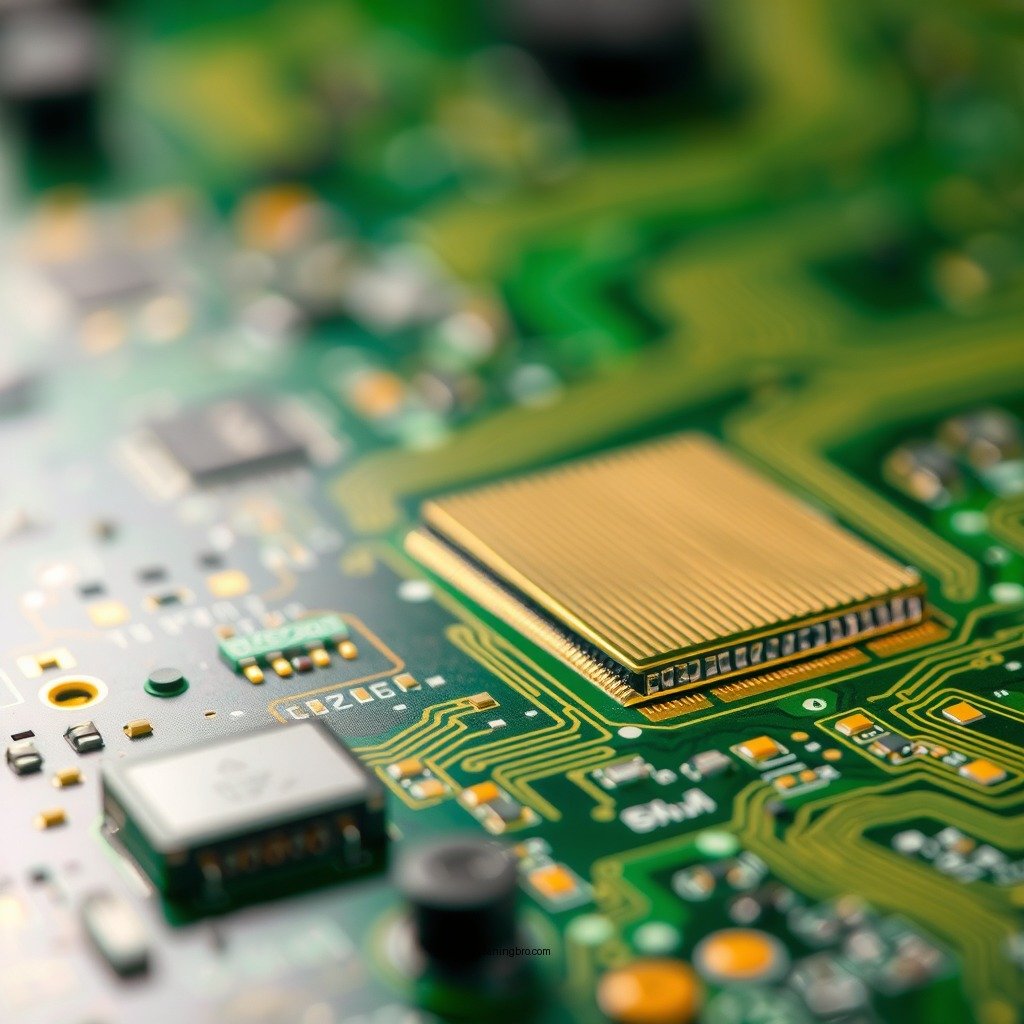
Regular cleaning of printed circuit boards is critical for several reasons. First and foremost, it prevents corrosion, which can occur when dust, moisture, or other contaminants accumulate on the board. Corrosion can lead to irreversible damage, affecting the board’s electrical pathways and potentially leading to complete failure. By ensuring that the PCB remains clean, you enhance its longevity and maintain its operational integrity.
Additionally, cleaning a PCB improves electrical performance and reliability. Dust and grime can interfere with electrical signals, causing erratic behavior or malfunctions in electronic devices. A clean board ensures optimal conductivity, minimizing the risk of shorts or faulty connections. This is particularly vital in industries where precision and reliability are paramount, such as aerospace, telecommunications, and medical devices.
Tools and Materials Needed
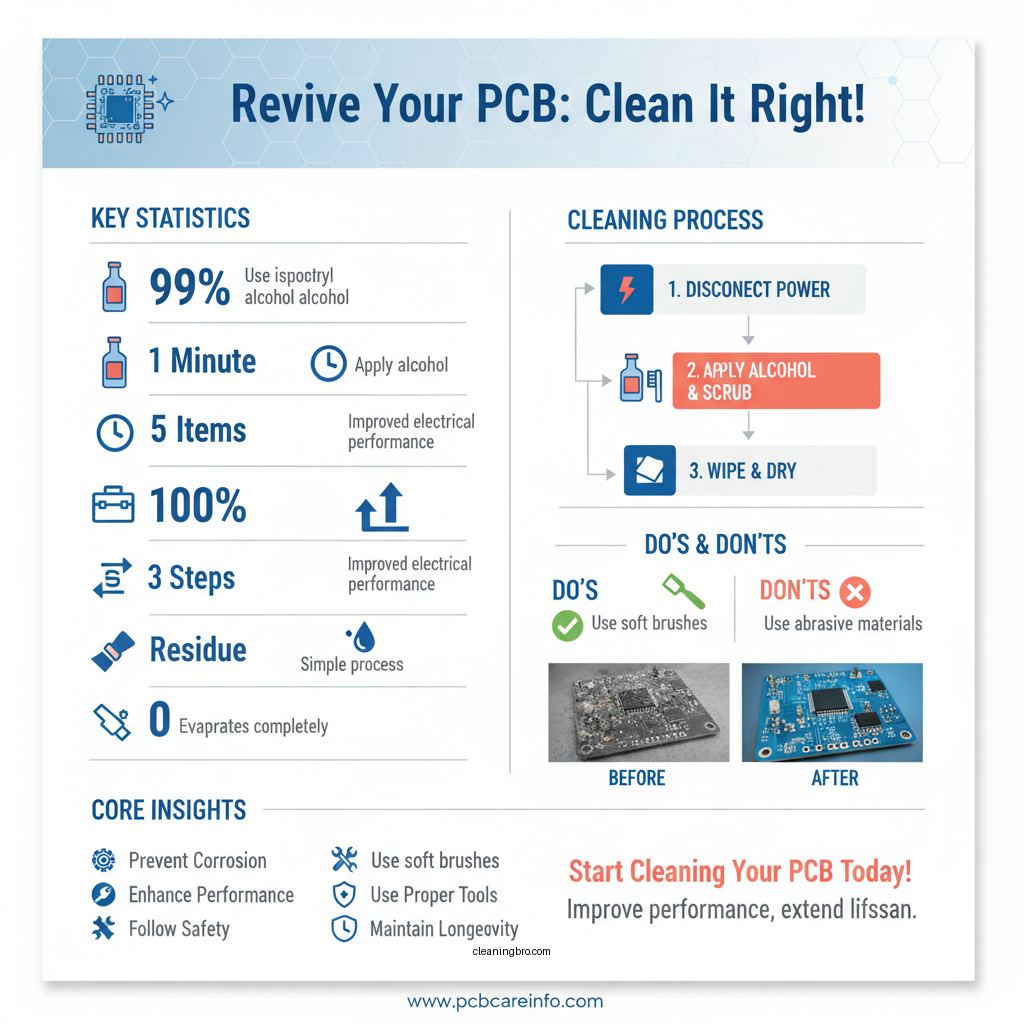
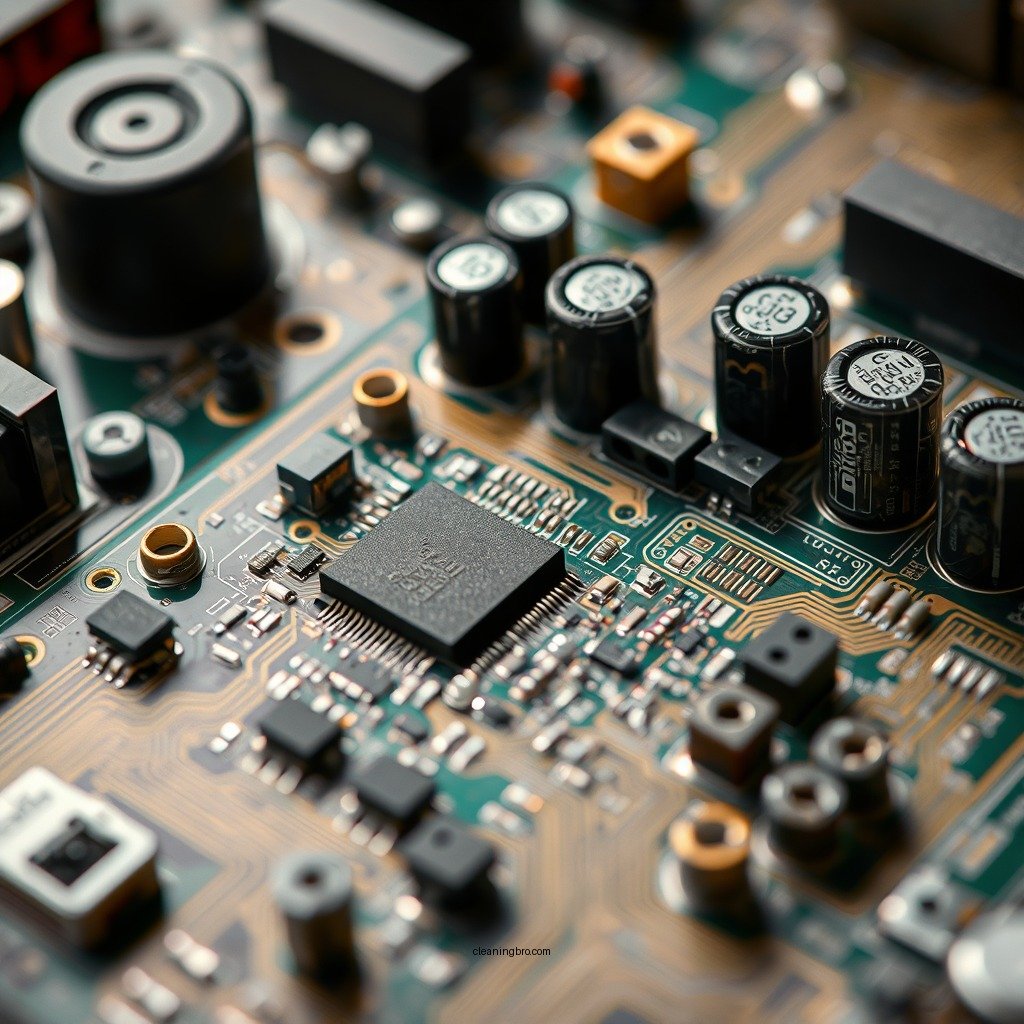
To clean a printed circuit board effectively, you will need the following tools and materials:
– Isopropyl alcohol (preferably 99%): This high-purity alcohol evaporates quickly, leaving no residue that could impede electrical connections.
– Soft-bristled brush or toothbrush: A soft brush helps to dislodge dust and debris without damaging sensitive components.
– Lint-free cloths or wipes: These are essential for wiping down surfaces without leaving fibers or residues behind.
– Compressed air canister (optional): This can be used to blow away loose particles before applying alcohol.
Having the right tools on hand is crucial for ensuring a thorough and safe cleaning process.
Step-by-Step Cleaning Process
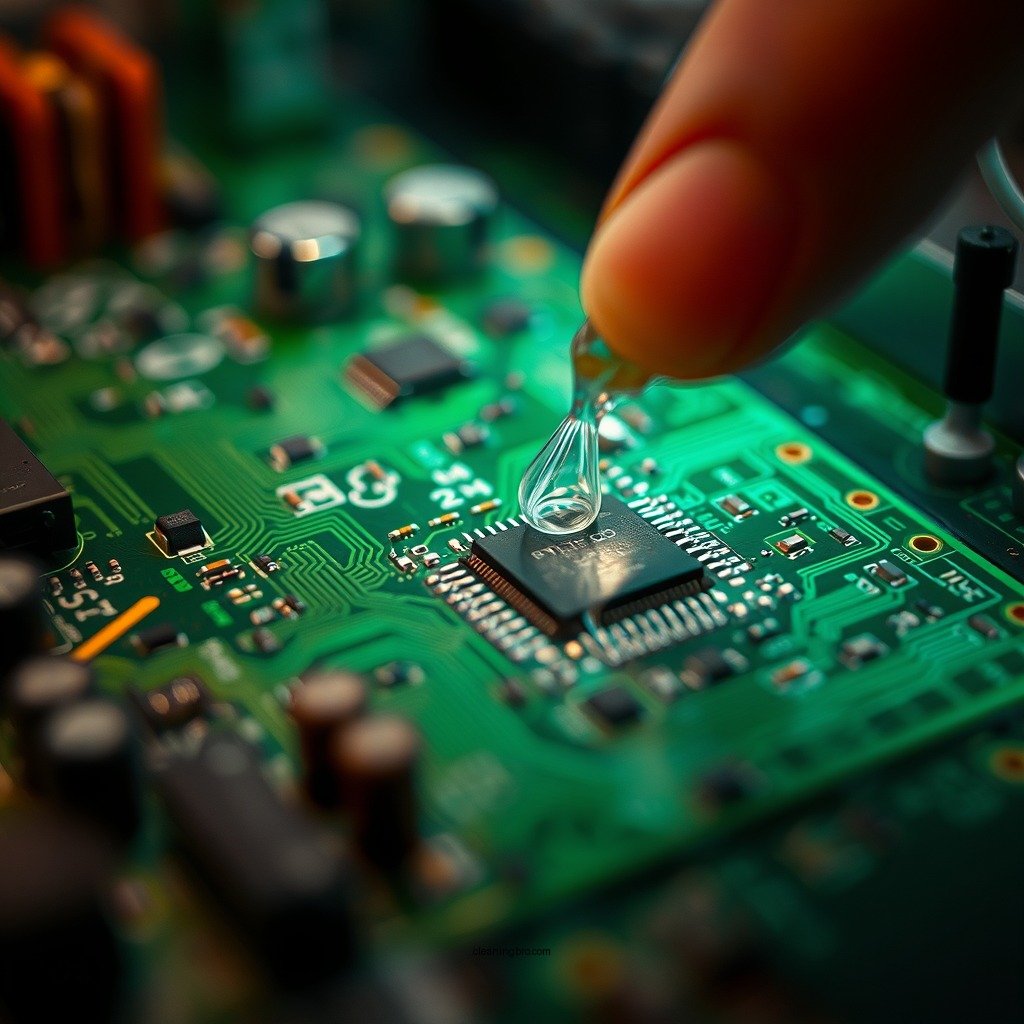
1. Disconnect Power and Remove the PCB from the Device: Before starting the cleaning process, ensure that the PCB is completely powered off and disconnected from any power source. This is crucial for your safety and to avoid damaging the components.
2. Apply Isopropyl Alcohol to the Brush and Gently Scrub the Board: Dip the soft-bristled brush into isopropyl alcohol, ensuring it is damp but not dripping. Gently scrub the PCB, focusing on areas where dust and grime have accumulated. Be cautious around sensitive components, avoiding excessive pressure that could dislodge or damage them.
3. Use Lint-Free Cloths or Wipes: After brushing, take a lint-free cloth or wipe and gently wipe down the surfaces of the board to remove any remaining alcohol and contaminants. Ensure that you do not leave any fibers behind.
4. Optional Air Blowing: If you have access to a compressed air canister, use it to blow away any remaining debris and to dry the board more quickly. Hold the canister upright and use short bursts to avoid moisture buildup.
5. Inspect the Board: Before reassembling, carefully inspect the PCB for any remaining grime or moisture. If necessary, repeat the cleaning process in areas that still appear dirty.
Common Contaminants Found on PCBs
| # | Contaminant | Potential Issues | Cleaning Frequency |
|---|---|---|---|
| 1 | Dust | Interference with connections | Monthly |
| 2 | Grime | Overheating and shorts | Quarterly |
| 3 | Corrosion | Component failure | Every 6 months |
| 4 | Moisture | Short circuits | After exposure |
| 5 | Solder Flux | Intermittent connections | After soldering |
| 6 | Oils | Performance degradation | Monthly |
| 7 | Debris | Electrical shorts | Monthly |
Special Considerations for Sensitive Components
When cleaning a printed circuit board, special care must be taken around sensitive components such as capacitors, integrated circuits (ICs), and connectors. These components can be easily damaged by moisture or excessive scrubbing. Here are a few important considerations:
– Avoid Excessive Moisture: While isopropyl alcohol is safe for cleaning, applying too much moisture to sensitive components can lead to damage. Use the alcohol sparingly and ensure that it does not pool around any components.
– Use Specialized Cleaning Solutions: For high-density boards or those with very sensitive parts, consider using specialized cleaning solutions designed for electronics. These cleaning agents are formulated to evaporate quickly and leave no residue, reducing the risk of damage.
– Gentle Techniques: When cleaning around delicate components, use a light touch with your brush. A gentle scrubbing motion is preferable to vigorous rubbing, which can dislodge components or damage circuit traces.
PCB Cleaning Solutions: Overview of Options
| Feature | ⭐ Isopropyl Alcohol | Electronic Cleaner | Ultrasonic Cleaner |
|---|---|---|---|
| Cost | Low | Medium | High |
| Evaporation Rate | Fast | Moderate | Slow |
| Residue Left | None | Low | None |
| Cleaning Method | Manual | Spray | Ultrasonic |
| Ease of Use | Simple | Moderate | Complex |
| Effectiveness | High | Very High | Exceptional |
| Safety | Safe | Moderate | High |
| Environmental Impact | Low | Moderate | Low |
| Best Use Case | General cleaning | Stubborn dirt | Thorough cleaning |
| 🏆 Best For | DIY enthusiasts | Professionals | Industrial applications |
Drying and Reassembling the PCB
Once the cleaning process is complete, it is crucial to allow the PCB to air dry completely before reassembly. This step is vital to ensure that no moisture remains, which could lead to shorts or other electrical problems when power is restored. A good rule of thumb is to wait at least 30 minutes, although using a fan or compressed air can expedite the drying process.
After drying, perform a final inspection of the board for any remaining residue or moisture. If everything looks clean and dry, you can proceed with reassembling the device. Ensure that all connections are secure and that there are no loose components, as these can affect the performance and reliability of the device.
Maintenance Tips for Future Care
To keep your printed circuit boards in optimal condition, consider implementing the following maintenance tips:
– Regularly Inspect and Clean Your PCBs: Establish a routine cleaning schedule based on the environment in which the equipment operates. Frequent inspections will help identify potential issues before they escalate.
– Store PCBs in a Dust-Free Environment: Proper storage can significantly reduce the buildup of dust and grime. Use anti-static bags for storage, and avoid placing PCBs in areas where they are exposed to moisture or contaminants.
– Educate Staff on Best Practices: If you’re managing a team, ensure that everyone is trained in proper PCB handling and cleaning techniques. Awareness of the importance of PCB care can lead to better maintenance and fewer failures.
Cleaning your printed circuit boards can seem daunting, but with the right tools and techniques, you can do it safely and effectively. By following the steps outlined above, you’ll ensure that your electronics remain in optimal working condition. Always remember to handle PCBs with care, and don’t hesitate to reach out for professional help if needed.
Frequently Asked Questions
What is the best method to clean a printed circuit board (PCB)?
The best method to clean a printed circuit board involves using isopropyl alcohol (IPA) and a soft brush. Start by disconnecting power and removing the PCB from the device. Dampen the brush with IPA and gently scrub the surfaces to remove dust and debris, then rinse with more IPA and let it dry completely before reassembling.
How do I safely clean a PCB without damaging it?
To safely clean a PCB, avoid using abrasive materials and excessive moisture. Use a soft brush or lint-free cloth with isopropyl alcohol, which evaporates quickly and minimizes the risk of moisture damage. Always ensure that the PCB is completely dry before reconnecting it to any power source.
Why is it important to clean a printed circuit board?
Cleaning a printed circuit board is crucial to maintain its functionality and extend its lifespan. Dust, dirt, and corrosion can cause electrical shorts, affect signal integrity, and lead to component failure. Regular cleaning helps ensure optimal performance and reliability of electronic devices.
Which cleaning solutions are effective for PCBs?
Effective cleaning solutions for printed circuit boards include isopropyl alcohol (preferably 99% purity), specialized PCB cleaners, and ultrasonic cleaning solutions. Isopropyl alcohol is widely used for its ability to dissolve oils and contaminants without leaving residue, while ultrasonic cleaners can provide thorough cleaning in hard-to-reach areas.
What precautions should I take when cleaning my PCB?
When cleaning your PCB, always ensure that it is powered off and disconnected from any power source to prevent electric shock. Use gloves to protect your skin from chemicals, and work in a well-ventilated area to avoid inhaling fumes. Additionally, avoid excessive scrubbing, which can damage sensitive components or traces on the board.
References
- Printed circuit board
https://en.wikipedia.org/wiki/Printed_circuit_board - https://www.sciencedirect.com/topics/engineering/printed-circuit-board
https://www.sciencedirect.com/topics/engineering/printed-circuit-board - https://www.ncbi.nlm.nih.gov/pmc/articles/PMC7435353/
https://www.ncbi.nlm.nih.gov/pmc/articles/PMC7435353/ - https://www.jstor.org/stable/25172412
https://www.jstor.org/stable/25172412 - https://www.britannica.com/technology/printed-circuit-board
https://www.britannica.com/technology/printed-circuit-board - https://www.nature.com/articles/s41598-020-68126-0
https://www.nature.com/articles/s41598-020-68126-0 - https://www.cdc.gov/niosh/topics/electronics/cleaning.html
https://www.cdc.gov/niosh/topics/electronics/cleaning.html - https://scholar.google.com/scholar?q=how+to+clean+a+printed+circuit+board Google Scholar
https://scholar.google.com/scholar?q=how+to+clean+a+printed+circuit+board - Google Scholar Google Scholar
https://scholar.google.com/scholar?q=PCB+cleaning+methods - how to clean a printed circuit board – Search results
https://en.wikipedia.org/wiki/Special:Search?search=how+to+clean+a+printed+circuit+board