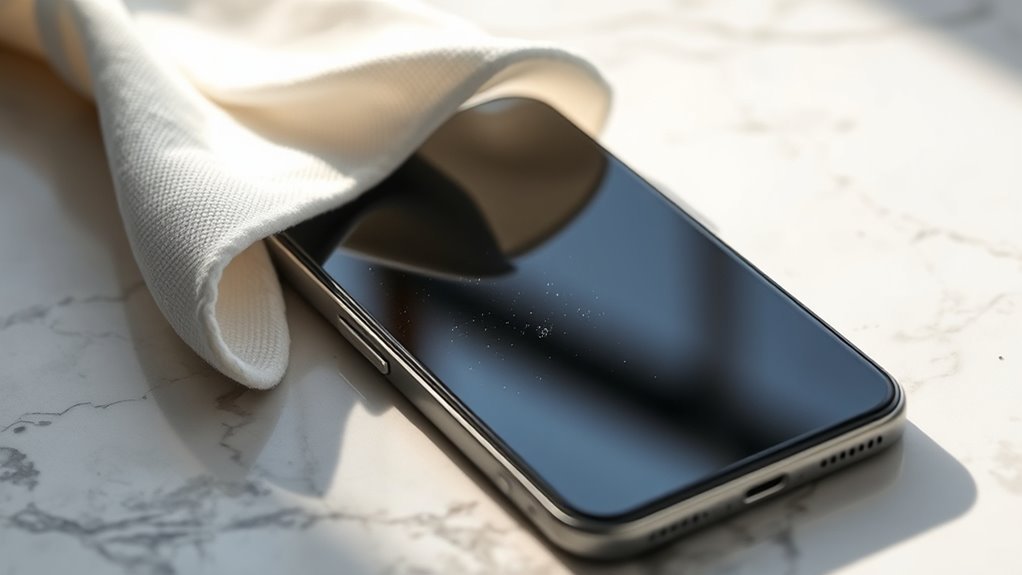
How to Remove Dust From Smartphone
To remove dust from your smartphone, start by powering it off and gathering a microfiber cloth, soft brush, and compressed air. Gently wipe the screen and back with the cloth, use a soft brush or wooden toothpick to clear ports like the charging slot, and blow short bursts of compressed air to loosen stubborn debris. Avoid liquids and metal tools to prevent damage. Keep dust away regularly to maintain performance—there’s more helpful info on keeping your device spotless and protected.
Tools Needed for Dust Removal
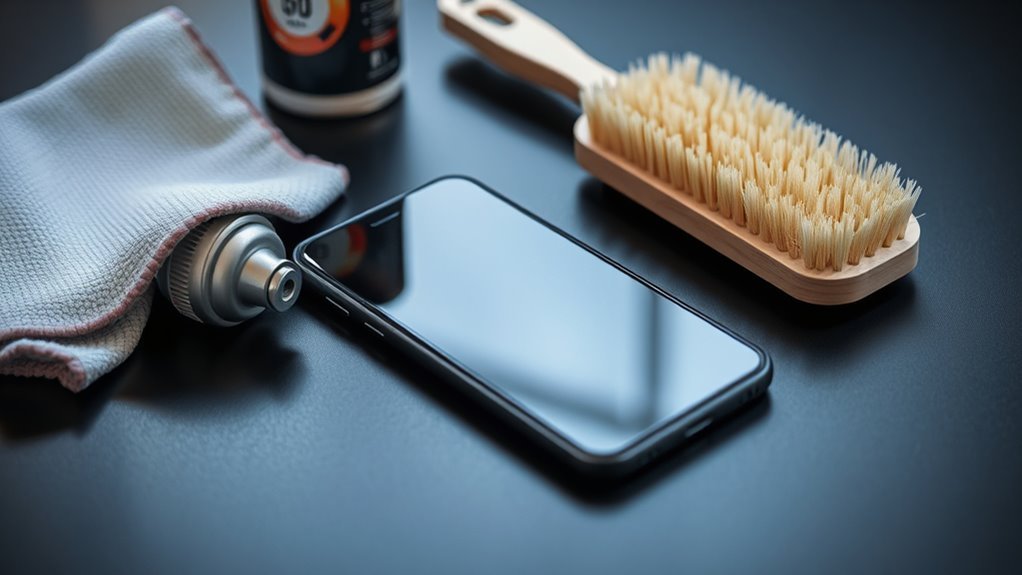
Before you begin cleaning your smartphone, you’ll need a few essential tools to remove dust effectively and safely. Start with microfiber cloths—they’re gentle on your screen and won’t scratch or leave lint behind. You want something that can lift dust without harming your device’s surface. Next, consider using specialized cleaning solutions designed specifically for electronics. Avoid harsh chemicals that can damage coatings or seep into openings. These solutions help dissolve oils and grime without risking your phone’s integrity. Having these tools ready frees you from worrying about damage, letting you maintain your phone’s clarity and performance on your own terms. With just microfiber cloths and the right cleaning solutions, you’re equipped to keep your smartphone dust-free while enjoying the freedom of DIY care.
Preparing Your Smartphone for Cleaning
Before you start cleaning, make sure to power off your smartphone to avoid any damage. Gather all the cleaning materials you’ll need so everything is within reach. Also, clear your workspace to create a clean and organized area for the process.
Power Off Device
To start, make sure you power off your smartphone completely. This step is vital for power safety, preventing any accidental inputs or short circuits while you clean. Turning off your device not only protects its internal components but also contributes to device longevity by reducing the risk of damage. You want your smartphone to keep serving you freely without interruptions or costly repairs. So, hold down the power button until you see the shutdown option, then confirm to turn it off fully. Avoid simply locking the screen because the device is still active. Taking this simple yet necessary action sets the stage for a safe and effective dust removal process, ensuring your smartphone stays in top shape and ready to go whenever you need it.
Gather Cleaning Materials
Once your smartphone is powered off, you’ll need the right tools to get rid of dust effectively. Having the proper cleaning materials frees you from the hassle of ineffective methods and protects your device. Here’s what you should gather:
- Microfiber cloths – gentle on screens and perfect for trapping dust without scratching.
- Isopropyl alcohol-based cleaning solutions – effective for disinfecting without damaging your phone.
- A soft-bristled brush – ideal for loosening dust in crevices and ports.
- Cotton swabs – useful for precise cleaning around buttons and edges.
With these materials ready, you’ll be set to clean your smartphone safely and efficiently, giving you control over your device’s upkeep without relying on costly services.
Clear Workspace Area
Three key steps will help you set up a clean workspace for your smartphone cleaning. First, focus on workspace organization by choosing a flat, well-lit surface. Then apply decluttering techniques to remove unnecessary items, giving you freedom to move and avoid accidental damage. Finally, guarantee you have easy access to your cleaning materials.
| Step | Action |
|---|---|
| Workspace Choice | Find a spacious, flat surface |
| Decluttering Techniques | Remove unrelated items |
| Material Access | Arrange cleaning tools nearby |
Cleaning the Charging Port Safely
Although it might seem delicate, cleaning your smartphone’s charging port is essential for maintaining proper connectivity and preventing damage. Regular charging port maintenance keeps dust accumulation from causing charging issues or short circuits. Here’s how you can safely clean it:
Cleaning your smartphone’s charging port regularly prevents dust buildup and ensures reliable charging connections.
- Power off your phone to avoid any electrical problems.
- Use a soft, dry brush or a wooden toothpick to gently remove dust without harming the port’s pins.
- Avoid using metal objects or liquids that may cause corrosion or shorting.
- Blow compressed air lightly to clear deeper debris but keep it at a safe distance.
Removing Dust From Speaker Grills
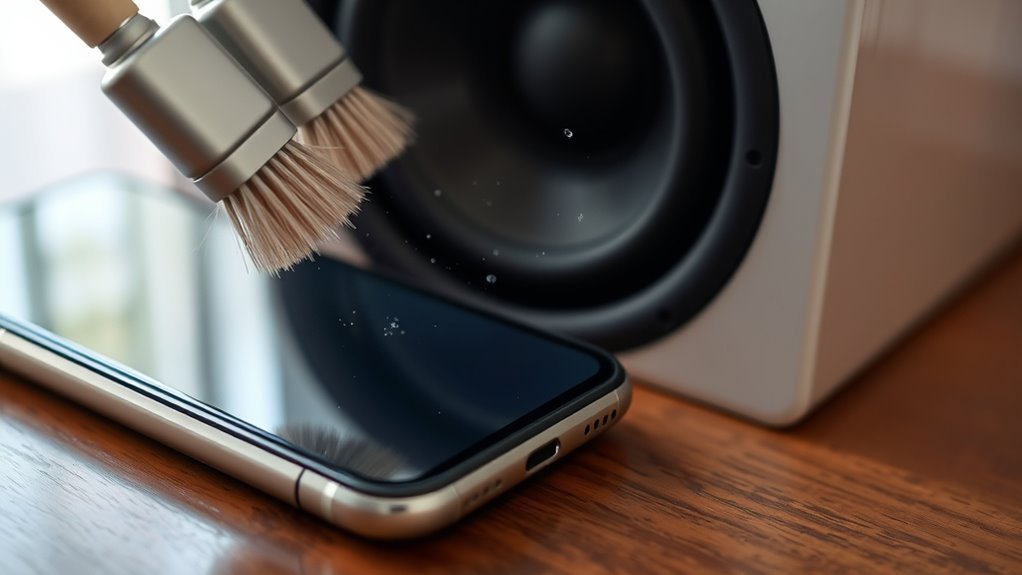
Since speaker grills are exposed to dust and debris regularly, keeping them clean is key to maintaining clear sound quality. For effective speaker maintenance, start by gently brushing the grills with a soft, dry toothbrush or a small, clean paintbrush to loosen trapped dust. Avoid using liquids that could damage internal components. You can also use compressed air in short bursts, holding the can upright to blow dust out without pushing it deeper inside. Regularly removing dust from these tiny openings guarantees your smartphone delivers crisp audio clarity without muffled sound. Staying on top of this simple step frees you from annoying audio issues and keeps your device performing at its best, so you can enjoy your music and calls with no interruptions.
Clearing Dust Around Buttons and Edges
When dust builds up around your smartphone’s buttons and edges, it can be tricky to clean. You’ll want to use a soft brush to gently loosen particles without scratching the surface. For stubborn dust, a quick burst of compressed air can help clear those tight spots safely.
Use Soft Brushes
A soft brush is one of the best tools you can use to clear dust from around your smartphone’s buttons and edges. Soft bristle brushes offer a gentle yet effective way to reach those tight spots without scratching your device. Here’s how to maximize your cleaning techniques:
- Choose a soft bristle brush designed for electronics or eyeglasses.
- Gently sweep along the edges and between buttons to dislodge dust.
- Avoid applying too much pressure to prevent damage.
- Use short, controlled strokes to lift dust without spreading it.
Compressed Air Tips
Although soft brushes work well for loosening dust, you’ll find compressed air invaluable for blowing debris out from tight spaces around your smartphone’s buttons and edges. Using compressed air for dust removal lets you reach areas brushes can’t, freeing your device from hidden buildup without disassembly. Aim short bursts of air at angles to avoid moisture buildup.
| Compressed Air Tips | Benefits | Cautions |
|---|---|---|
| Hold can upright | Prevents liquid spray | Avoid tilting can |
| Short bursts only | Controls airflow | Prevents damage |
| Keep distance | Protects buttons | Avoids pushing dust deeper |
| Use nozzle extension | Precise targeting | Reduces overspray |
With these tips, you’ll enjoy cleaner, freer smartphone use.
Using Compressed Air and Soft Brushes
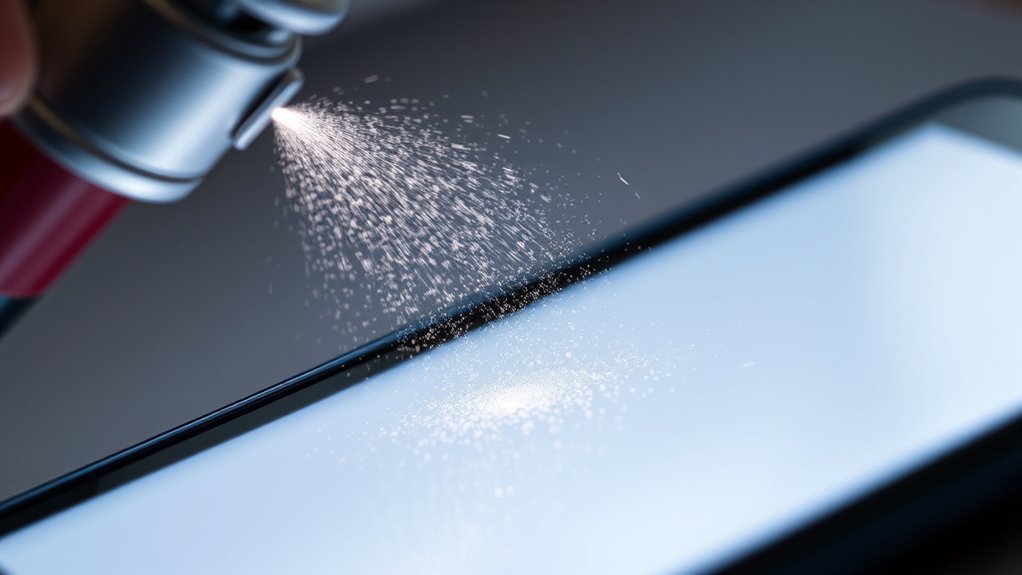
Since dust can easily settle in tiny crevices of your smartphone, using compressed air and soft brushes is one of the most effective ways to clean it without causing damage. You want to keep your device dust-free while preserving its delicate components. Here’s how to do it right:
Dust settles in tiny phone crevices; use compressed air and soft brushes to clean safely without damage.
- Hold the can of compressed air upright to avoid moisture spraying.
- Blow short bursts of air into ports and gaps to dislodge dust.
- Use a soft brush to gently sweep away loosened particles from the surface.
- Avoid pressing hard with the brush to prevent scratches.
Preventive Tips to Keep Your Smartphone Dust-Free
Keeping your smartphone clean with compressed air and brushes is helpful, but preventing dust buildup in the first place can save you time and effort. Start by adopting simple preventive habits like regularly wiping your device with a microfiber cloth and avoiding placing it on dusty surfaces. Use protective cases that fit snugly to shield ports and buttons from dust intrusion without restricting your phone’s functionality. You can also keep your phone in a clean pouch when not in use, minimizing exposure to airborne particles. These small, consistent steps give you the freedom to enjoy your device without constantly worrying about dust. By staying proactive with preventive habits and using quality protective cases, you maintain your smartphone’s performance and appearance effortlessly.
Frequently Asked Questions
Can Dust Inside My Phone Cause Overheating?
Think of your phone like a small engine—dust accumulation is like grit in the gears, causing friction and slowing things down. Yes, dust inside your phone can increase overheating risks by blocking airflow and trapping heat. When your device can’t cool itself properly, it struggles and can even shorten battery life. You want your phone running smoothly and free, so keeping dust out helps it breathe easy and perform at its best.
Is It Safe to Use a Vacuum Cleaner on My Smartphone?
Using a vacuum cleaner on your smartphone isn’t the best idea when it comes to vacuum safety. The suction can damage delicate components or create static electricity that harms your device. For smartphone maintenance, it’s safer to use a soft brush or compressed air designed for electronics. This way, you maintain your phone’s freedom to perform without risking internal damage from harsh cleaning methods. Keep it gentle and smart!
How Often Should I Clean My Smartphone to Prevent Dust Buildup?
You should keep smartphone maintenance simple by cleaning it regularly to avoid dust buildup. Aim for a cleaning frequency of at least once a week, especially if you’re often outdoors or in dusty environments. This helps keep your device running smoothly and looking fresh, giving you the freedom to use it without worry. Don’t stress—just a quick wipe with a microfiber cloth and gentle cleaner does the trick!
Can Moisture Damage Occur While Removing Dust?
Think of your smartphone as a delicate garden—moisture types like liquid droplets or humidity are the unpredictable rainstorms. When you clean, you don’t want those storms to flood your device, causing damage. To keep your freedom from tech troubles, use dry tools like microfiber cloths or compressed air, avoiding liquids. This damage prevention lets your phone breathe freely, ensuring it stays vibrant and ready for your next adventure without unwanted interruptions.
Will Dust Affect My Phone’s Warranty?
Dust accumulation itself usually won’t void your warranty coverage, but if it leads to damage, like clogged ports or overheating, that might not be covered. You’ve got the freedom to keep your phone clean, and doing so helps avoid issues that could affect warranty claims. So, while dust won’t directly cancel your warranty, neglecting your device could cause problems that aren’t covered, limiting your protection in the long run.