
To clean batteries with baking soda, you need to create a paste of baking soda and water, which effectively neutralizes battery acid and removes corrosion. This process can help restore the battery’s performance and extend its life. In this article, you will learn the step-by-step method for cleaning batteries safely and effectively.
Understanding Battery Corrosion
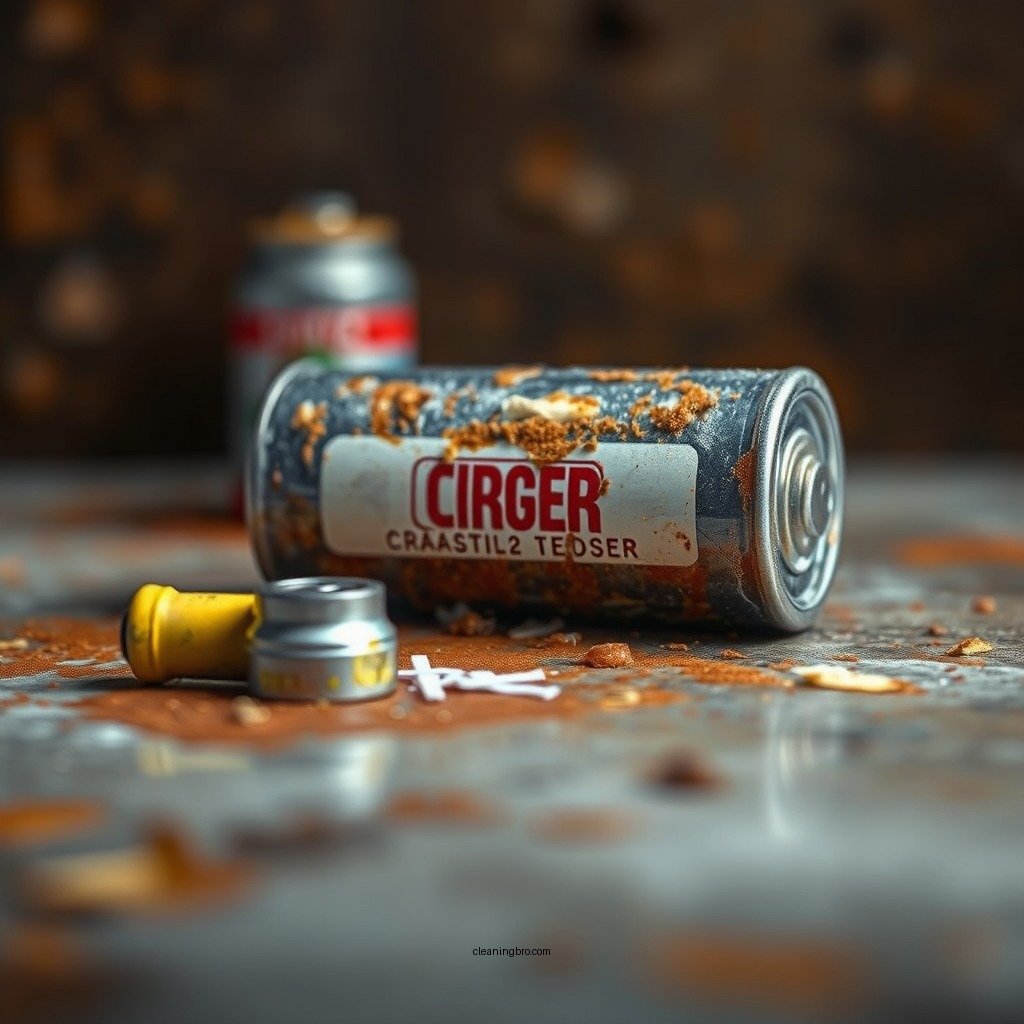
Corrosion occurs when battery acid leaks, often appearing as a white, crusty substance on battery terminals. This corrosion is primarily due to the chemical reactions that occur within the battery, leading to the release of sulfuric acid or alkaline materials, depending on the type of battery. When this acid leaks, it can create a buildup that impedes the electrical connections between the battery and the device it powers.

The presence of corrosion can lead to several issues, including decreased performance, reduced battery life, and even potential damage to the device itself. If left unattended, this corrosion can lead to a complete failure of the battery, necessitating a replacement. Understanding how to identify and clean corrosion is essential in maintaining the longevity and efficiency of your batteries.
📊 DATA OVERVIEW
Battery Types and Their Corrosion Levels
📌 Source: Battery University. Data as of 2023.
Materials Needed for Cleaning
To effectively clean battery terminals using baking soda, you will require the following materials:
– Baking Soda: This common household item is a powerful alkaline substance that neutralizes acidic corrosion from batteries. Its mild abrasive qualities also help remove the crusty buildup without damaging the terminals.
– Water: Water is needed to create a paste with baking soda. Using distilled water is preferable to avoid introducing impurities that could affect the cleaning process.
– Cleaning Tools: A small brush or cloth is essential for applying the paste and scrubbing the terminals. Additionally, wearing gloves and safety goggles is crucial for protecting your skin and eyes from battery acid.
– Container: A small bowl or cup to mix the baking soda and water paste.
Step-by-Step Cleaning Process
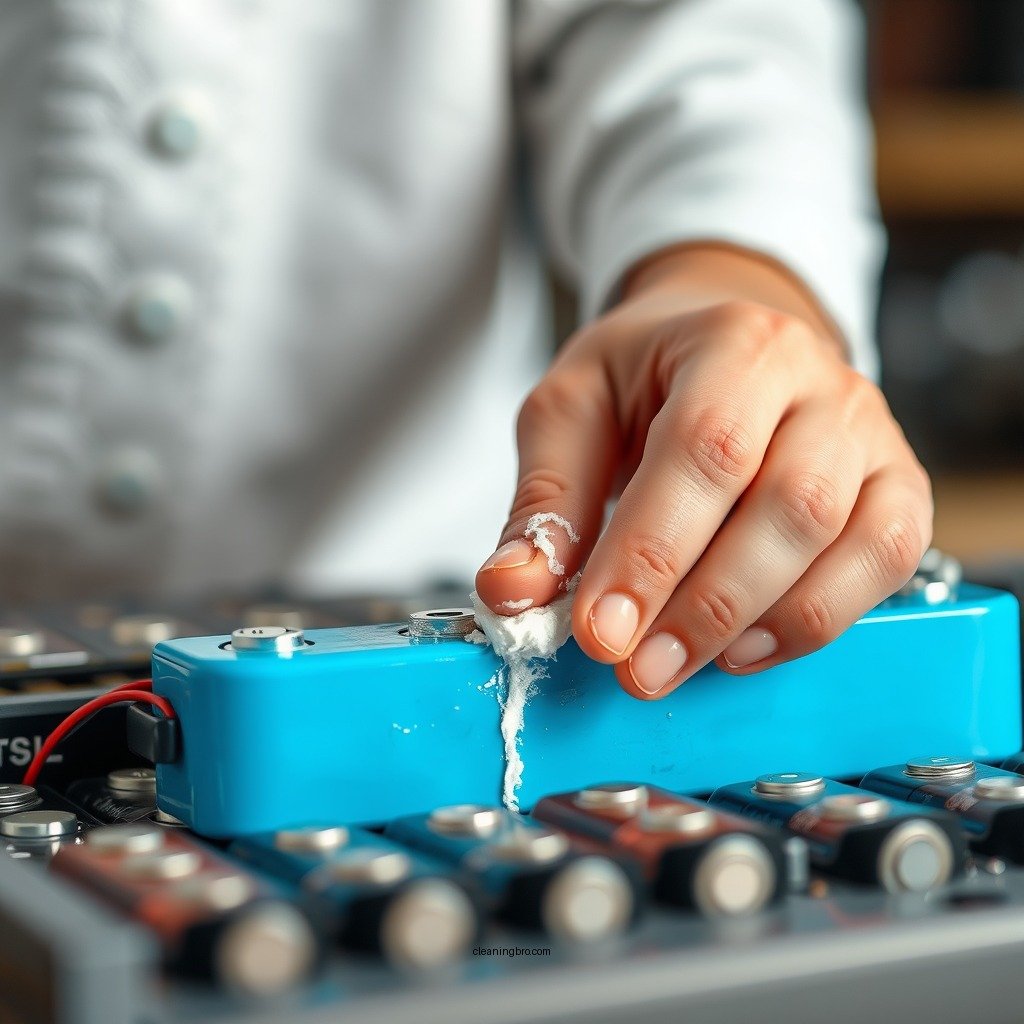
Cleaning batteries with baking soda is a straightforward process that can significantly improve battery performance. Here’s a step-by-step guide:
1. Create a Paste: In a small bowl, mix one tablespoon of baking soda with just enough water to create a thick paste. The consistency should be similar to that of toothpaste; not too runny, but not overly thick either.
2. Disconnect the Battery: Before cleaning, ensure the device is turned off and disconnect the battery to prevent any electrical hazards.
3. Apply the Paste: Using a cotton swab or cloth, gently apply the baking soda paste to the corroded areas of the battery terminals. Make sure to cover all affected areas without excessive force.
4. Scrub Gently: Using a small brush or cloth, gently scrub the terminals to remove corrosion. Be cautious not to damage the terminals or surrounding components.
5. Rinse: After scrubbing, use a damp cloth with clean water to wipe away any remaining baking soda paste. This step is crucial to prevent any baking soda residue from causing future issues.
6. Dry Completely: Allow the battery terminals to dry completely before reconnecting the battery to the device.
7. Reconnect the Battery: Once dry, reconnect the battery, ensuring a secure connection, and power on the device to check if performance has improved.
Safety Precautions to Take

When cleaning batteries, safety should be your top priority. Here are some essential precautions:
– Wear Protective Gear: Always wear gloves and safety goggles to protect your skin and eyes from any splashes of battery acid or corrosion.
– Work in a Well-Ventilated Area: Conduct the cleaning process in a space with good airflow to avoid inhaling any harmful fumes that may be emitted from the battery.
– Avoid Contact with Skin: If any battery acid comes into contact with your skin, wash the area immediately with soap and water.
– Dispose of Waste Properly: Dispose of any cleaning materials or battery waste according to local regulations to prevent environmental contamination.
Additional Tips for Battery Maintenance
Maintaining the health of your batteries goes beyond occasional cleaning. Here are some proactive tips for battery maintenance:
– Regular Inspections: Check batteries periodically for signs of corrosion or leakage. Early detection can save you from more extensive damage later.
– Proper Storage: Store batteries in a cool, dry place to minimize the risk of leaks and corrosion. Avoid leaving batteries in devices for extended periods if they are not in use.
– Avoid Overcharging: For rechargeable batteries, avoid overcharging as it can lead to overheating and damage, reducing their lifespan.
– Use Compatible Chargers: Ensure you are using the correct charger for your battery type to prevent damage and enhance efficiency.
When to Replace Batteries
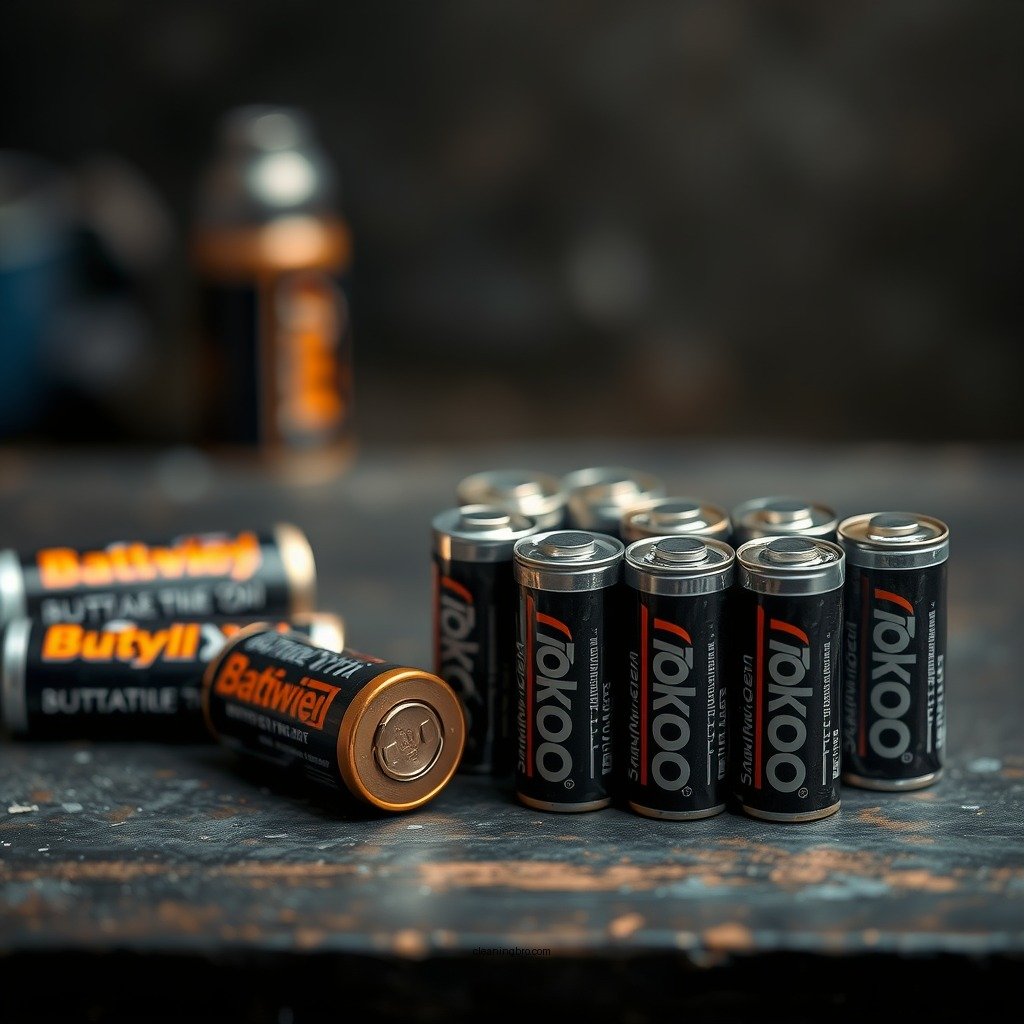
While cleaning can restore battery performance, there are times when replacement is necessary. Here are indicators that it might be time to replace your batteries:
– Poor Performance After Cleaning: If cleaning the battery terminals does not improve performance, it may indicate that the battery is nearing the end of its life.
– Visible Swelling or Leakage: Any signs of swelling, leakage, or corrosion that cannot be cleaned indicate that the battery is damaged and should be replaced immediately.
– Age of the Battery: Most batteries have a finite lifespan. If your battery is several years old and showing signs of wear, consider replacing it for better performance and safety.
In summary, cleaning batteries with baking soda is an effective way to neutralize corrosion and prolong battery life. By following the outlined steps and safety precautions, you can maintain your batteries easily. If you found this guide helpful, consider sharing it with others who may benefit or try cleaning your batteries today!
Frequently Asked Questions
How do you clean corroded batteries with baking soda?
To clean corroded batteries using baking soda, first create a paste by mixing one tablespoon of baking soda with a small amount of water until it forms a thick consistency. Apply the paste to the corroded areas of the battery terminals using a cotton swab or an old toothbrush, and allow it to sit for about 10-15 minutes. Afterward, wipe the terminals with a damp cloth to remove any residue, ensuring you dry them thoroughly before reusing the batteries.
Why should you use baking soda to clean battery terminals?
Baking soda is an effective cleaning agent because it is mildly abrasive and can neutralize the acidic corrosion found on battery terminals. This helps restore optimal conductivity and prevents further corrosion. Additionally, baking soda is non-toxic and safe to use, making it an excellent alternative to harsher chemical cleaners.
What safety precautions should you take when cleaning batteries with baking soda?
When cleaning batteries with baking soda, it’s essential to wear gloves and safety goggles to protect your skin and eyes from any corrosive residue. Always work in a well-ventilated area to avoid inhaling any possible fumes, and ensure that the batteries are removed from the device before cleaning. Dispose of any corroded batteries properly according to local regulations to avoid environmental harm.
Which types of batteries can be cleaned with baking soda?
Baking soda can be used to clean most household batteries, including alkaline, nickel-cadmium (NiCd), and nickel-metal hydride (NiMH) batteries. However, it is crucial to avoid cleaning lithium-ion batteries as they have a different chemistry and may be more sensitive to moisture and cleaning agents. Always check the battery type and manufacturer’s recommendations before cleaning.
What is the best method to prevent battery corrosion in the future?
To prevent battery corrosion, store batteries in a cool, dry place and avoid mixing old and new batteries in devices. Regularly check battery compartments for any signs of leakage or corrosion and remove batteries from devices that won’t be used for an extended period. Additionally, applying a thin layer of petroleum jelly to the terminals can provide a protective barrier against moisture and corrosion.
References
- How to Clean Battery Terminals: An Expert-Approved Guide
- https://www.scientificamerican.com/article/how-to-clean-battery-terminals/
- https://www.homedepot.com/c/ah/how-to-clean-battery-terminals/9ba683603be9fa5395fab9012f6a27e
- https://www.livescience.com/cleaning-battery-terminals.html
- https://www.batterystuff.com/kb/articles/battery-care/how-to-clean-battery-terminals.html
