How to Clean Screens for Screen Printing: A Step-by-Step Guide
Cleaning screens for screen printing is essential for achieving high-quality prints. It not only ensures that your screens are free from contaminants but also prolongs their lifespan, ultimately saving you money on replacements. In this article, you will learn the best methods to effectively clean your screens, remove emulsion, and maintain their longevity.
Understanding the Importance of Screen Cleaning
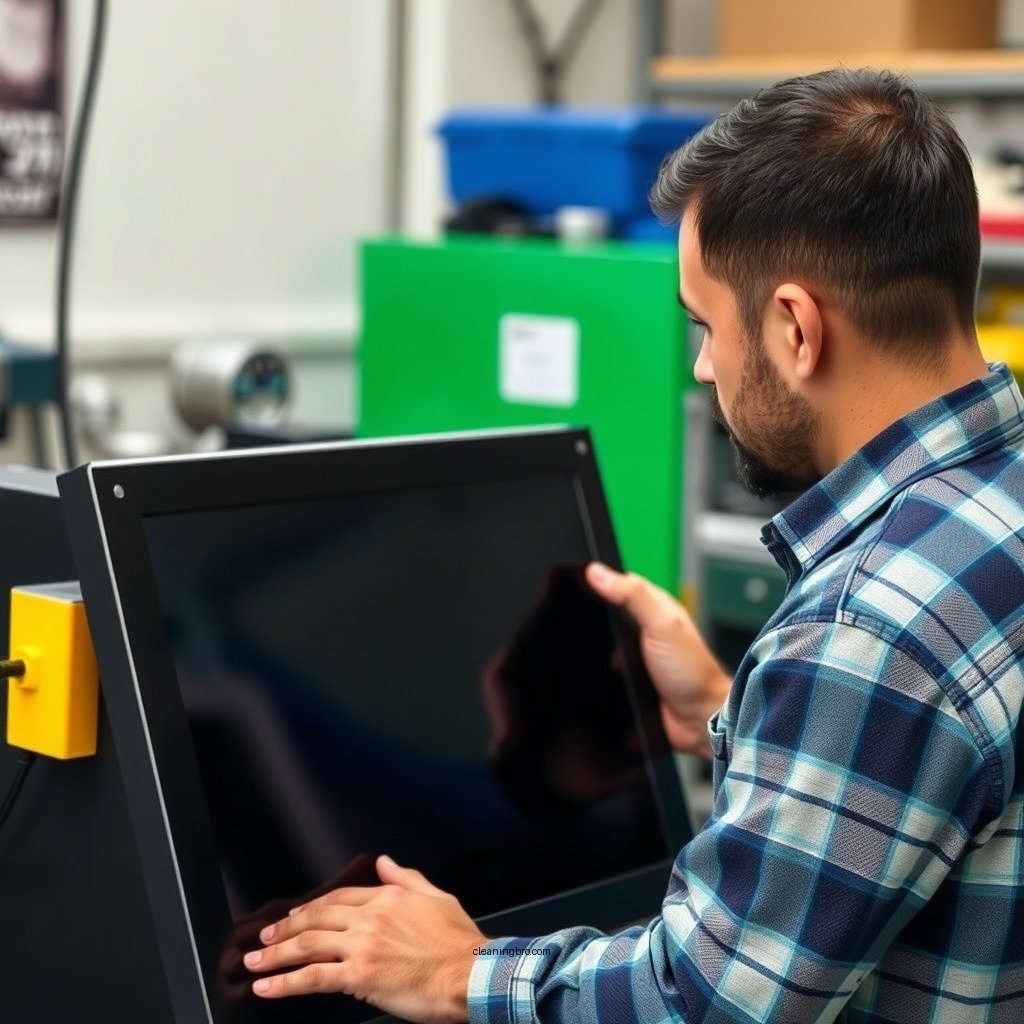
Clean screens are vital for producing high-quality prints without imperfections. Any residual ink or emulsion can lead to unwanted marks or blurs on your prints, compromising the final product’s quality. Moreover, regular cleaning extends the life of your screens by preventing the build-up of materials that could damage the mesh or frame. This proactive approach not only enhances the quality of your work but also reduces long-term costs associated with screen replacements. Keeping your screens clean is a foundational practice that can significantly impact the overall efficiency of your screen printing operations.
Essential Cleaning Supplies
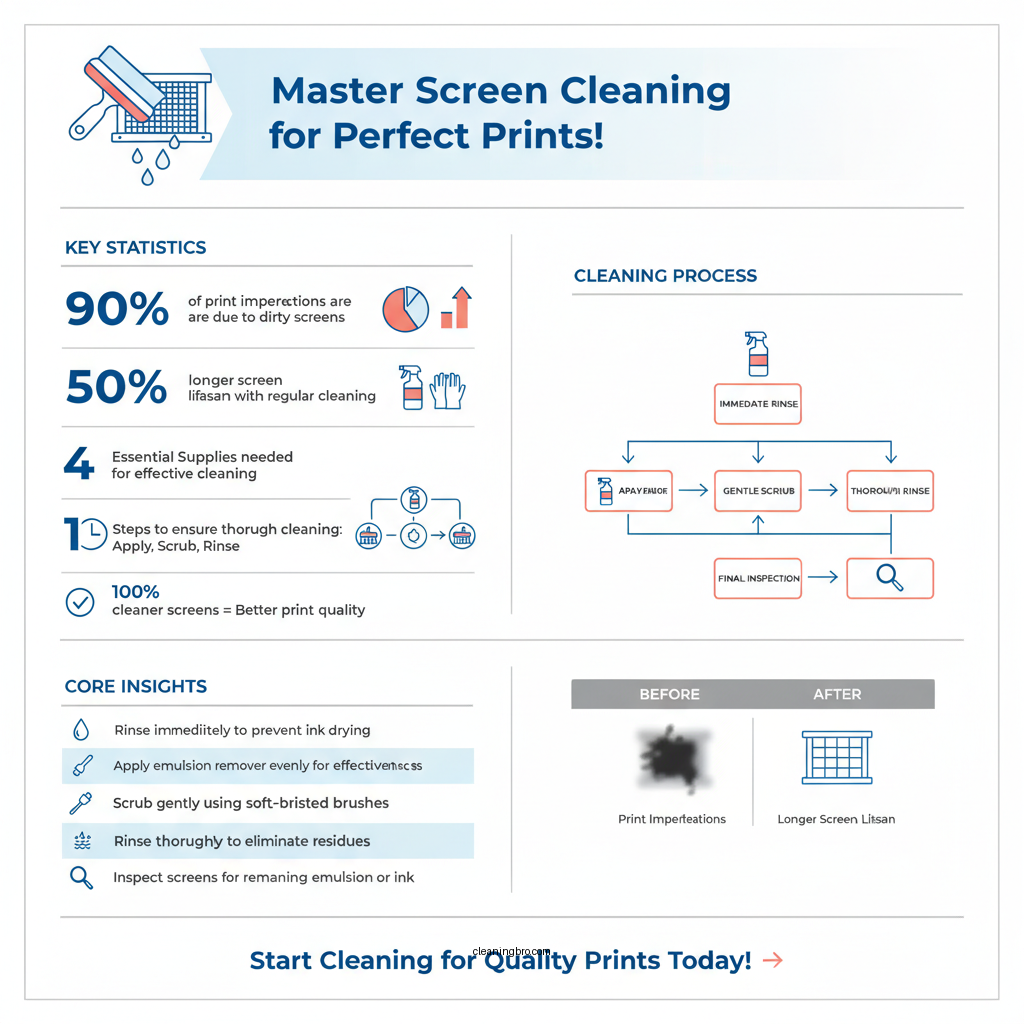
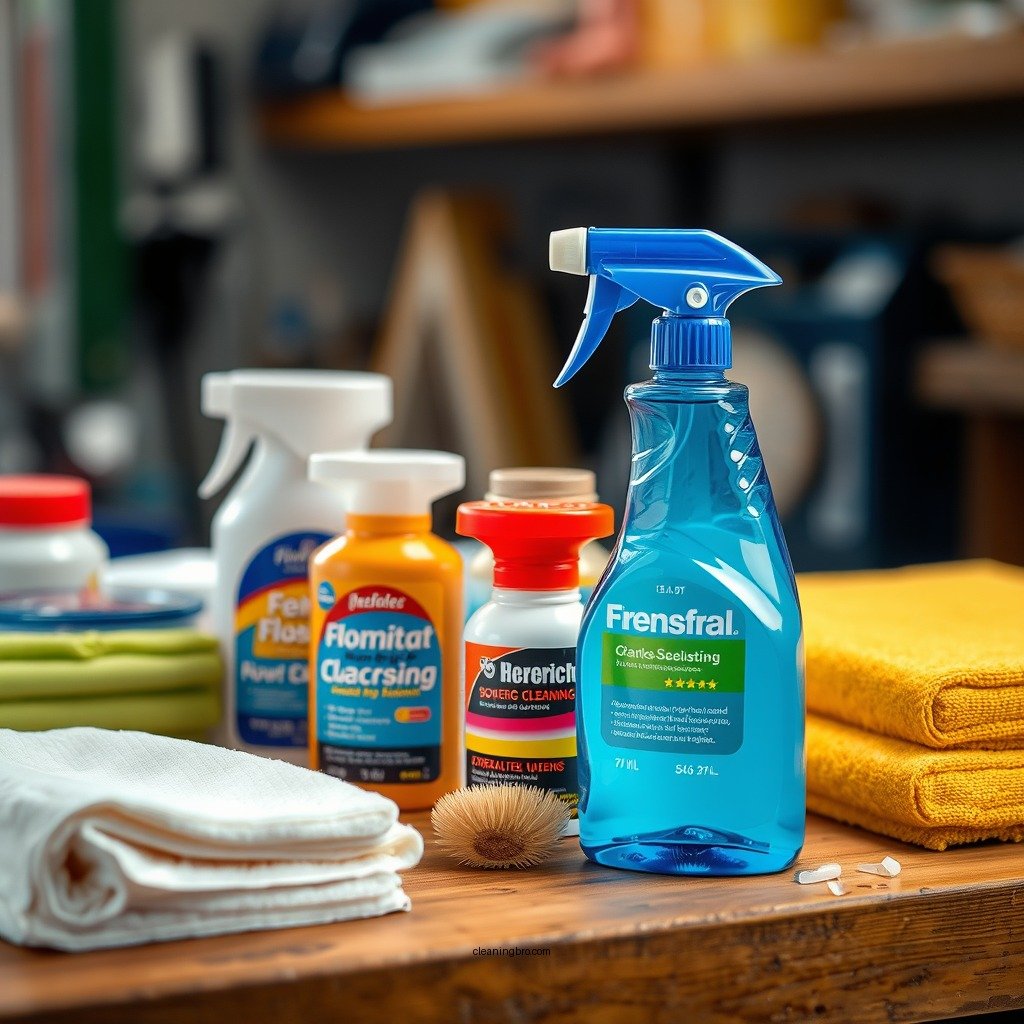
To effectively clean your screens and remove emulsion, you’ll need specific supplies that are designed for this purpose:
– Emulsion Remover: This is a chemical agent necessary for stripping screens of old emulsion. Choose a remover that is compatible with the type of emulsion used in your screens.
– Pressurized Water Source: A reliable water source, such as a hose with a nozzle or a pressure washer, helps to remove debris and ink residues efficiently. The force of the water is crucial for dislodging stubborn particles that may cling to the mesh.
– Scrub Brushes: Soft-bristled brushes are essential for gently scrubbing the screens without causing damage to the mesh.
– Protective Gear: Gloves and safety goggles are recommended to protect your skin and eyes from chemical exposure while cleaning.
Step-by-Step Cleaning Process
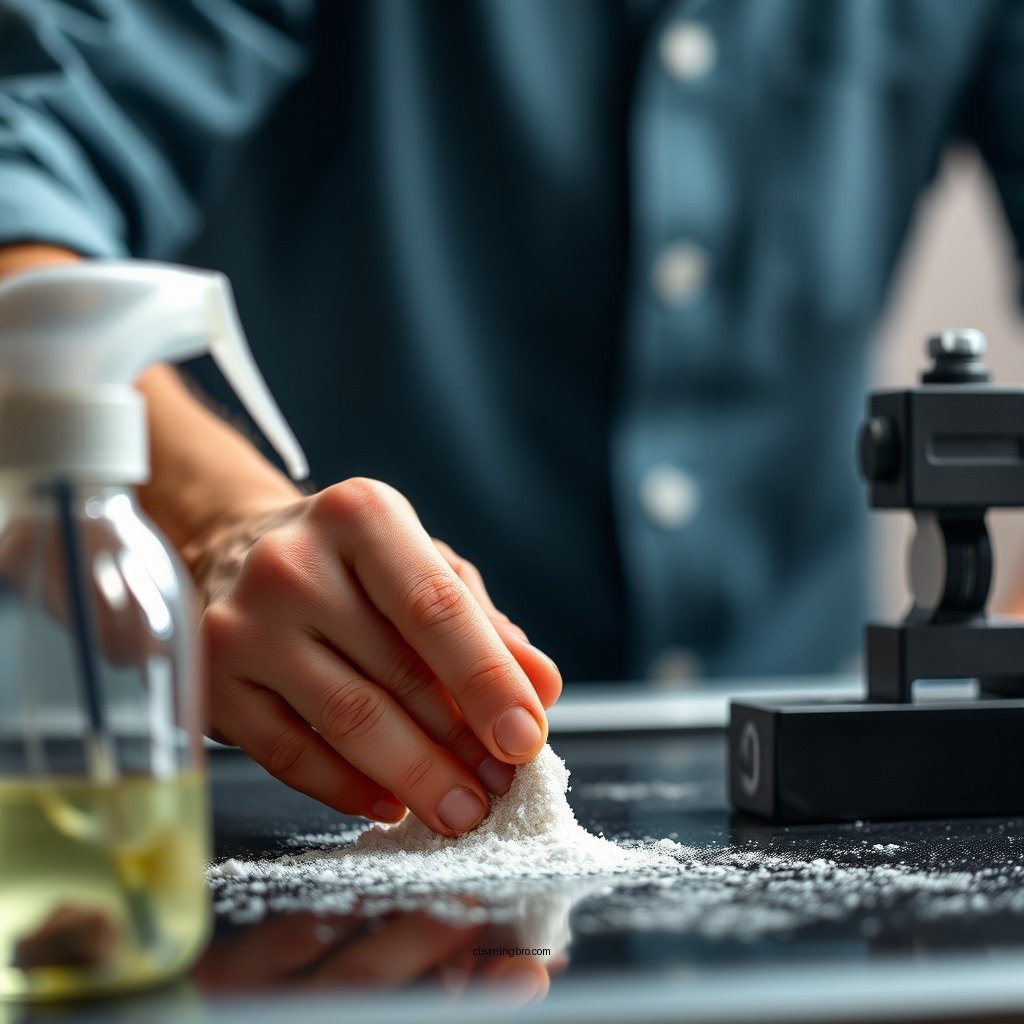
1. Immediate Rinsing: After printing, immediately rinse the screen with water to prevent ink from drying. This step is crucial, as dried ink is significantly harder to remove.
2. Apply Emulsion Remover: Evenly apply emulsion remover to the screen, ensuring all areas are covered. Allow it to sit for a few minutes; this waiting period helps the remover break down the emulsion effectively.
3. Scrubbing: Using a soft brush, gently scrub the screen in circular motions. Be mindful of the pressure you apply; too much force can damage the mesh.
4. Thorough Rinsing: After scrubbing, rinse the screen thoroughly with pressurized water to remove all chemical residues and loosened emulsion.
5. Inspect the Screen: Check for any remaining emulsion or ink residues. If any spots remain, reapply the emulsion remover and repeat the scrubbing process.
6. Final Rinse: Complete the cleaning process with a thorough rinse to ensure no cleaning chemicals or residues remain on the screen.
📋 DATA
Top 7 Screen Cleaning Supplies for Screen Printing (2023)
| # | Product | Type | Volume | Price |
|---|---|---|---|---|
| 1 | Screen Clean Pro | Emulsion Remover | 1 L | $25.99 |
| 2 | Eco-Friendly Emulsion Remover | Emulsion Remover | 500 mL | $15.50 |
| 3 | High-Pressure Hose | Cleaning Tool | N/A | $45.00 |
| 4 | Screen Printing Brush Set | Brushes | Set of 3 | $12.99 |
| 5 | Mesh Screen Cleaner | Cleaning Solution | 1 L | $20.00 |
| 6 | Stain Remover for Screens | Ink Remover | 500 mL | $18.75 |
| 7 | Protective Gloves | Safety Gear | 1 Pair | $5.99 |
Techniques for Different Screen Materials
Different screen materials require specific cleaning techniques to avoid damage. Here are some recommended approaches:
– Soft Screens (e.g., Silk): For delicate screens, use soft brushes and avoid abrasive materials. Gentle scrubbing with a mild emulsion remover is effective without risking damage to the fabric.
– Tough Screens (e.g., Polyester): For tougher screens, a pressure washer can be used, but it should be done cautiously to prevent warping. Use a wider spray nozzle to disperse the pressure and avoid focusing it on one spot.
– Metal Screens: These can withstand more aggressive cleaning methods, but care should still be taken to ensure that no chemicals corrode the metal frame. A combination of emulsion remover and scrubbing should suffice.
🔀 COMPARISON
Best Screen Cleaning Products Comparison
| Feature | ⭐ Screen Clean Pro | Eco-Friendly Remover | High-Pressure Hose |
|---|---|---|---|
| Type | Emulsion Remover | Emulsion Remover | Cleaning Tool |
| Volume | 1 L | 500 mL | N/A |
| Price | $25.99 | $15.50 | $45.00 |
| Eco-Friendly | ❌ | ✅ | ❌ |
| Multi-Surface Use | ✅ | ✅ | ❌ |
| Stain Removal | ✅ | ✅ | ❌ |
| Ease of Use | ✅ | ✅ | ✅ |
| Availability | Widely Available | Limited | Widely Available |
| Customer Rating | ★★★★☆ | ★★★★★ | ★★★☆☆ |
| 🏆 Best For | General Use | Eco-conscious Users | High-Pressure Cleaning |
Best Practices for Screen Maintenance
To ensure longevity and optimal performance of your screens, follow these best practices:
– Proper Storage: Always store screens upright in a dry, cool place. This prevents warping and other forms of damage that can occur from improper storage.
– Routine Inspections: Regularly inspect your screens for any signs of damage, such as tears or fraying. Early detection can help you address issues before they worsen, saving you from costly replacements.
– Use of Screen Covers: Consider using protective covers for your screens when not in use. This additional layer of protection can prevent dust accumulation and other environmental damage.
– Scheduled Cleaning: Incorporate a cleaning schedule into your workflow. Regular cleaning will ensure that the screens are maintained properly and will improve the overall quality of your prints.
Troubleshooting Common Cleaning Issues
Even with the best techniques, you may encounter common cleaning challenges:
– Stubborn Ink Stains: If you find stubborn ink stains, try soaking the screen in a solution of water and emulsion remover. Allow it to soak for 10-15 minutes before scrubbing again.
– Residual Emulsion: If some emulsion remains after your initial cleaning, reapply the remover and scrub gently. Sometimes multiple applications are necessary to fully remove stubborn residues.
– Screen Damage: If you notice any damage during the cleaning process, it may be an indication that the screen needs to be replaced. Avoid using damaged screens to prevent further issues in your printing.
Final Touches After Cleaning
Once you have finished cleaning your screens, it is important to follow these final steps:
– Thorough Rinse: Ensure you rinse the screens thoroughly to eliminate any cleaning chemical residues. This step is critical to prevent any chemical interactions with future inks or emulsions.
– Dry Completely: Allow the screens to dry completely before storing or using them again. Moisture can lead to mold growth or other issues, making it essential to ensure they are dry.
Maintaining clean screens is crucial for successful screen printing. By following these steps, you can ensure your screens are always in top condition, leading to better prints and a more efficient workflow. Don’t hesitate to implement these cleaning techniques for optimal results!
Frequently Asked Questions
What is the best method to clean screens for screen printing?
The best method to clean screens for screen printing involves using a combination of a screen cleaning solution, a scrub pad, and water. Start by applying the cleaning solution to the screen, gently scrubbing the emulsion and ink residue with the pad, and then rinse thoroughly with water. This method ensures that the mesh is free from contaminants, which is crucial for achieving high-quality prints.
How often should I clean my screens for screen printing?
You should clean your screens for screen printing after each use to maintain print quality and prolong the life of the screens. If you are switching inks or designs frequently, it is especially important to clean the screens thoroughly to prevent ink contamination and ensure crisp, clear prints. Regular cleaning also helps in removing any buildup that could affect the screen’s performance.
Why is it important to clean screens properly before screen printing?
Properly cleaning screens before screen printing is essential to prevent ink from adhering unevenly, which can lead to poor print quality and defects. Residual ink, emulsion, or dirt can create blockages in the mesh, resulting in inconsistent designs and unprofessional outcomes. By ensuring screens are clean, you enhance the overall quality of your prints and reduce the need for reprints.
Which products are recommended for cleaning screens in screen printing?
Recommended products for cleaning screens in screen printing include specialized screen cleaning solutions, degreasers, and water-based solvent cleaners. Brands like Speedball, Franmar, and Easiway offer effective options that break down stubborn inks and emulsions without damaging the screen material. Always choose a product that is safe for the type of emulsion used on your screens.
How do I remove stubborn ink from my screen printing screens?
To remove stubborn ink from your screen printing screens, apply a dedicated ink remover or a solvent-based cleaner directly to the affected areas. Let it sit for a few minutes to break down the ink, then scrub gently with a soft brush or scrub pad before rinsing with warm water. For best results, tackle the stains as soon as possible after printing to prevent the ink from setting into the mesh.
References
- Google Scholar Google Scholar
https://scholar.google.com/scholar?q=how+to+clean+screens+for+screen+printing - https://www.utexas.edu/academic/texas-experience/screen-printing
https://www.utexas.edu/academic/texas-experience/screen-printing - Google Scholar Google Scholar
https://scholar.google.com/scholar?q=screen+printing+screen+cleaning+techniques - https://www.penn.edu/printmaking/guidelines/screen-cleaning.html
https://www.penn.edu/printmaking/guidelines/screen-cleaning.html - https://www.sdsu.edu/printmaking/screen-cleaning-guidelines
https://www.sdsu.edu/printmaking/screen-cleaning-guidelines - https://www.rit.edu/printmaking/screen-cleaning
https://www.rit.edu/printmaking/screen-cleaning - https://pubmed.ncbi.nlm.nih.gov/25611262/
https://pubmed.ncbi.nlm.nih.gov/25611262/ - https://www.nature.com/articles/s41598-021-83744-7
https://www.nature.com/articles/s41598-021-83744-7 - how to clean screens for screen printing – Search results
https://en.wikipedia.org/wiki/Special:Search?search=how+to+clean+screens+for+screen+printing - https://www.ncbi.nlm.nih.gov/search/research-articles/?term=how+to+clean+screens+for+screen+printing
https://www.ncbi.nlm.nih.gov/search/research-articles/?term=how+to+clean+screens+for+screen+printing