Tag

Tag: device maintenance

Electronics Cleaning

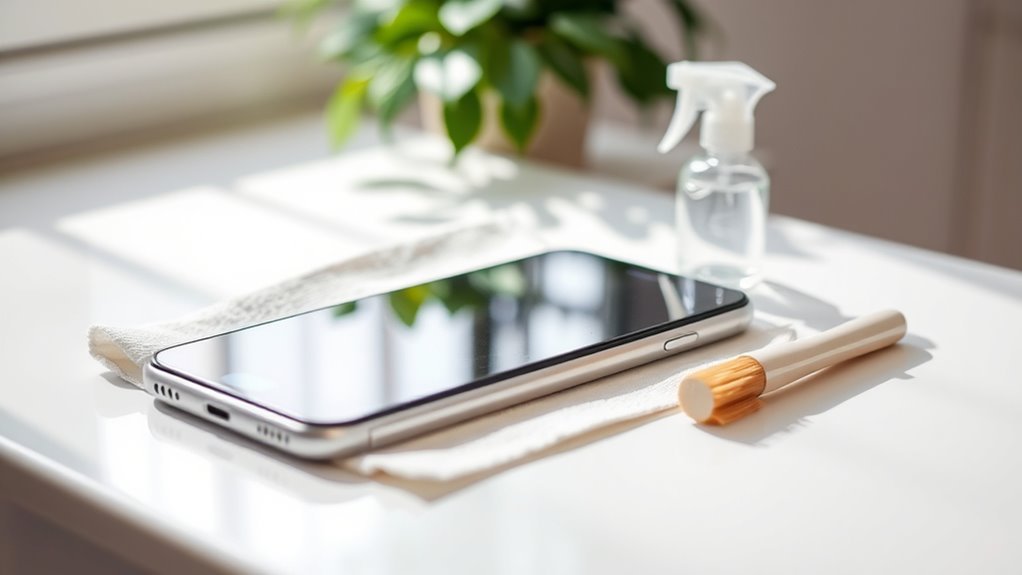
How to Remove Dust From Smartphone

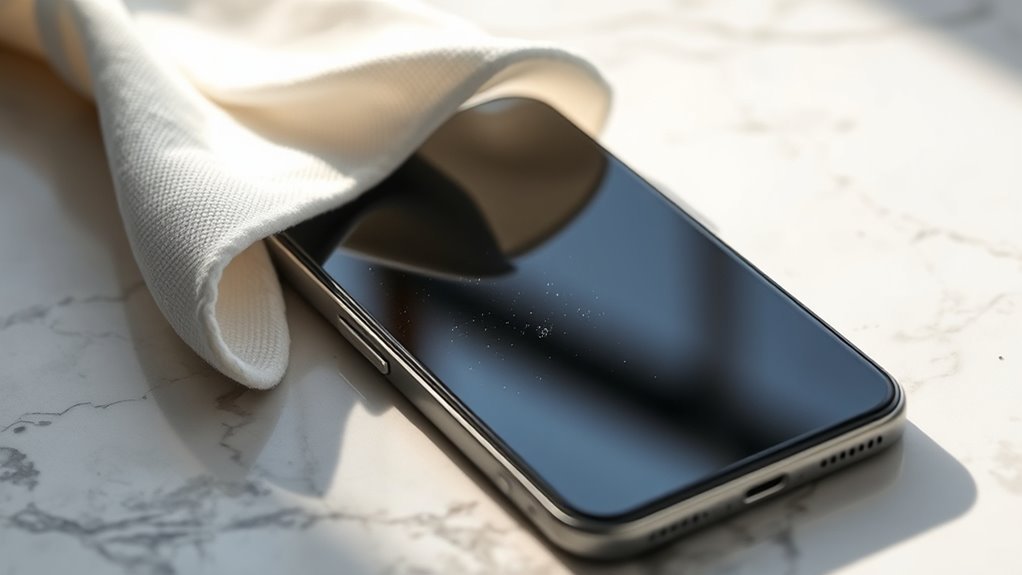
To remove dust from your smartphone, start by powering it off and gathering a microfiber cloth, soft brush, and compressed air. Gently wipe the screen and back with…

Read More →
Electronics Cleaning

Mistakes to Avoid When Cleaning Your Smartphone

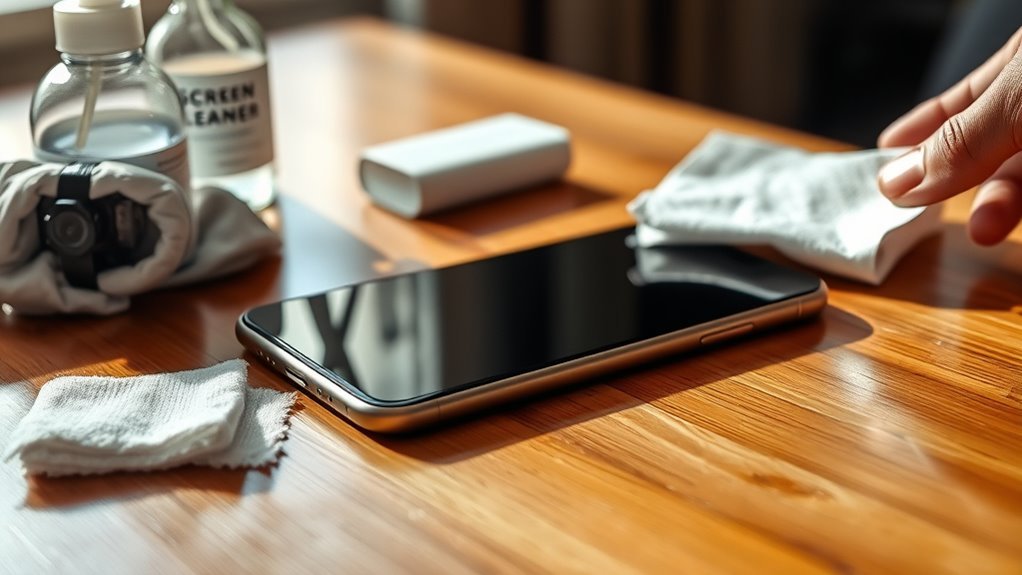
When cleaning your smartphone, don’t use harsh chemicals or abrasive materials—they can damage the screen’s protective coating. Avoid applying too much moisture and never spray liquids directly on…

Read More →
Electronics Cleaning

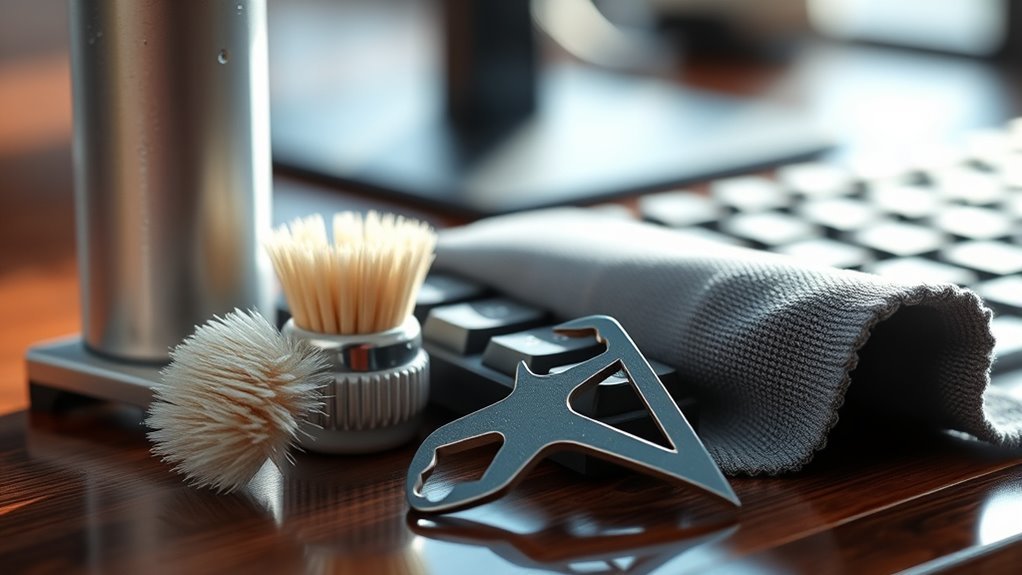
Cleaning Techniques for Keyboard Owners

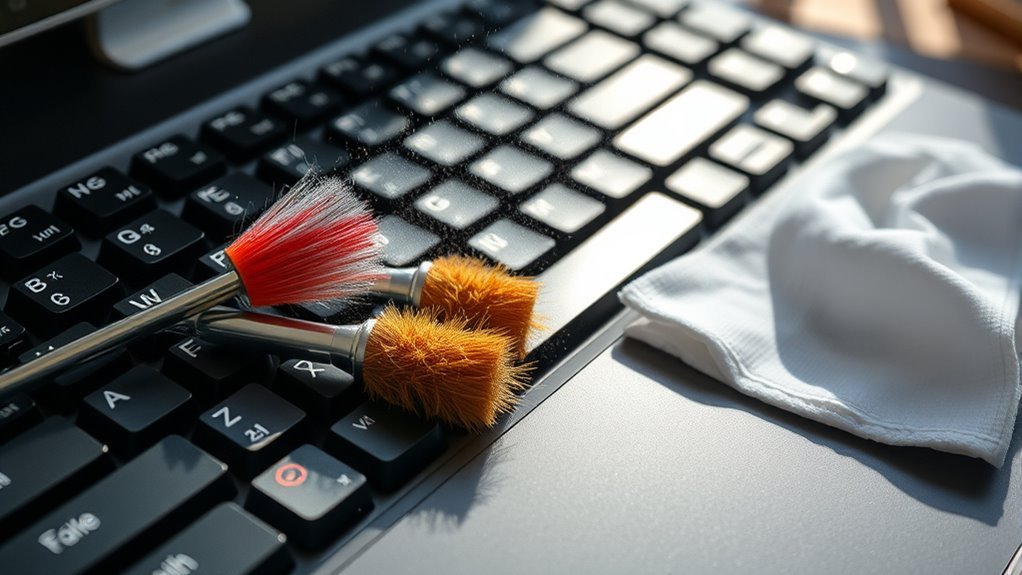
To keep your keyboard clean, start with soft brushes, microfiber cloths, and disinfecting wipes. Daily, shake out debris or use compressed air, and gently wipe surfaces to prevent…

Read More →
Electronics Cleaning

Essential Tools for Cleaning Keyboard

You’ll want a soft brush to gently sweep away dust without harming your keys, and a compressed air canister to blast out stubborn debris from tight spots. Keep…

Read More →
Electronics Cleaning

How to Clean Smartphone

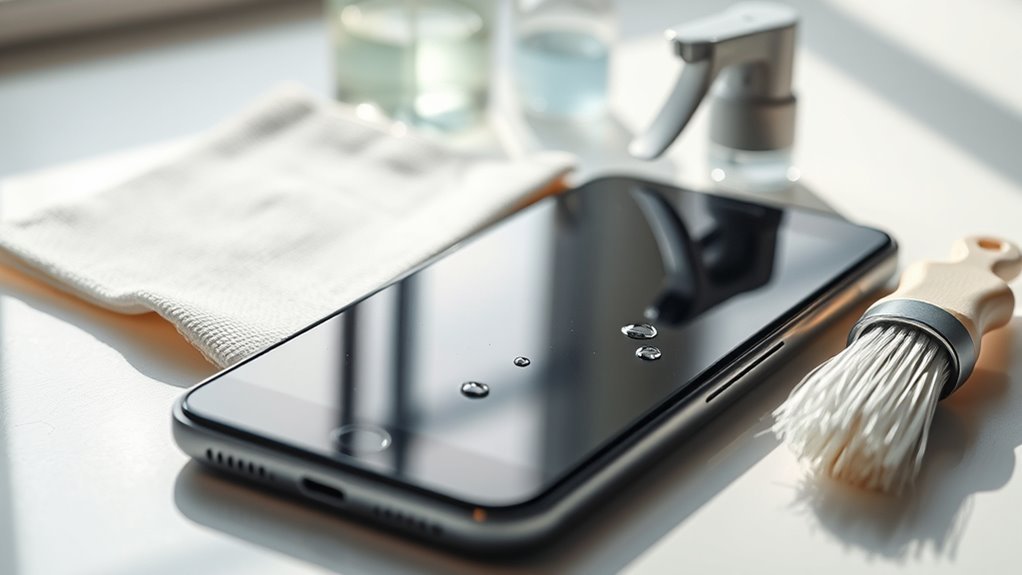
To clean your smartphone, first power it off and unplug all accessories. Remove the case to access all surfaces. Use a lint-free microfiber cloth slightly dampened with isopropyl…

Read More →
Electronics Cleaning

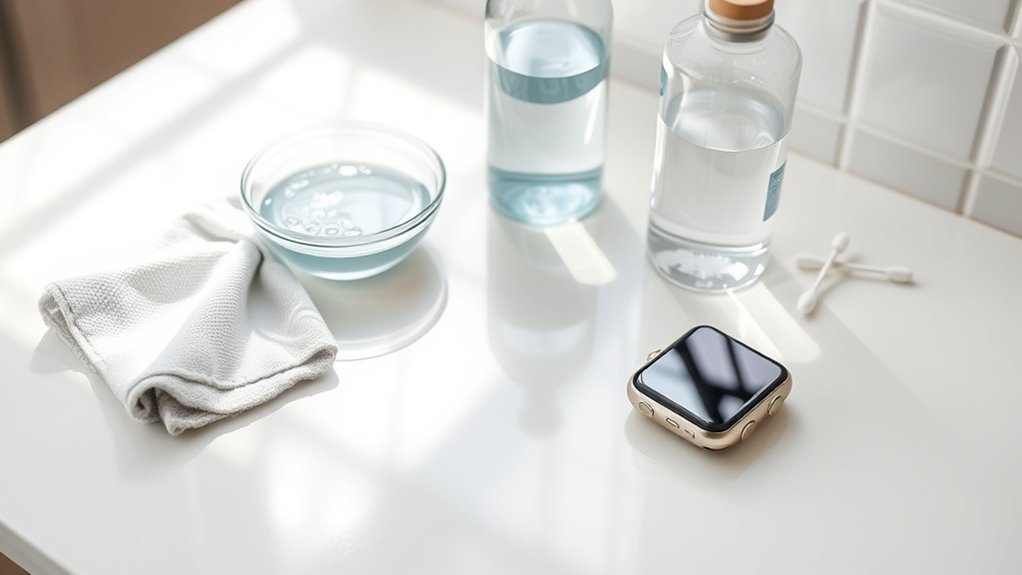
How to Clean a Smartwatch for Hygiene

To clean your smartwatch for hygiene, first power it off and disconnect it to prevent damage. Remove the band, using gentle pressure or tools depending on its material.…

Read More →