Mistakes to Avoid When Cleaning Your Keyboard
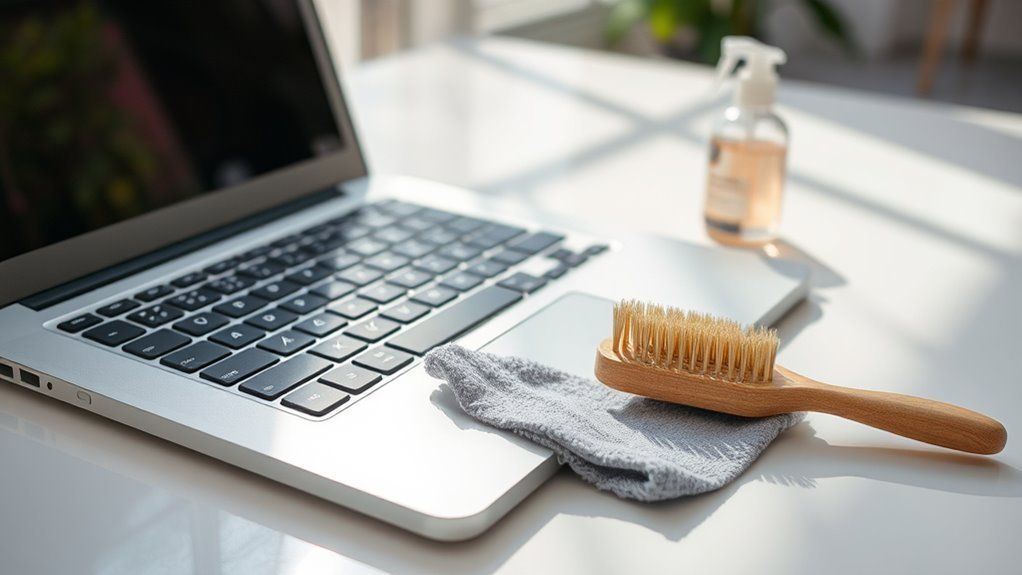
When cleaning your keyboard, don’t use excessive liquids or spray directly onto the keys to avoid damage. Always power down and disconnect it before you start. Follow the…
Read More →When cleaning your keyboard, don’t use excessive liquids or spray directly onto the keys to avoid damage. Always power down and disconnect it before you start. Follow the…
Read More →To remove stubborn stains from your keyboard, first unplug it and identify the stain type. Use a cotton swab or soft cloth lightly dampened with isopropyl alcohol to…
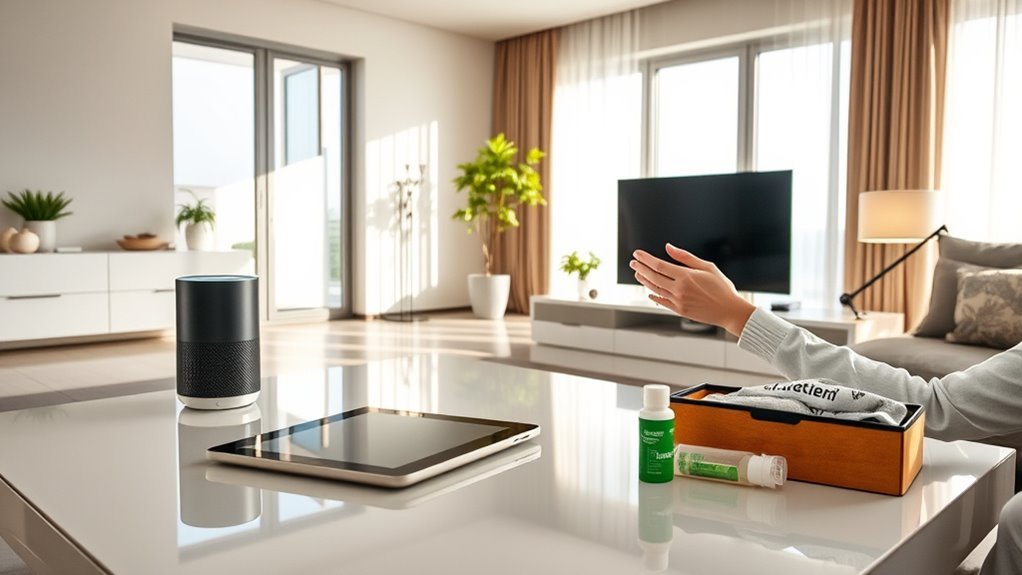
Read More →To keep your smart home devices clean and working well, use a soft microfiber cloth and avoid harsh chemicals. Always turn gadgets off before wiping screens or speakers,…
Read More →To clean your smartphone without damaging it, first power it off and gather soft microfiber cloths and a 70% isopropyl alcohol solution or distilled water. Lightly dampen the…
Read More →To prevent dirt buildup on your smartphone, use a protective case that shields edges and ports, and clean your hands before handling it. Avoid dusty places and keep…
Read More →Start by gathering eco-friendly cleaning materials, then power off your phone and remove its case and accessories. Use a microfiber cloth dampened slightly with a safe cleaning solution…
Read More →To clean your laptop and keyboard effectively, first power down and unplug your device. Use a soft microfiber cloth slightly dampened with water or a gentle alcohol-based solution…
Read More →You might be damaging your smartphone without realizing it. Using harsh chemicals can strip protective screen layers, while too much water risks internal damage. Scrubbing vigorously or using…
Read More →