How to Clean a Photograph: Easy and Effective Methods
Cleaning a photograph can significantly restore its beauty and preserve its integrity. The process involves gentle techniques to remove dust, fingerprints, and other contaminants without damaging the image. In this guide, you’ll learn the essential steps to safely clean your photographs, ensuring they remain vibrant and lasting.
Understanding the Importance of Cleaning Photographs
Cleaning photographs is not merely an aesthetic endeavor; it is crucial for the preservation of these irreplaceable pieces of art. Over time, dust, dirt, and fingerprints can lead to deterioration and discoloration, which may permanently alter the appearance of the image. Regular maintenance not only enhances the visual appeal of your photographs but also extends their lifespan. This is particularly important for older or valuable prints, where the risk of irreversible damage is higher. By adopting a proactive approach to photograph care, you can maintain the vividness and integrity of your cherished memories for years to come.
Tools You Will Need
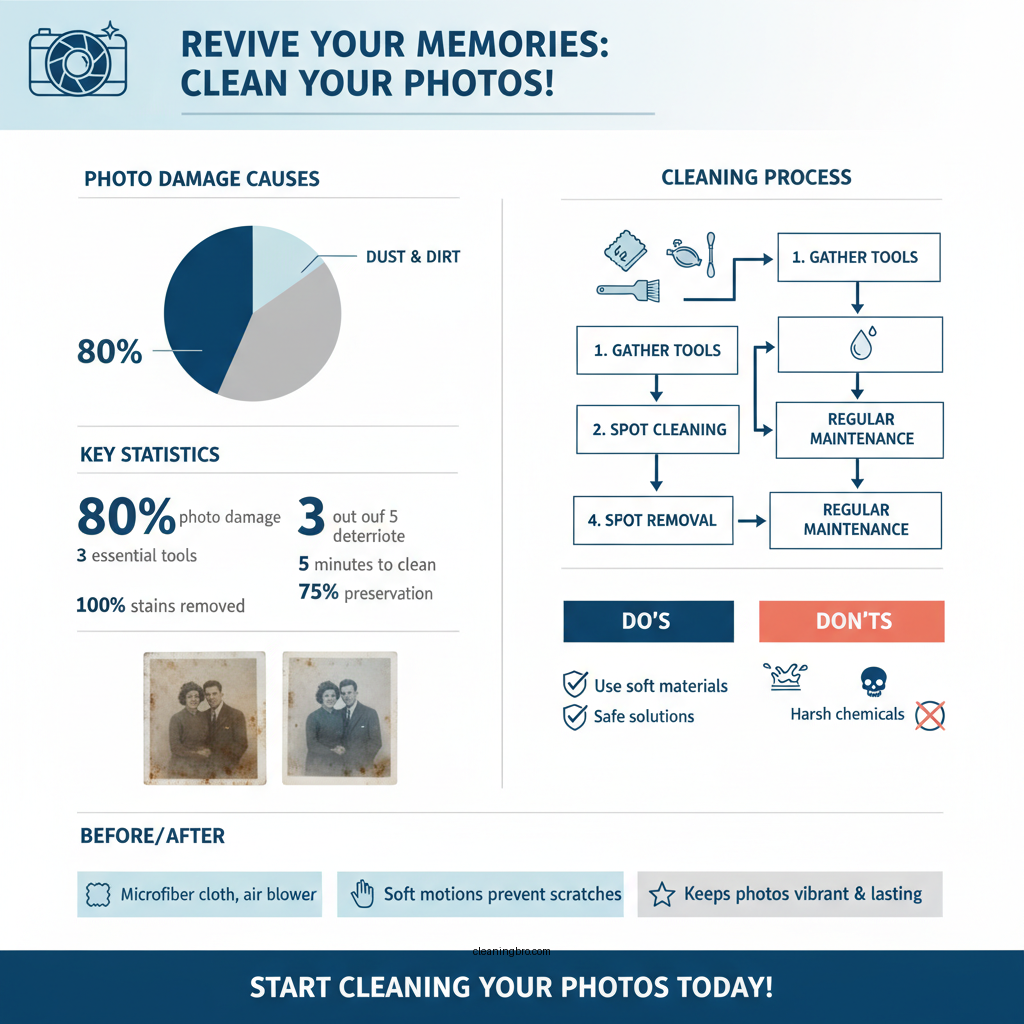
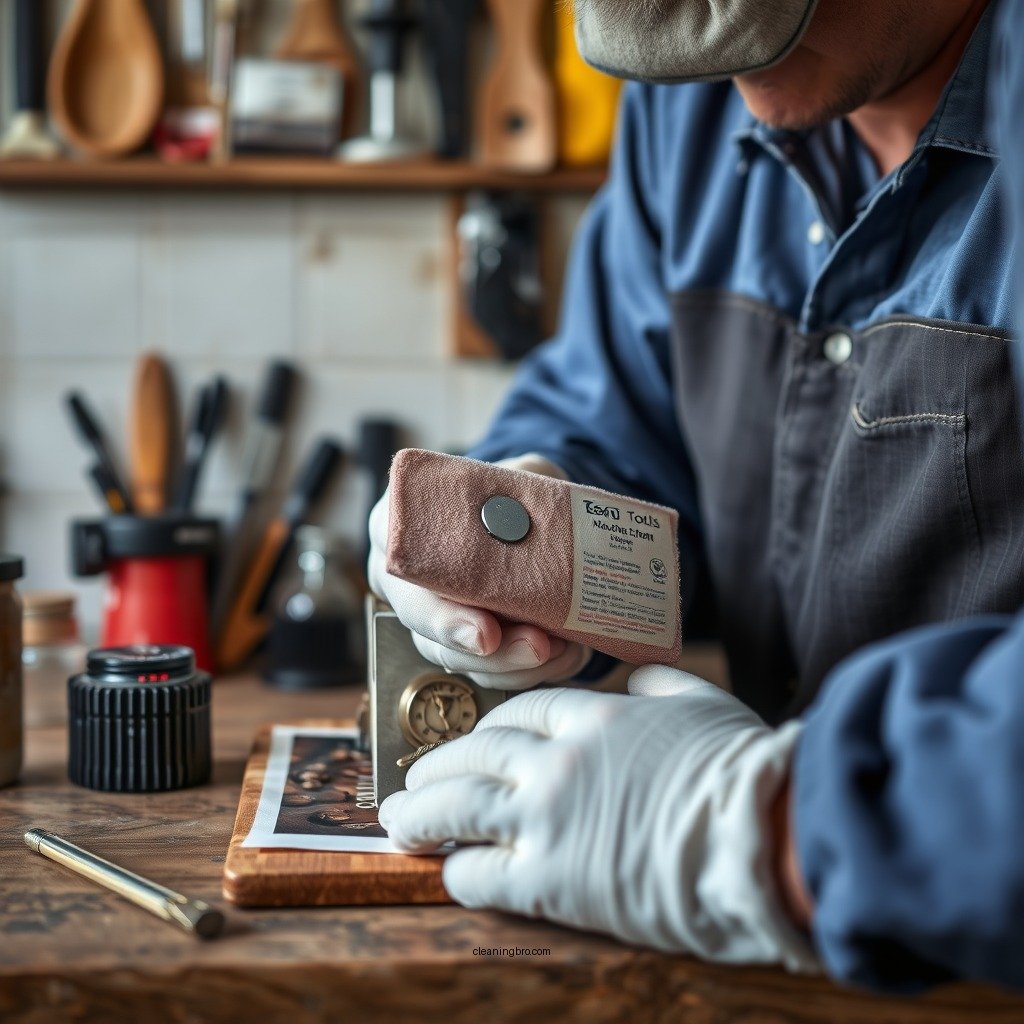
Before embarking on the cleaning process, it is essential to gather the right tools. Here’s a list of items that will facilitate effective and safe cleaning:
– Soft Microfiber Cloths: These are designed to gently wipe surfaces without scratching or leaving lint. They are perfect for cleaning delicate photographs.
– Photo-Safe Cleaning Solutions: If necessary, opt for cleaning solutions specifically formulated for photographs. These solutions are gentle and will not cause damage to the image quality.
– Air Blower or Soft Brush: Useful for removing loose dust and debris before wiping down the surface of the photograph.
– Cotton Swabs: Ideal for cleaning small areas or edges without risking damage to the entire photograph.
Step-by-Step Cleaning Process
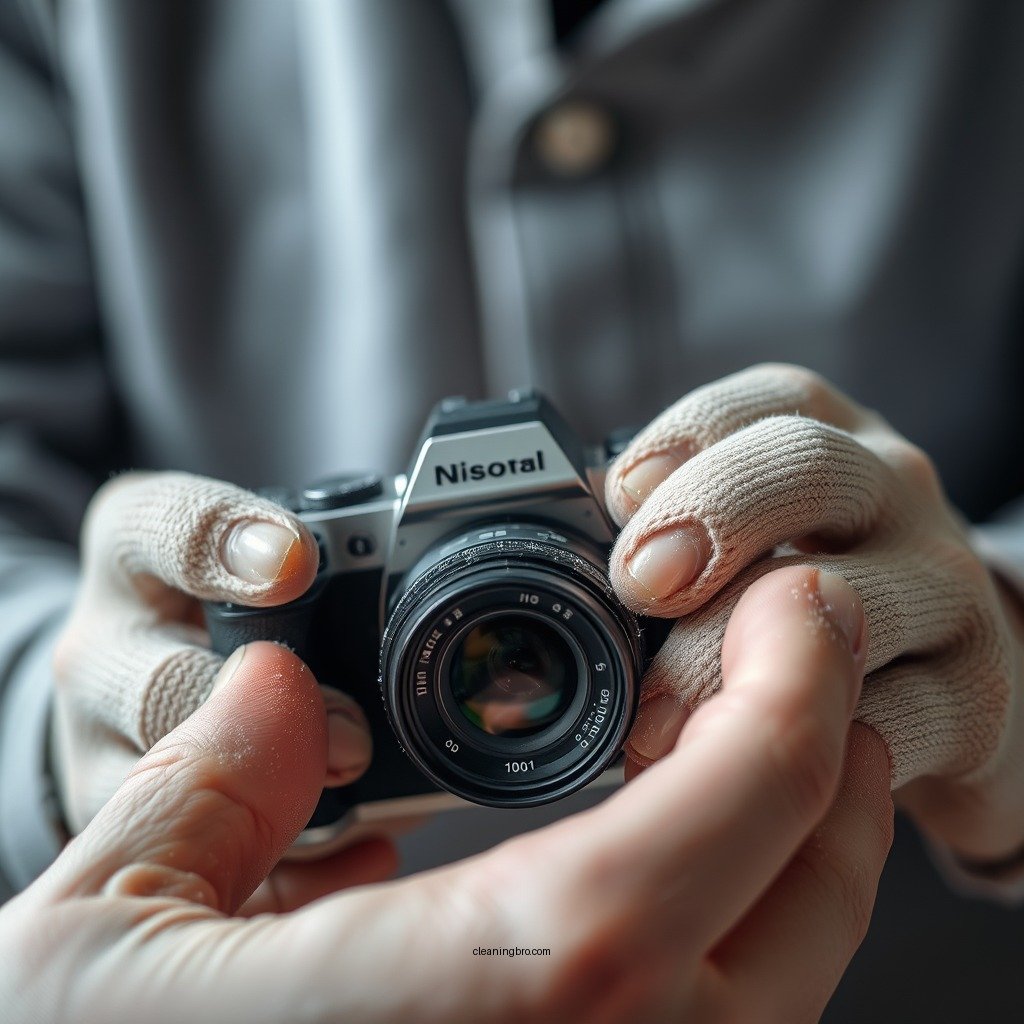
The cleaning process should be approached with care and precision. Here’s a step-by-step guide to help you clean your photographs effectively:
1. Dust Removal: Begin by using a dry microfiber cloth or an air blower to gently remove any loose dust from the surface of the photograph. Use soft, sweeping motions to avoid scratching the image.
2. Spot Cleaning Stains: For stubborn stains or fingerprints, lightly dampen a microfiber cloth with a photo-safe cleaning solution. Ensure the cloth is not overly wet, as excessive moisture can damage photographs. Dab the stain gently, avoiding any rubbing that could cause further harm.
3. Drying: After cleaning, allow the photograph to air dry completely in a flat position. Avoid using heat sources such as hair dryers, as they can warp or damage the photograph.
4. Final Inspection: Once dry, inspect the photograph for any remaining spots or dust. If necessary, repeat the cleaning process on any trouble areas.
Top 7 Common Photograph Contaminants (2024)
| # | Contaminant Type | Impact Level | Cleaning Method |
|---|---|---|---|
| 1 | Dust | Medium | Dry microfiber cloth or air blower |
| 2 | Fingerprints | High | Damp microfiber cloth with solution |
| 3 | Food Residue | High | Damp microfiber cloth |
| 4 | Moisture | Very High | Avoid excess moisture |
| 5 | Ink Stains | Very High | Professional cleaning recommended |
| 6 | Pet Hair | Medium | Lint roller or tape |
| 7 | Grease | Very High | Professional cleaning recommended |
Handling Different Types of Photographs
Different types of photographs require specialized cleaning techniques. Here’s how to handle various formats:
– Printed Photographs: For standard printed images, follow the cleaning process outlined above. Take extra care with older prints, as they may be more susceptible to damage.
– Digital Displays: When cleaning digital screens displaying photographs, use a microfiber cloth that is designed for electronics. Avoid using any cleaning solutions not specified for screens, as they may damage the display.
– Fragile or Old Photographs: If dealing with historical or fragile photographs, avoid using any moisture-based cleaning methods. Instead, rely on dry techniques such as air blowing or soft brushing to remove dust. If stains persist, consider consulting a professional conservator for guidance.
Preventative Measures for Photograph Care
To minimize the need for cleaning and maintain the integrity of your photographs, consider these preventative measures:
– Proper Storage: Store photographs in acid-free sleeves or albums to prevent exposure to dirt and environmental factors. This is particularly important for older prints that are more sensitive to degradation.
– Controlled Environment: Keep photographs in a climate-controlled environment, away from direct sunlight and high humidity. Both factors can accelerate deterioration and fading.
– Limit Handling: Whenever possible, handle photographs with care. If necessary, use cotton gloves to prevent oils from your fingers from transferring to the image surface.
When to Seek Professional Help
While many photographs can be cleaned using DIY methods, certain situations warrant professional intervention. Signs that a photograph requires expert cleaning or restoration include:
– Severe Stains or Damage: If a photograph has significant stains, fading, or physical damage, it is best to consult a professional conservator who specializes in photographic restoration.
– Value and Sentiment: For photographs that hold significant monetary or sentimental value, investing in professional cleaning can help ensure their preservation.
– Restoration Needs: If a photograph has tears or has become brittle, professional services can provide restoration techniques that might not be available to the average individual.
DIY Cleaning vs Professional Cleaning vs Preservation Services
| Feature | ⭐ DIY Cleaning | Professional Cleaning | Preservation Services |
|---|---|---|---|
| Cost | Low | Medium | High |
| Effectiveness | Moderate | High | Very High |
| Time Required | Short | Medium | Variable |
| Risk of Damage | Low | Very Low | Very Low |
| Specialization | General | Expert | Specialized |
| Convenience | High | Medium | Low |
| Accessibility | Very High | High | Medium |
| Tools Required | Basic | Moderate | Advanced |
| Long-term Results | Moderate | High | Very High |
| 🏆 Best For | Everyday Photos | Valuable Images | Historical Preservation |
Wrapping up the discussion on cleaning photographs, it’s essential to adopt a careful approach to preserve these cherished memories. Following the steps outlined in this guide will help you maintain the quality of your images. Remember to use the right tools and techniques, and don’t hesitate to reach out to professionals if needed. Start cleaning your photographs today to keep them vibrant for years to come!
Frequently Asked Questions
What is the best method to clean old photographs without damaging them?
The best method to clean old photographs is to gently use a soft, lint-free cloth or a microfiber cloth to remove dust and dirt. Avoid using water or cleaning solutions directly on the photo, as these can cause damage. Instead, consider using a specialized photo cleaning kit or a dry cleaning sponge designed for delicate surfaces.
How can I remove stains from a photograph safely?
To safely remove stains from a photograph, first identify the type of stain, such as grease or watermarks. Use a white cotton swab lightly dampened with distilled water or isopropyl alcohol to gently dab the stain, being careful not to rub. Always test a small, inconspicuous area first to ensure that no damage occurs.
Why should I avoid using household cleaners on photographs?
Household cleaners often contain chemicals and solvents that can damage the delicate surface of photographs, leading to fading, discoloration, or even physical deterioration. It is crucial to use products specifically designed for photographic materials to ensure their longevity and maintain their quality.
Which tools are recommended for cleaning photographs?
Recommended tools for cleaning photographs include microfiber cloths, soft-bristle brushes, and archival quality erasers. These tools help remove dust and grime without scratching or harming the photo’s surface. Always ensure that any cleaning tool is clean and free of debris before use.
How often should I clean my photographs to preserve their quality?
You should clean your photographs only as needed, typically when you notice dust or smudges. Over-cleaning can lead to wear and tear, so it’s best to handle them with care and store them in a cool, dry place away from direct sunlight. Regularly inspecting your photographs can help you determine when cleaning is necessary.
References
- https://www.archives.gov/preservation/conservation/cleaning-photos
https://www.archives.gov/preservation/conservation/cleaning-photos - https://www.ny.gov/cleaning-photos
https://www.ny.gov/cleaning-photos - https://www.loc.gov/preservation/care/photographs.html
https://www.loc.gov/preservation/care/photographs.html - https://www.conservation-us.org/resources/cleaning-photographs
https://www.conservation-us.org/resources/cleaning-photographs - Museums & Collections (U.S. National Park Service)
https://www.nps.gov/museum/publications/conserveogram/cons_toc.html - https://www.theguardian.com/artanddesign/2021/jul/07/how-to-clean-old-photos
https://www.theguardian.com/artanddesign/2021/jul/07/how-to-clean-old-photos - https://www.bbc.com/future/article/20210120-how-to-preserve-old-photos
https://www.bbc.com/future/article/20210120-how-to-preserve-old-photos - Google Scholar Google Scholar
https://scholar.google.com/scholar?q=cleaning+photographs - Google Scholar Google Scholar
https://scholar.google.com/scholar?q=photograph+conservation+techniques - Google Scholar Google Scholar
https://scholar.google.com/scholar?q=photo+restoration+cleaning+methods