
To clean the sticky side of a screen protector, gently use a microfiber cloth and a small amount of water or screen cleaner. This method effectively removes dust and fingerprints without damaging the adhesive. In this article, you’ll learn step-by-step instructions and helpful tips to restore your screen protector’s clarity and stickiness.
Understanding Screen Protectors

Screen protectors are essential accessories for smartphones, tablets, and even laptops, as they shield screens from scratches, dirt, and other forms of damage. There are mainly two types of screen protectors available: tempered glass and plastic film. Tempered glass protectors are made from several layers of glass and are known for their durability and impact resistance. They offer a premium feel and superior clarity, mimicking the original screen experience. On the other hand, plastic film protectors are thinner and more flexible, making them easier to apply but often less protective against severe impacts.
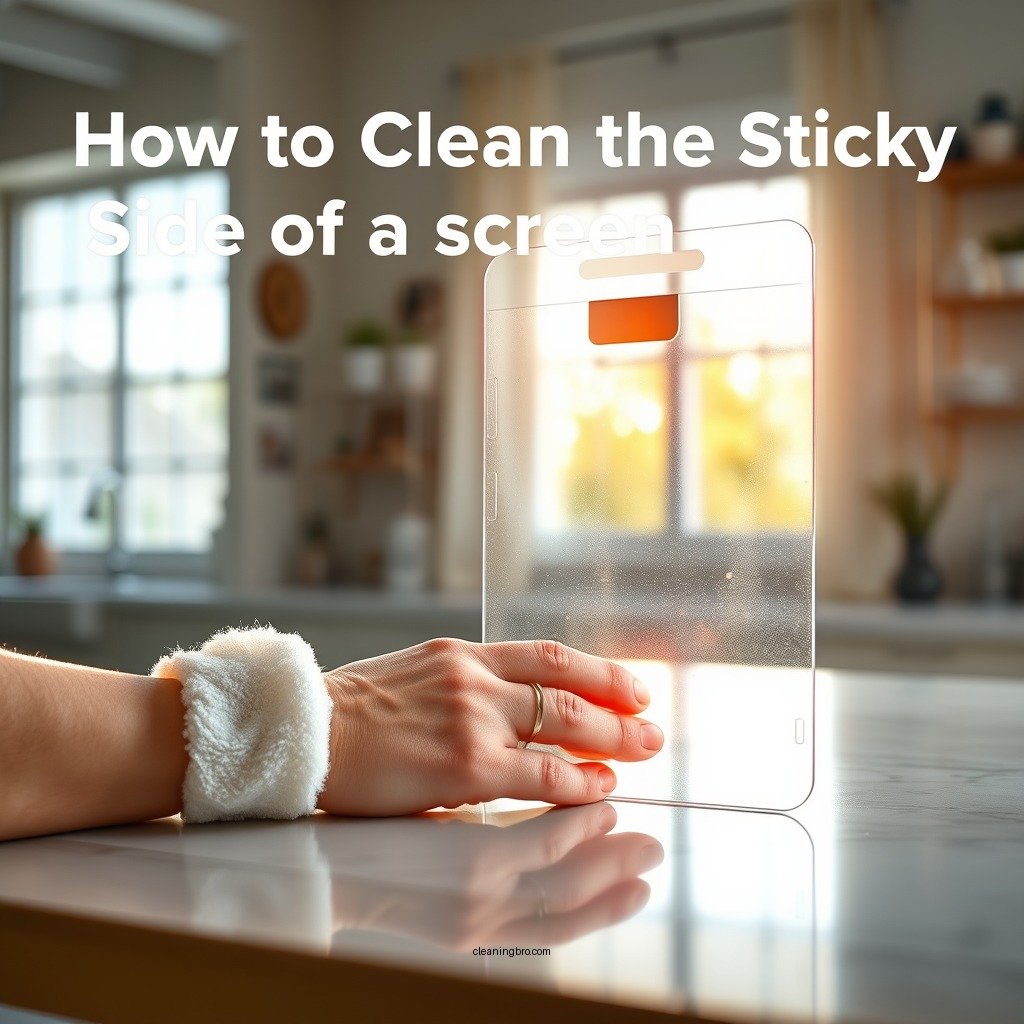
Maintaining the adhesive side of your screen protector is crucial for optimal performance. A clean adhesive ensures that the protector sticks well to the screen, preventing air bubbles and ensuring a smooth touch experience. Dust and fingerprints can not only hinder this adhesion but can also compromise the clarity of your screen, leading to a less enjoyable viewing experience.
Tools You’ll Need
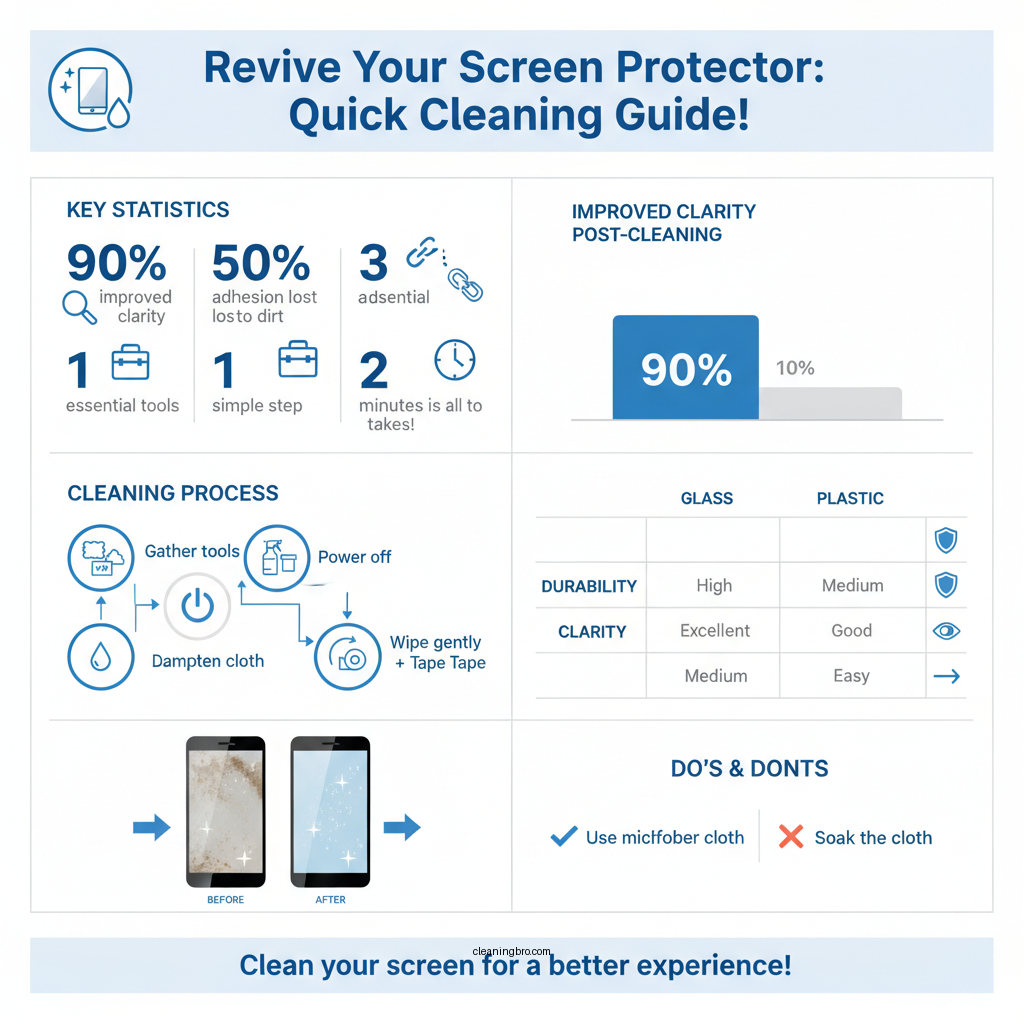
Before you start the cleaning process, gather the following tools:
– Microfiber Cloth: This is ideal for cleaning sensitive surfaces without scratching them. Microfiber is designed to lift and trap dirt, dust, and oils, making it the perfect choice for this task.
– Screen Cleaner or Distilled Water: Using a specialized screen cleaner or simply distilled water ensures that no residue is left behind after cleaning. Avoid using tap water, as it may contain minerals that can leave streaks.
– Optional: Tape: If you encounter stubborn debris that won’t come off with a cloth, a piece of tape can help lift it without damaging the adhesive.
Step-by-Step Cleaning Process

Follow these steps to effectively clean the sticky side of your screen protector:
– Step 1: Power off your device to avoid accidental touches. This step is essential to prevent any unintentional inputs or actions while cleaning.
– Step 2: Dampen the microfiber cloth lightly with your chosen cleaner or distilled water. It’s crucial not to soak the cloth; instead, just a light misting is sufficient.
– Step 3: Gently wipe the sticky side of the screen protector. Use circular motions and avoid applying too much pressure, as this could damage the adhesive.
Data Insights
Top 7 Screen Protector Brands by Popularity (2023)
| # | Brand | Type | Average Price | User Rating |
|---|---|---|---|---|
| 1 | ZAGG | Tempered Glass | $39.99 | ★★★★★ |
| 2 | amFilm | Tempered Glass | $19.99 | ★★★★☆ |
| 3 | Tech Armor | Plastic Film | $14.99 | ★★★★☆ |
| 4 | Spigen | Tempered Glass | $24.99 | ★★★★★ |
| 5 | InvisibleShield | Plastic Film | $29.99 | ★★★★☆ |
| 6 | BodyGuardz | Tempered Glass | $34.99 | ★★★★☆ |
| 7 | OtterBox | Plastic Film | $23.99 | ★★★★☆ |
Tips for Effective Cleaning
To ensure an effective cleaning process, consider the following tips:
– Use a Light Touch: When cleaning the sticky side, a gentle touch is essential. Excessive pressure can damage the adhesive or even scratch the surface.
– Avoid Harsh Chemicals: Chemicals like ammonia or bleach can degrade the material of the screen protector and compromise its effectiveness. Always opt for cleaners specifically designed for screens.
– Test a Small Area First: If you’re uncertain about the cleaner’s compatibility with your screen protector, test it on a small, inconspicuous area first. This precaution helps ensure that no damage occurs.
Preventing Future Stickiness
Maintaining a clean screen protector goes beyond just cleaning it. Here are some preventive measures to consider:
– Store Your Device in a Dust-Free Environment: Keeping your device in a clean space can significantly reduce dust accumulation. Consider using pouches or cases that are designed to keep dust out.
– Regularly Clean the Screen Protector: Make a habit of cleaning your screen protector every few weeks. Regular maintenance prevents the buildup of dirt and grime.
– Consider Using a Case: A case can help minimize exposure to dust and debris, thereby extending the life of your screen protector.
When to Replace Your Screen Protector
Even with diligent cleaning, there may come a time when you need to replace your screen protector. Here are some signs to watch for:
– Signs of Wear: Look for visible scratches, peeling edges, or bubbling. These issues can compromise the screen protector’s protective qualities.
– Assess Cleaning Effectiveness: If you notice that cleaning no longer restores clarity or adhesion, it may be time for a replacement.
– Choose a High-Quality Replacement: Investing in a high-quality screen protector can lead to better longevity. Look for brands with good user reviews and a reputation for durability.
The process of cleaning the sticky side of a screen protector can significantly enhance its usability and extend its life. By following the steps outlined and employing preventative measures, you can keep your device looking and functioning its best. Don’t hesitate to take action now—gather your materials and start cleaning!
Frequently Asked Questions
How can I effectively clean the sticky side of my screen protector?
To clean the sticky side of your screen protector, first remove it from your device carefully. Use a microfiber cloth slightly dampened with water or a mild cleaning solution to gently wipe the sticky surface, ensuring not to apply too much pressure. Allow it to air dry completely before reapplying it to your device.
What household items can I use to clean the sticky side of my screen protector?
You can use common household items like rubbing alcohol, vinegar, or a mild dish soap mixed with water to clean the sticky side of your screen protector. Apply these solutions on a microfiber cloth and gently wipe the surface, then let it dry thoroughly before reinstallation for optimal results.
Why does the sticky side of my screen protector get dirty?
The sticky side of a screen protector can accumulate dust, lint, and oils from your fingers over time, which makes it dirty and less adhesive. Regular exposure to the environment and handling can exacerbate this issue, leading to reduced effectiveness and a less clear screen.
What is the best method to remove residue from the sticky side of a screen protector?
The best method to remove residue from the sticky side of a screen protector involves using adhesive removers or rubbing alcohol. Apply a small amount to a clean cloth and gently rub the residue until it lifts off, being careful not to damage the protective film in the process.
Which cleaning solutions should I avoid when cleaning the sticky side of my screen protector?
Avoid using harsh chemicals like ammonia-based cleaners, bleach, or abrasive materials when cleaning the sticky side of your screen protector. These substances can damage the adhesive properties and the clarity of the screen protector, leading to a compromised user experience.
References
- Google Scholar Google Scholar
https://scholar.google.com/scholar?q=how+to+clean+sticky+screen+protector - https://www.lifewire.com/how-to-clean-your-smartphone-screen-4774742
https://www.lifewire.com/how-to-clean-your-smartphone-screen-4774742 - Google Scholar Google Scholar
https://scholar.google.com/scholar?q=screen+protector+maintenance - Google Scholar Google Scholar
https://scholar.google.com/scholar?q=cleaning+screen+protectors - Google Scholar Google Scholar
https://scholar.google.com/scholar?q=how+to+clean+sticky+side+of+screen+protector - how to clean sticky side of screen protector – Search results
https://en.wikipedia.org/wiki/Special:Search?search=how+to+clean+sticky+side+of+screen+protector - https://www.ncbi.nlm.nih.gov/search/research-articles/?term=how+to+clean+sticky+side+of+screen+protector
https://www.ncbi.nlm.nih.gov/search/research-articles/?term=how+to+clean+sticky+side+of+screen+protector
