Cleaning Tips for Your Smart Home Devices
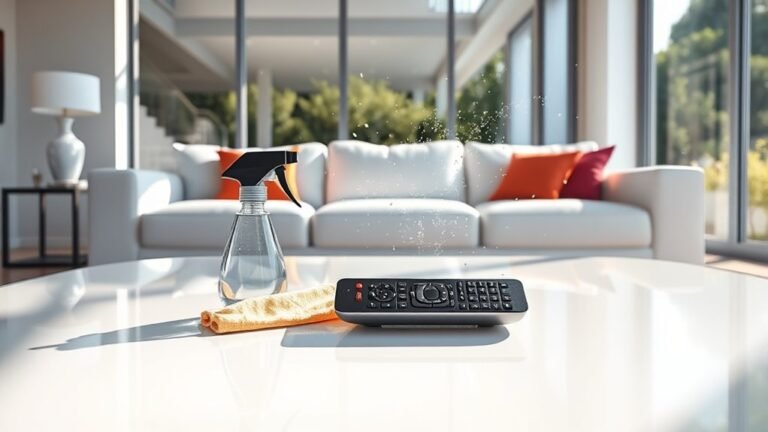
To keep your smart home devices clean and working well, use a soft microfiber cloth and avoid harsh chemicals. Always turn gadgets off before wiping screens or speakers, and never spray liquids directly onto them—dampen your cloth instead. For charging ports, gently remove dust with compressed air or a soft brush. Regularly disinfect with 70% isopropyl alcohol to reduce germs safely. Following these simple habits helps maintain your devices, and there’s plenty more to learn to keep them spotless and efficient.
Understanding the Materials of Your Smart Devices
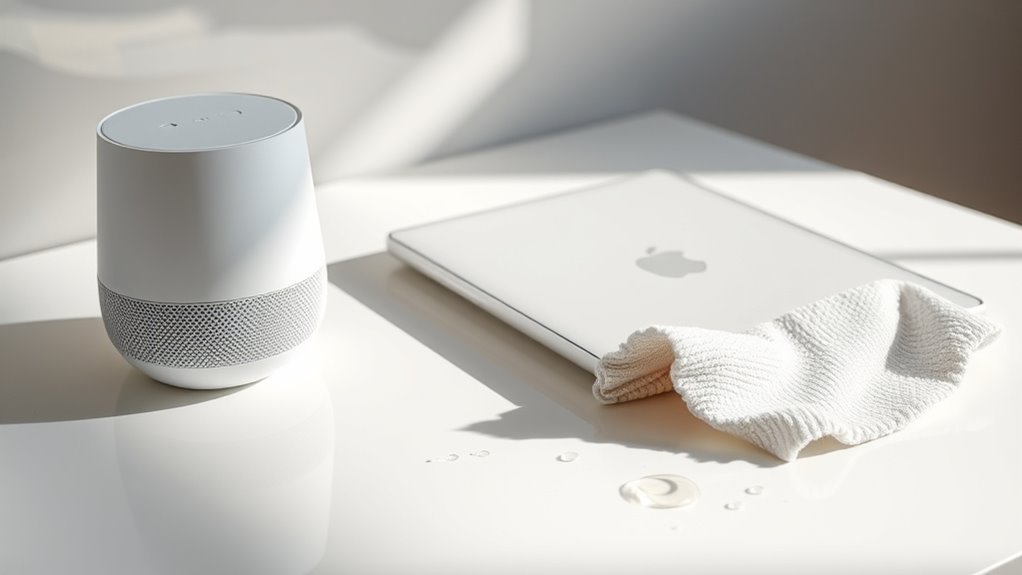
Before you start cleaning, it’s important to know what materials your smart devices are made of so you don’t accidentally cause damage. Different material types like glass, plastic, metal, and rubber each need specific care. For example, glass screens require gentle wiping, while metal parts might need a soft cloth to avoid scratches. Understanding your device finishes is key—matte surfaces handle cleaning differently than glossy ones. When you grasp these differences, you gain freedom to clean confidently without fear of harming your gadgets. Taking a moment to identify material types lets you choose the safest approach, preserving your devices’ look and function. Knowing what you’re dealing with empowers you to maintain your smart home effortlessly and on your own terms.
Essential Tools for Cleaning Smart Home Gadgets
To keep your smart home gadgets spotless without causing damage, you’ll need a few essential tools on hand. Start with high-quality microfiber cloths—they’re gentle on surfaces and perfect for trapping dust and fingerprints without scratching. Avoid paper towels or rough fabrics that can do more harm than good. Next, grab cleaning sprays designed specifically for electronics; these are formulated to clean effectively without leaving residue or harming delicate components. Steer clear of harsh chemicals like ammonia or bleach. You might also want compressed air cans to blow out dust from hard-to-reach spots. Having these tools ready guarantees you can maintain your devices’ sleek look and ideal function, giving you the freedom to enjoy your smart home without worry about dirt or damage.
How to Safely Clean Touchscreens and Displays
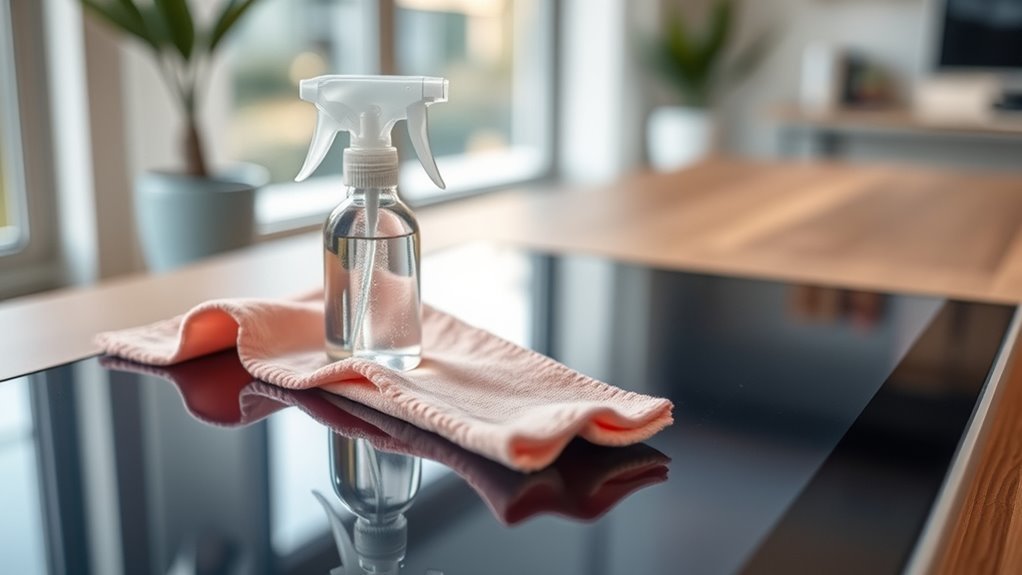
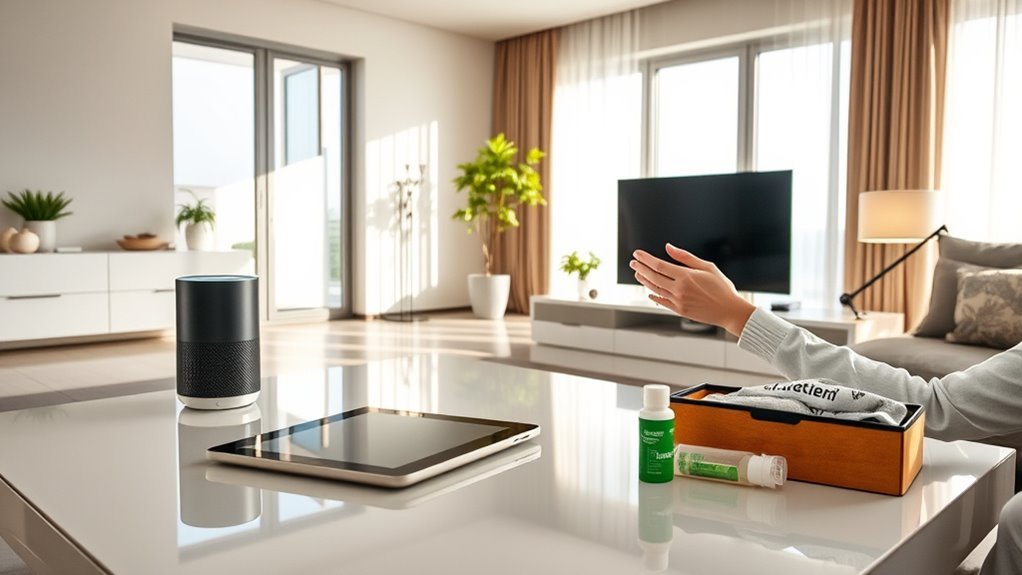
With the right tools ready, you can now focus on cleaning the touchscreens and displays of your smart home devices safely. Start by turning off the device to avoid accidental taps or damage. Use a clean microfiber cloth to gently wipe away fingerprints and smudges—these cloths are perfect because they won’t scratch delicate surfaces. For tougher grime, lightly dampen the microfiber cloth with water or use alcohol wipes designed for electronics, but never apply liquids directly to the screen. Avoid harsh chemicals that could strip coatings or cause damage. By treating your touchscreens with care and using the right materials, you maintain clarity and responsiveness while enjoying the freedom of a clean, efficient smart home experience.
Proper Techniques for Dusting Smart Speakers
Keeping your smart speakers dust-free is essential for maintaining sound quality and device longevity. For effective smart speaker maintenance, start by unplugging the device to avoid any accidental damage. Use a soft microfiber cloth to gently wipe the exterior, ensuring dust doesn’t settle in speaker grills or buttons. Avoid spraying liquids directly; instead, lightly dampen the cloth if needed. For tight spots, a soft-bristled brush or compressed air can help dislodge dust without harming delicate components. Regular dusting techniques like these not only keep your smart speaker looking sharp but also prevent buildup that could muffle sound or overheat the device. By following these simple steps, you maintain your freedom to enjoy crisp audio without interruption or device wear.
Cleaning Smart Thermostats Without Damaging Sensors
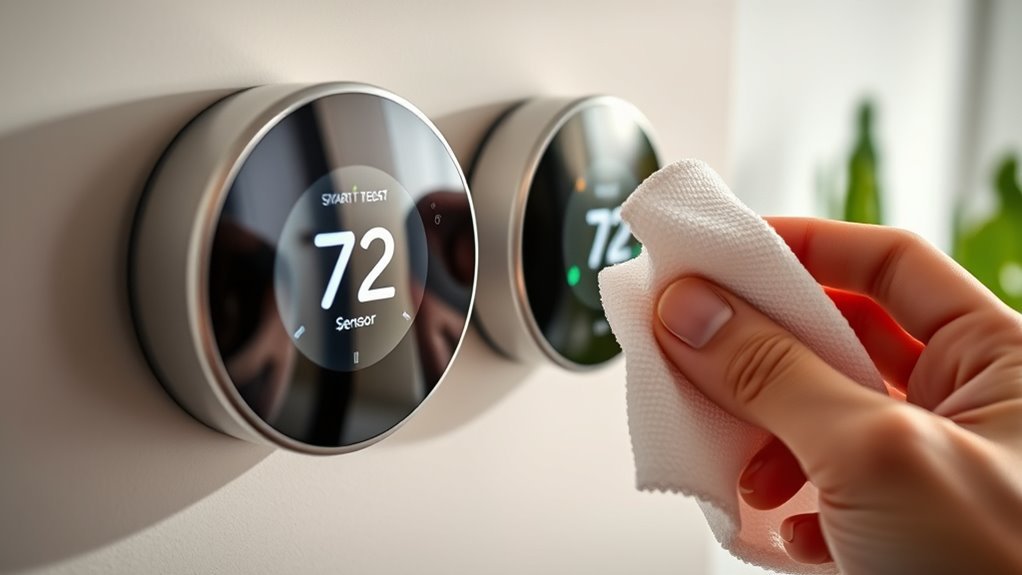
When cleaning your smart thermostat, you’ll want to use gentle, sensor-friendly methods to avoid causing any damage. Stick to recommended materials like microfiber cloths and avoid harsh chemicals or excessive moisture. Being careful with moisture is key since it can harm the delicate sensors inside.
Sensor-Friendly Cleaning Methods
Although smart thermostats are designed to handle daily use, their sensors can be sensitive to harsh cleaning methods. To keep your device running smoothly without risking damage, opt for gentle, sensor-friendly techniques. Use eco friendly cleaners—these not only protect the environment but also minimize chemical exposure that could harm delicate sensors. Avoid spraying liquids directly onto the thermostat; instead, apply a small amount of cleaner to a soft microfiber cloth. Gently wipe the surface, focusing on sensor areas without pressing too hard. This approach guarantees sensor protection while maintaining cleanliness. By treating your smart thermostat with care, you preserve its accuracy and functionality, giving you the freedom to enjoy a smart, efficient home without worry.
Recommended Cleaning Materials
Choosing the right cleaning materials is key to maintaining your smart thermostat without risking sensor damage. You want to stick with gentle, effective options that protect sensitive components. Microfiber cloths are your best friend—they trap dust and grime without scratching surfaces or interfering with sensors. Avoid rough fabrics or paper towels that might leave fibers behind. When it comes to cleaning solutions, opt for eco friendly cleaners. They’re safe for both your device and the environment, and they typically don’t contain harsh chemicals that could degrade sensor performance. Lightly dampen your microfiber cloth with these cleaners—never spray directly onto the thermostat. By using these recommended materials, you keep your smart thermostat in top shape, preserving its accuracy and your freedom to enjoy a seamless, smart home experience.
Avoiding Moisture Damage
Since smart thermostats contain sensitive sensors, you’ll want to be extra careful about moisture during cleaning. Avoid spraying any liquids directly onto the device; instead, lightly dampen a microfiber cloth. This helps prevent moisture from seeping into the internal components. Consider the device placement too—if your thermostat is near humidity sources like kitchens or bathrooms, moisture barriers can protect it from accidental splashes. You might even install a small shield or cover designed to block moisture without interfering with sensor accuracy. Keeping these precautions in mind lets you clean your thermostat safely, preserving its functionality while maintaining your freedom to control your smart home environment without worry. Remember, careful handling today means your device will keep working smoothly tomorrow.
Maintaining Security Cameras and Outdoor Devices
When you care for your security cameras and outdoor devices properly, you’ll guarantee they keep performing well regardless of the weather. Outdoor maintenance is essential to protect your investment and maintain crystal-clear footage. Here’s how you can do it effectively:
Proper care ensures your outdoor security cameras perform reliably and capture clear footage in any weather.
- Regularly wipe the camera lens with a soft, dry cloth to remove dust and debris.
- Check for any signs of wear or damage on the device housing and mounting brackets.
- Clear away any spider webs, leaves, or dirt that could obstruct the camera’s view.
- Inspect the wiring and connections for corrosion or loose fittings caused by exposure.
Removing Fingerprints and Smudges From Glass Surfaces
To keep your smart devices looking clear, you’ll want to use the right cleaning materials like microfiber cloths and gentle, alcohol-free cleaners. Avoid harsh chemicals or abrasive tools that can damage glass surfaces. Using safe techniques, such as wiping in a circular motion, helps remove fingerprints and smudges without scratching.
Best Cleaning Materials
Although glass surfaces on smart home devices are sleek and modern, they tend to attract fingerprints and smudges quickly. To keep your devices looking fresh without restricting your freedom, choose the right cleaning materials. Here’s what you’ll need:
- Microfiber cloths – gentle and effective at lifting oils without scratching.
- Eco friendly cleaners – safe for the environment and your device’s finish.
- Distilled water – perfect for diluting cleaners or wiping down surfaces.
- Compressed air – great for blowing dust out of crevices before wiping.
Using these materials, you can easily maintain your smart home gadgets without harsh chemicals or abrasive tools. These choices respect your space and the planet, giving you a clean device and peace of mind.
Safe Cleaning Techniques
Since glass surfaces show fingerprints and smudges so easily, you’ll want to clean them carefully without causing damage. Start by turning off your device to avoid any accidental inputs or damage. Use a soft, lint-free microfiber cloth to gently wipe the glass. For tougher smudges, dampen the cloth with an eco friendly cleaner—avoid harsh chemicals that can harm the screen’s protective coating. Spray the cleaner on the cloth, not directly onto the glass, to prevent moisture from seeping into the device. Regular cleaning like this is key to effective device maintenance, keeping your smart home gadgets responsive and looking sharp. By choosing safe, eco friendly techniques, you protect both your devices and the environment, enjoying freedom from smudges without compromise.
Disinfecting Smart Devices Without Affecting Functionality
While keeping your smart devices clean is essential, you’ll want to avoid using harsh chemicals or excessive moisture that could damage their sensitive components. To maintain smart device hygiene without sacrificing functionality, follow these simple steps:
- Use a microfiber cloth lightly dampened with a 70% isopropyl alcohol solution to gently wipe surfaces.
- Avoid spraying liquids directly onto devices; instead, apply to the cloth first.
- Stick to a regular cleaning frequency—once a week is ideal to keep germs at bay without overdoing it.
- Always power off your device before disinfecting to prevent any electrical issues.
Tips for Cleaning Charging Ports and Connectors
If you want your smart devices to charge efficiently, keeping their charging ports and connectors clean is essential. For proper charging port maintenance, start by turning off your device and using a soft brush or compressed air to gently remove dust and debris from the port. Avoid inserting anything sharp that could damage delicate pins. When it comes to connector care, wipe the charging cable’s ends with a slightly damp microfiber cloth to clear grime and oils that can hinder connection. Regularly inspecting both ports and connectors helps you spot buildup early, ensuring smooth power flow every time. By staying on top of charging port maintenance and connector care, you’ll extend your device’s lifespan and enjoy the freedom of uninterrupted use without hassle.
Preventive Measures to Keep Devices Cleaner Longer
To keep your smart home devices cleaner for longer, you’ll want to adopt a few simple preventive habits. Preventive maintenance and regular inspections play a key role in preserving your devices’ performance and appearance. Here are four straightforward steps to help you maintain that freedom from constant cleaning:
Adopt simple preventive habits and regular inspections to keep your smart home devices cleaner for longer.
- Schedule regular inspections to catch dust or grime buildup early.
- Use protective covers or cases that minimize exposure to dirt and spills.
- Keep your hands clean before handling devices to reduce grease and smudges.
- Store devices away from high-traffic or dusty areas to prevent unnecessary contamination.
Frequently Asked Questions
Can I Use Vinegar or Alcohol-Based Cleaners on Smart Home Devices?
You might be tempted to use vinegar or alcohol-based cleaners on your smart home devices, but you should be cautious. Alcohol safety is key since too much can damage screens or sensitive parts. Instead, consider vinegar alternatives like diluted mild soap solutions or specialized electronics cleaners for a safer clean. This way, you’ll keep your devices working smoothly without risking damage, giving you the freedom to enjoy your tech without worry.
How Often Should I Deep Clean My Smart Home Gadgets?
You don’t want your smart gadgets turning into dirt magnets, right? For ideal performance, stick to a deep cleaning frequency of once every three to six months. This smart device maintenance schedule keeps your tech running smoothly without trapping grime that can cause glitches. Think of it as giving your devices a spa day — freeing them from dust and buildup so they keep serving you flawlessly without missing a beat.
Are There Specific Brands of Cleaning Products Recommended for Smart Devices?
You’ll want to focus on brand compatibility when choosing cleaning solutions for your smart devices. Some brands recommend specific products to avoid damage, so it’s smart not to just grab anything off the shelf. Usually, gentle, alcohol-free wipes or microfiber cloths work perfectly. Don’t feel restricted—opt for solutions that align with your device’s guidelines, letting you keep your gadgets spotless without sacrificing freedom or safety.
What Should I Do if My Device Gets Wet During Cleaning?
Think of your wet device as a ship caught in a sudden storm—your first move is essential for wet device recovery. Don’t panic; instead, power it off immediately to prevent damage. Use moisture absorption techniques like placing it in a bag of uncooked rice or silica gel packets to draw out moisture. Give it at least 24-48 hours to dry completely before turning it back on, freeing it from water’s grip safely.
Can Cleaning My Smart Devices Void Their Warranty?
Yes, cleaning your smart devices can sometimes void warranty policies if you don’t follow the manufacturer’s cleaning guidelines. You’ll want to check those guidelines carefully to keep your device safe and your warranty intact. Sticking to approved methods and materials guarantees you’re not risking damage that could lead to voiding coverage. So, enjoy the freedom to keep things clean, but always play it smart by respecting the rules set by your device maker.